Best MCP Servers for Claude Desktop in 2026
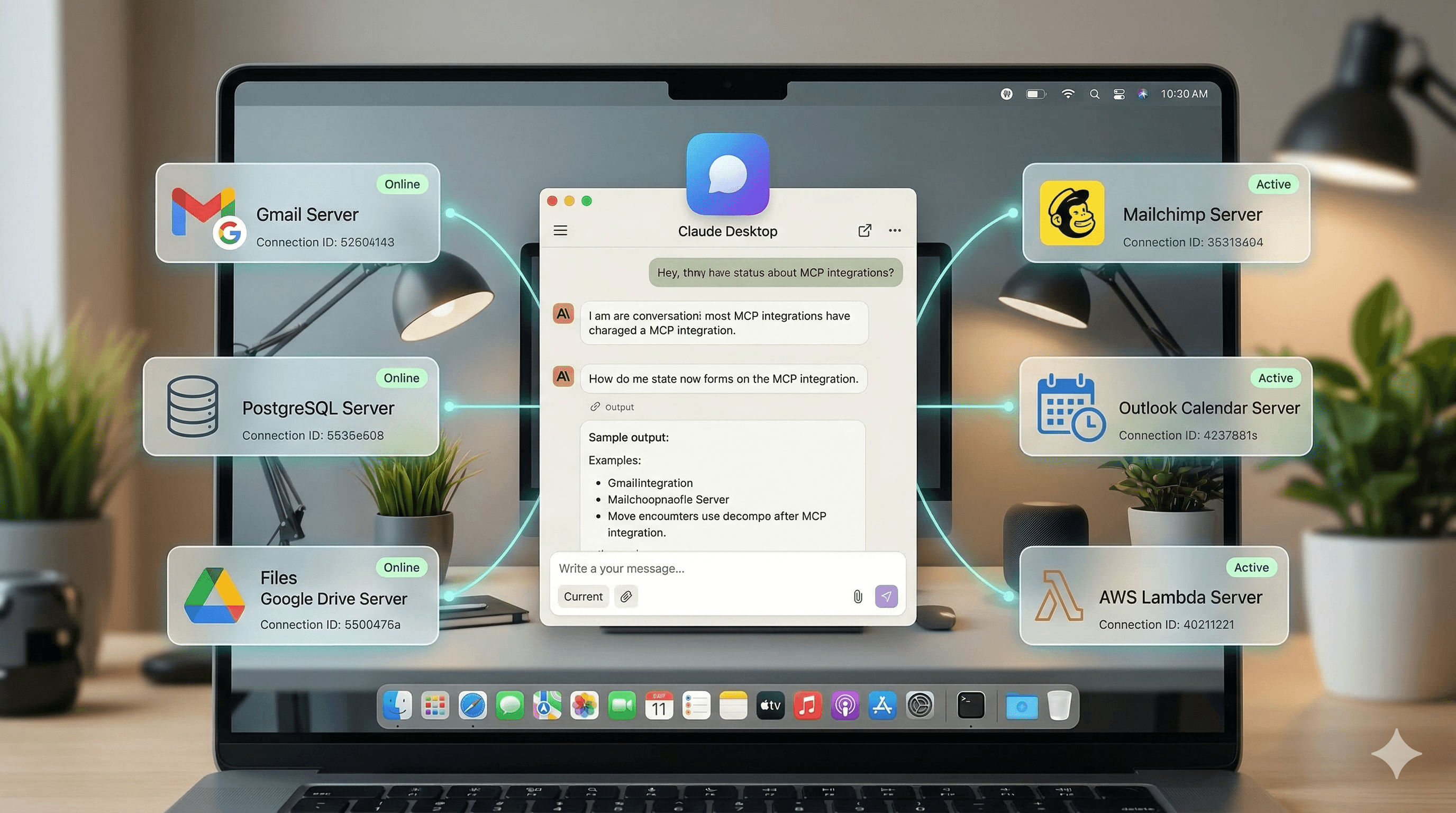
5 Best MCP Servers for Claude Desktop in 2026
MCP servers let Claude Desktop read and act on data outside the chat: your files, your database, your notes, your newsletter archive. The ones worth installing first are filesystem access, a search tool, your code host, and one archive of the sources you already follow.
A warning that belongs up front, because it is the mistake everyone makes on day two: every connected server publishes its tool definitions into the context window at the start of the conversation. Install a dozen and you spend a meaningful slice of the window describing tools before Claude reads a word of your question. Install the three you use weekly.
I didn't discover MCP (Model Context Protocol) until a few months ago, and my immediate reaction was "wait, this has been here the whole time?" MCP servers are basically plugins that give Claude access to external data sources. Your files, your databases, your email, your custom knowledge bases. Instead of copying and pasting context into every conversation, Claude just... has it.
The setup takes about five minutes per server. The payoff is that Claude stops being a generic chatbot and starts being a tool that actually knows about your stuff. Here are the five servers that changed how I work.
Adviserry MCP Server gives Claude access to your newsletter and YouTube knowledge base. I built this (so yeah, I'm biased), and it's the MCP server I use most. Once connected, you can ask Claude questions like "What has Alex Hormozi said about pricing?" or "Summarize the latest issues from my marketing board" and Claude searches across all your Adviserry content to answer. Five tools available: search newsletters, list boards, get recent issues, get summaries, get topics. The setup is just copying a token and endpoint URL from your Adviserry Settings page into Claude Desktop's config. Works with any Adviserry account.
Filesystem MCP Server lets Claude read and write files on your computer. This is the official Anthropic-maintained server, and it's the most immediately useful one to set up. You specify which directories Claude can access, and then it can read files, create new ones, edit existing ones, and search across your local content. I use it for project documentation, drafting blog posts (like this one), and any task where I'd otherwise be copying file contents into the chat window. Set a narrow directory scope though. You don't want Claude rummaging through your entire hard drive.
GitHub MCP Server connects Claude to your repos. If you're a developer-founder (or work with one), this is huge. Claude can search your repositories, read code files, create issues, open pull requests, and manage branches. I use it when I'm debugging something in Adviserry's codebase and want to ask Claude about a specific file without opening it first. It's also great for code reviews, where you can say "review the changes in this PR and flag anything concerning."
Postgres MCP Server gives Claude direct access to your database. Connect it to your Supabase or Postgres database and Claude can run queries, inspect schemas, and help you analyze data in real time. I use it for quick data questions ("how many users signed up this week?" or "which newsletter sources have the most processed issues?") without writing SQL or opening a dashboard. Obviously, be careful with permissions here. Read-only access is your friend.
Brave Search MCP Server adds web search to Claude Desktop. Claude Desktop doesn't have built-in web search the way the web version does, which is a surprising gap. The Brave Search MCP server fills it. Claude can search the web, pull in current information, and base its answers on fresh data. I pair this with the Adviserry MCP server for a workflow where Claude can search both my curated expert knowledge and the broader web in the same conversation. You'll need a Brave Search API key (free tier gives you 2,000 queries/month).
A few tips from setting these up:
All configuration happens in a JSON file. On Mac, it's at ~/Library/Application Support/Claude/claude_desktop_config.json. You add each server as an entry with a command and any arguments or environment variables it needs. Restart Claude Desktop after any changes.
Start with two servers max. Adding five at once is overwhelming and makes it hard to tell which one is causing issues when something doesn't work. I'd start with Filesystem (immediately useful for everyone) and one domain-specific server (Adviserry if you're a newsletter person, GitHub if you're a developer, Postgres if you're data-driven).
Check the official MCP server directory. There are way more than five servers available now. Slack, Google Drive, Notion, Linear, Sentry, and dozens of community-built ones. I only listed the five I actually use regularly, but your best combination depends on where your work actually lives.
MCP is one of those things that sounds technical but is actually just "let Claude see the stuff you work with." Once you've experienced it, going back to a Claude Desktop without MCP servers feels like using a search engine that can't see the internet.
Set aside 15 minutes this weekend and try one. You'll wonder why you waited.
FAQ
Which MCP servers integrate best with Claude Desktop?
Filesystem and a search provider cover most day-to-day work. Beyond that it depends on what you do all day: a code host if you ship software, a database connector if you run queries, and an archive server if you read a lot and keep losing track of it. Claude Desktop supports remote MCP servers over HTTP as well as local ones, so the setup is usually a token and a URL rather than an install.
How do I keep MCP servers from using too many tokens?
Connect fewer of them. Every enabled server injects its tool list into context before your first message, so the cost is paid whether or not the tool gets used. Disable the servers you are not using this week, prefer servers with a small number of well-described tools over ones exposing dozens, and check that any server returning search results supports a result limit.
Is there an MCP server for searching YouTube channels?
Not for searching YouTube at large, but yes for searching the channels you personally follow. Adviserry indexes the transcripts of channels you add and exposes them over MCP, so Claude can answer from what those creators actually said. That is a different job from a general YouTube search, and usually the one you want.
Do I need a paid plan to use an MCP server with Claude Desktop?
For MCP itself, no: the protocol is open and many servers are free and self-hosted. Paid plans come into it when the server is hosted for you and indexes your data, which is what you are paying for rather than the protocol. Every Adviserry account includes MCP access.