
How to Build an AI Knowledge Base (Step-by-Step Guide)
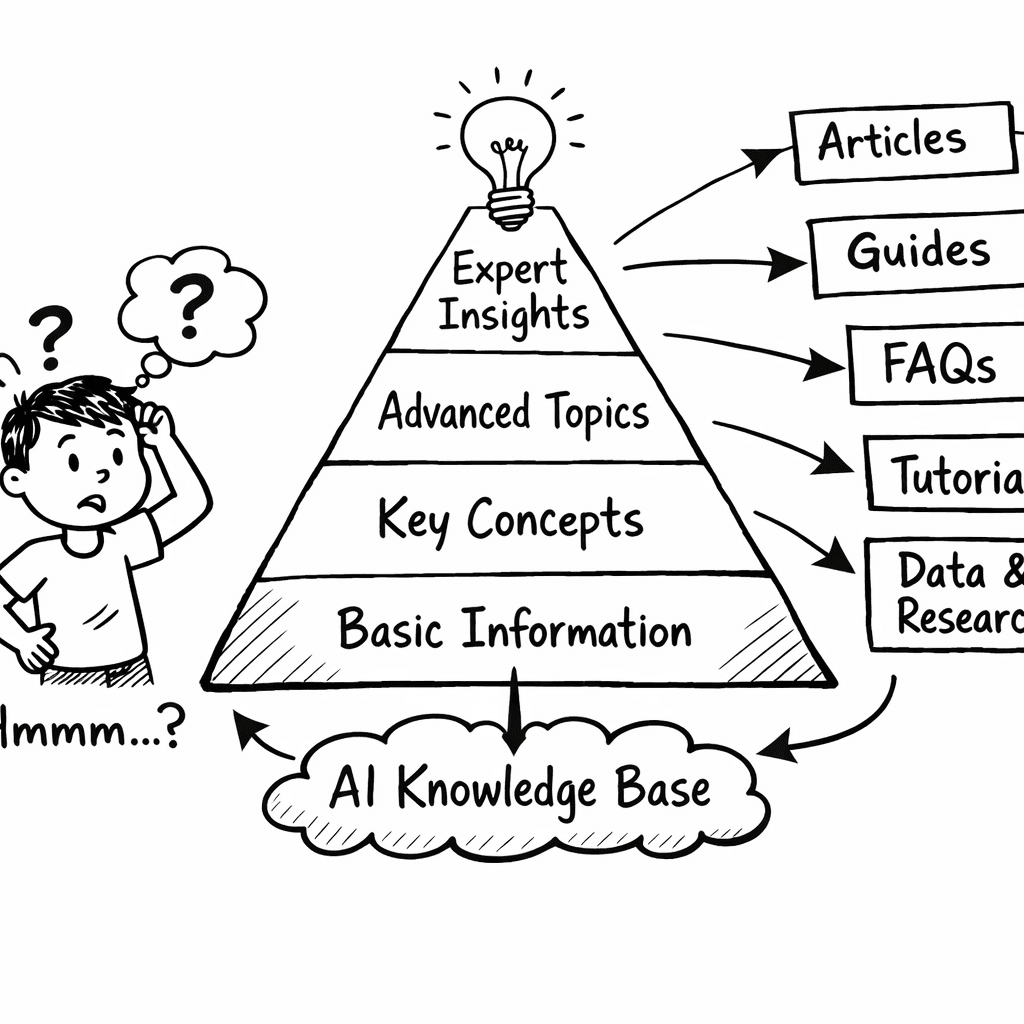
I spent a week testing 18 AI knowledge-base tools and found only one that actually pulls my newsletters, YouTube channel, and uploaded docs into a searchable AI without a single line of code. That tool is Adviserry. In the next few minutes you’ll , from picking the right content to testing it live. Let’s get to it.
Table of Contents
- Step 1: Identify What Actually Needs to Go In
- Step 2: Pick the Right Tool (Don’t Overthink It)
- Step 3: Structure Your Content for How People Ask Questions
- Step 4: Train Your AI (or Let It Learn) on Real Data
- Step 5: Test, Iterate, and Actually Use It
- FAQ
- Conclusion
Step 1: Identify What Actually Needs to Go In
First, you have to know what you’re feeding the AI. An AI knowledge base works best when it has the right mix of structured and unstructured content. Structured pieces , like FAQs, policy docs, and step-by-step guides , give the model clear signals. Unstructured pieces , emails, chat logs, video transcripts , add depth and real-world flavor.
Ask yourself three questions:
- What does my team ask about the most?
- Where does that information already live?
- Is the source reliable and up-to-date?
Answering these helps you avoid the classic "garbage in, garbage out" trap. For early-stage founders, the biggest blind spot is content ingestion , only 56% of tools even spell out what they can ingest (Zendesk explains the AI-enabled ingestion process). Adviserry lists three auto-ingest sources (newsletters, YouTube, user uploads), so you know exactly where your data will flow.
Here’s a quick inventory table you can copy into a spreadsheet. Fill in the rows as you audit your existing assets.
| Content Type | Current Location | AI-Ready? | Notes |
|---|---|---|---|
| FAQs | Notion page | Yes | Export as markdown |
| Policy Docs | Google Drive | Yes | Ensure PDF text is searchable |
| Newsletter Issues | Email inbox | Yes (Adviserry) | Tag by topic |
| Video Transcripts | YouTube captions | Yes (Adviserry) | Run OCR if needed |
| Chat Logs | Slack export | Yes | Remove personal data |
Take a moment to walk through the table. Anything that lands in the "No" column needs a plan , either convert it or retire it.
Key Takeaway: Start with a clean inventory of what you have, then match each item to a format the AI can understand.
Why does this matter? Because AI can only surface what it has seen. If you miss a core policy, the AI will hallucinate or give a vague answer, eroding trust.
And when you’re ready, jump to the next step. How to Choose and Build AI Knowledge Base Software (2026 Guide) walks you through the decision tree.
Bottom line: Knowing exactly which pieces belong in your AI knowledge base saves time later and keeps the AI’s answers trustworthy.
Step 2: Pick the Right Tool (Don’t Overthink It)
Now that you know what you need, it’s time to pick a tool. The market is noisy, but you don’t need the flashiest UI. You need three things: auto-ingest, natural-language query, and cheap scaling.
PeopleManagingPeople ran a deep dive of 18 tools and found that the ones with true AI-search and auto-ingest saved teams up to 30% of manual work (their research shows the time savings). Keep the list short:
- Does the tool pull newsletters, YouTube, and PDFs automatically?
- Can you ask questions in plain English and get a concise answer?
- Is there a free trial or a low-cost starter plan?
Most founders gravitate toward big names like monday.com or Document360, but they often require custom integrations. Adviserry, on the other hand, does the heavy lifting out of the box , no code, no Zapier, just plug-and-play.
Here’s a quick comparison of three popular picks versus Adviserry:
| Tool | Auto-Ingest Sources | AI Query Type | Pricing (Starter) |
|---|---|---|---|
| Adviserry | Newsletters, YouTube, Docs | LLM-powered Q&A | Free trial, then $30/mo |
| monday.com | Files, Integrations | Keyword + AI blocks | $8/user/mo |
| Document360 | Docs, PDFs | AI search + chatbot | $7/user/mo |
Notice the gap: only Adviserry lists three auto-ingest sources up front. That’s the difference between a week of manual uploads and a few clicks.
Pro Tip: Start with the free trial, import a single newsletter batch, and ask the AI five questions. If the answers feel on point, you’re good to go.
And don’t forget to watch the quick demo video below. It walks through the onboarding flow step-by-step.
After the video, head over to the next step where we shape the content so the AI can answer like a human.
Build an AI-Powered Knowledge Base That Actually Works gives a deeper dive into the onboarding flow.
Bottom line: Choose a tool that auto-ingests your key sources, lets you ask natural questions, and offers a low-cost starter plan.
Step 3: Structure Your Content for How People Ask Questions
Even the smartest AI will stumble if the content is tangled. The secret is to mirror the way users think when they type a question.
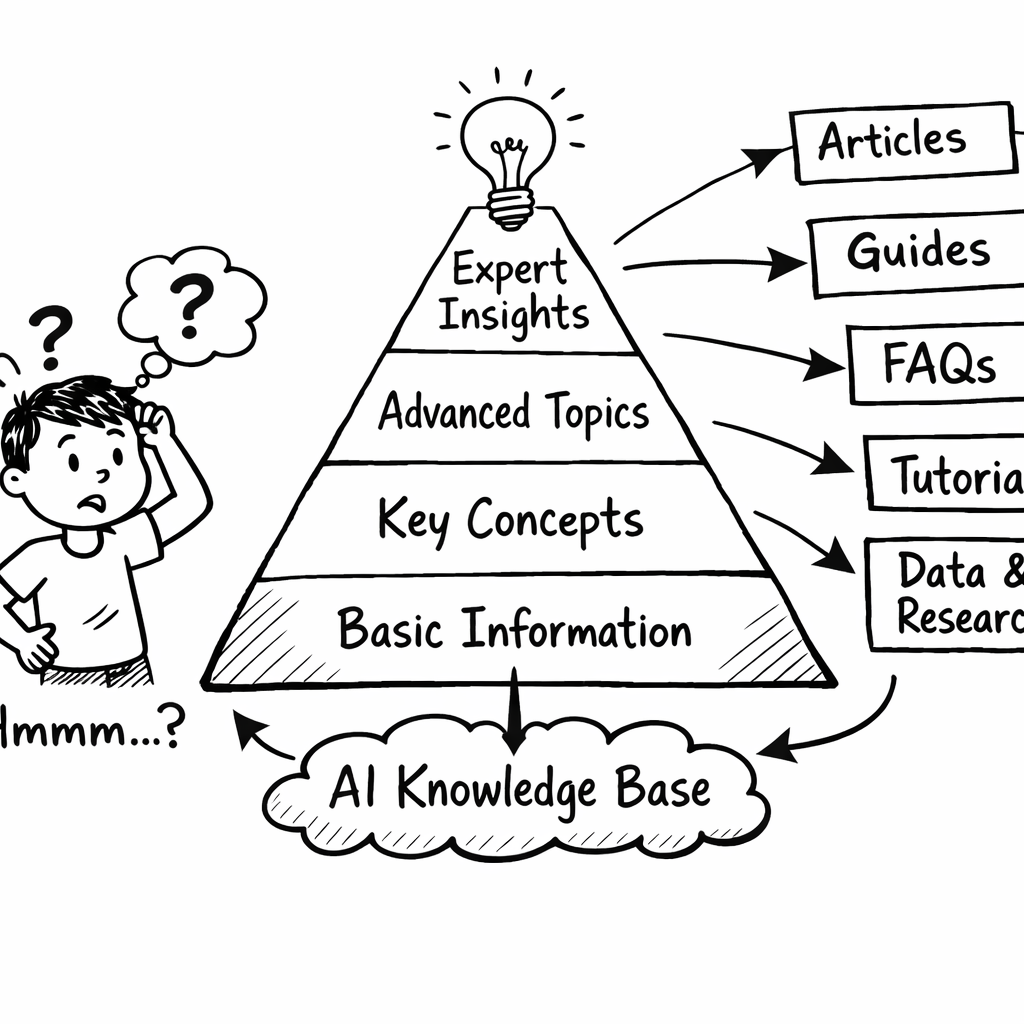
Start with a simple hierarchy: top-level topics, sub-topics, individual articles. Keep titles short and question-like. For example, instead of "Product Pricing Guidelines", use "How do I set pricing for a new SaaS product?".
Slack’s research shows 47% of employees don’t bother using a knowledge base because it feels hard to search (Slack’s blog explains the pain point). The fix? Use natural language titles and add synonyms.
47%of employees don’t use the knowledge base
Here’s a quick framework you can copy:
- Topic: Marketing
- Sub-topic: Email Campaigns
- Article: "How do I segment my email list?"
- Article: "What’s the best send time for B2B?"
- Sub-topic: Email Campaigns
- Topic: Product
- Sub-topic: Pricing
- Article: "How do I set pricing for a new SaaS product?"
- Article: "What’s the difference between flat-fee and usage-based pricing?"
- Sub-topic: Pricing
When you build the hierarchy, add a short “quick answer” section at the top of each article. The AI will pull that snippet first, giving users an instant answer.
And always tag articles with the same keywords you expect users to type. If you expect the phrase "how to price my SaaS", include those exact words in the article body.
Pro tip: run a quick internal survey. Ask five teammates to type the question they’d ask for a common problem. Map those phrases back to your article titles. If there’s a mismatch, rename the article.
Bottom line: Organize content with question-style titles, clear hierarchy, and quick-answer snippets so the AI can surface the right answer fast.
Step 4: Train Your AI (or Let It Learn) on Real Data
With content in place, the AI needs to learn the language and the context. You have two routes: supervised training or let the model absorb data on its own.
Adviserry’s approach is to feed the model the raw text, then run a light fine-tuning pass that aligns answers with your brand voice. If you have a small budget, the “let it learn” mode works well , the model uses embeddings to find the best match without heavy training.
Here’s a step-by-step checklist you can follow:
- Export all articles as plain text.
- Run a de-duplication script (many tools have this built in).
- Upload the cleaned corpus to the AI platform.
- If you want brand voice, create 10-15 example Q&A pairs that reflect your tone.
- Trigger a fine-tune job (most platforms finish in under an hour).
After the model is ready, run a sanity check. Ask it five real-world questions and compare the answers to the source articles. If the answer pulls the right paragraph but adds extra fluff, tweak the prompt style.
"The best time to start building backlinks was yesterday."
That quote is a reminder that AI answers improve the more you test them.
Need a deeper dive on fine-tuning? Best AI Knowledge Management Tool Guide 2026 breaks down the process step by step.
Bottom line: Upload clean content, run a quick fine-tune if you need a custom voice, then validate with real questions.
Step 5: Test, Iterate, and Actually Use It
Testing is the bridge between a working model and a reliable product. Without systematic tests, you’ll miss edge cases that cost you credibility.
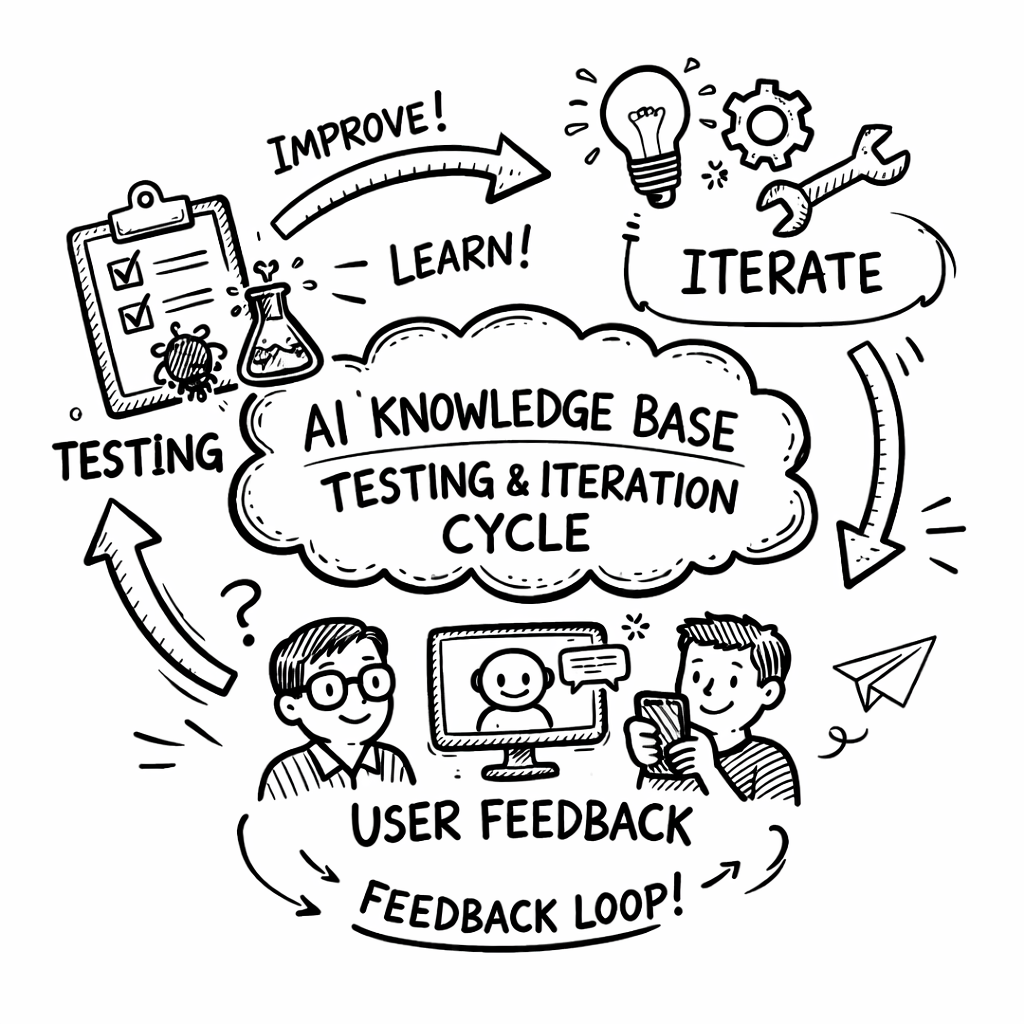
Talkative’s guide suggests two testing modes: automated bulk tests and manual walkthroughs. Start by generating a set of 20 real-world questions from your support tickets. Talkative lets you pull those directly from AI Insights reports ( Talkative’s testing guide).
Run the bulk test first. The platform will log accuracy, response time, and confidence scores. Spot any answers that fall below a 70% confidence threshold , those need review.
Next, do a manual run. Open the chatbot UI, ask the same questions, and note tone, formatting, and whether the answer feels helpful. Involve a colleague from a different department for fresh eyes.
Document every issue in a simple spreadsheet: question, expected answer, actual answer, issue type (accuracy, tone, formatting), and next steps.
Iterate weekly. After each content update, re-run the bulk test. Over time you’ll see the confidence scores climb.
Finally, embed the AI knowledge base into the tools your team already uses. Adviserry offers a simple widget you can drop into Slack, your website, or your internal portal. When the widget is live, promote it via a short onboarding email , tell users, "Ask me anything about product pricing, and I’ll answer instantly."
Key Takeaway: Regular automated and manual tests keep your AI knowledge base accurate and trusted.
Remember to schedule a quarterly review. The world changes, your content changes, and the AI must keep up.
Bottom line: Test often, fix fast, and embed the AI where users already work to get real adoption.
FAQ
What is an AI knowledge base?
An AI knowledge base is a centralized hub that stores documents, FAQs, and other content, then uses machine learning to answer natural-language questions. It differs from a simple search bar because it can understand intent and pull the most relevant snippet, even from unstructured sources like emails or video captions.
Do I need a lot of data to train an AI knowledge base?
Not necessarily. Adviserry works well with as few as 5-10 high-quality articles, especially if you also ingest newsletters and YouTube transcripts. More data improves accuracy, but quality trumps quantity.
Can I integrate the AI knowledge base with my existing tools?
Yes. Most AI knowledge base platforms, including Adviserry, offer connectors for Slack, Google Drive, and custom APIs. The goal is to let users ask questions without leaving the apps they already use.
How often should I update the content?
Ideally after every major product release or policy change. Set a calendar reminder to run a quick audit monthly. Automated ingestion tools can pull new newsletters or video transcripts daily, keeping the base fresh.
What if the AI gives a wrong answer?
First, check the source article. If the source is outdated, update it. If the AI mis-interpreted the query, add a synonym or a short FAQ that clarifies the phrasing. Continuous testing catches these issues early.
Is there a risk of leaking confidential info?
Only if you upload private docs without proper access controls. Adviserry lets you set permissions at the board level, so you can restrict who can query certain sections. Treat the AI knowledge base like any other internal system , use role-based access.
How do I measure the ROI of an AI knowledge base?
Track metrics like reduction in support tickets, average time to answer, and user satisfaction scores. Many firms see a 20-30% drop in ticket volume after deploying an AI knowledge base that handles common queries.
Can I use the AI knowledge base for external customers?
Absolutely. You can embed a public chatbot on your website that draws from the same curated content. Just make sure any public-facing answers comply with your brand guidelines and privacy policies.
Conclusion
Building an AI knowledge base feels like a big project, but when you break it into these five steps it’s totally doable. Start with a clear inventory, pick a tool that auto-ingests your newsletters and videos, structure the content in a question-first way, feed the AI clean data, and then test, iterate, and embed it where your team already works.
In my own journey, the biggest win was stopping the endless scroll through email archives. Adviserry turned dozens of newsletters into a searchable brain that answers in seconds. If you’re an early-stage founder juggling a million ideas, that time saved is priceless.
Ready to give it a try? Grab a free trial of Adviserry, import a single newsletter batch, and ask it a question about pricing. You’ll in action , and you’ll wonder how you ever lived without it.
Happy building!