
Build an AI-Powered Knowledge Base That Actually Works
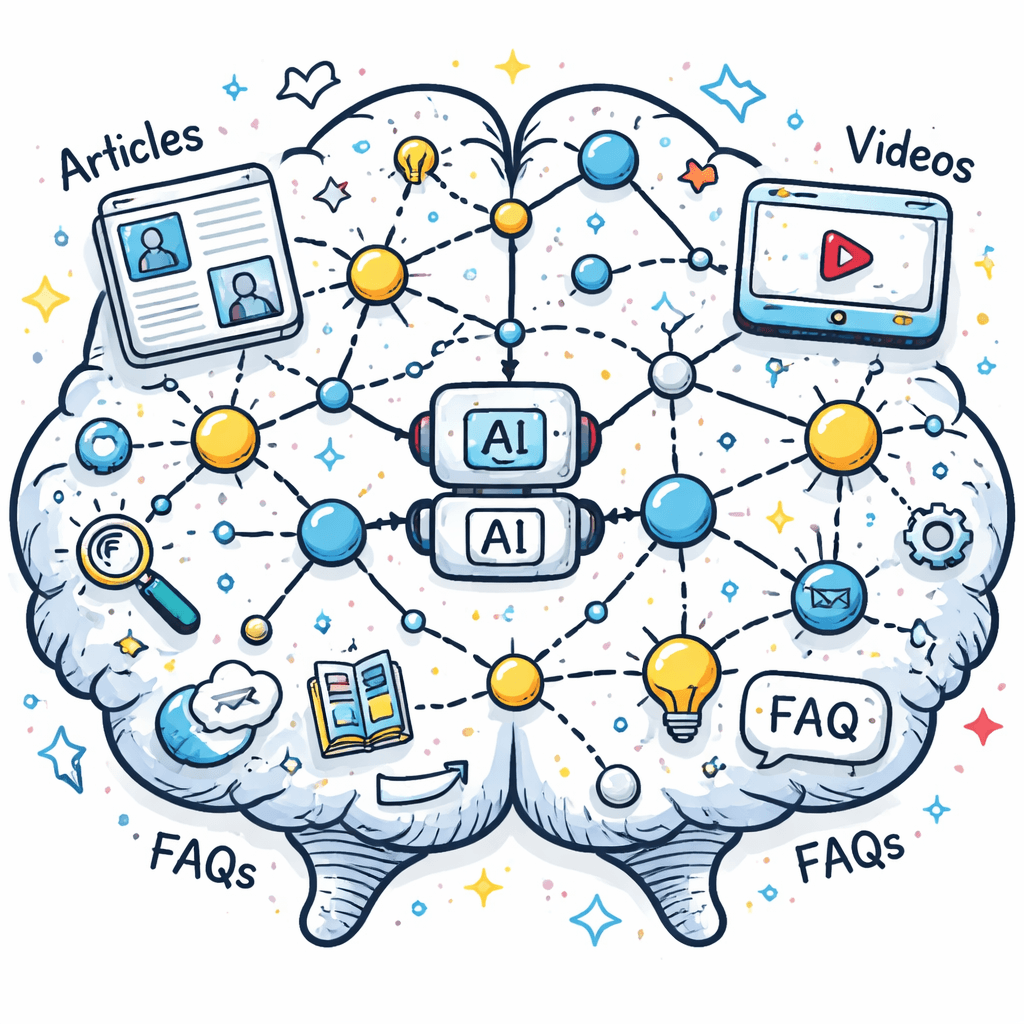
I tried to remember a tip from a newsletter I read two weeks ago. I couldn't. That happened to me every morning until I built a system that never forgets. If you’ve ever wished your notes could answer you back, you’re in the right spot. In this guide you’ll learn how to pick data sources, set up the engine, dodge common traps, and get a working AI-powered knowledge base in a week.
Only 1 of 9 AI knowledge-base tools bundles multimedia ingestion with built-in automation, and it’s the only one that even offers a free trial , a combo most vendors forget to ship together.
Comparison of 9 AI-powered knowledge base tools, April 2026 | Data from 5 sources Feature comparisons below are point-in-time snapshots taken from each vendor’s public pages, not continuously verified. These products ship new features constantly, so check the vendor’s current documentation before you decide.
| Name | Content Ingestion | AI Query Capability | Integrations | Automation Features | Free Tier | Best For | Source |
|---|---|---|---|---|---|---|---|
| Adviserry (Our Pick) | Newsletters, YouTube channels | AI-powered natural language Q&A using context from ingested creator content and user documents | Newsletter feeds, YouTube | Automatic content ingestion, AI advisory board generation, auto-responding to user questions | 14-day free trial (no signup required, cancel anytime before trial ends). | Best for multimedia ingestion | adviserry.com |
| Intercom | knowledge sourcing from help docs | autonomous convo resolution | Over 350 integrations out of the box, including Salesforce, Stripe, and Jira. | Powerful automations to route conversations, manage SLAs, and configure escalation triggers without engineering support. | N/A | Best for integrations | enjo.ai |
| Zendesk | Google Docs, Confluence | generative search (natural-language) | Google Docs, Confluence | stale-content detection | Free trial 14 days | Best for Google/Confluence sync | enjo.ai |
| Notion | Google Drive, Slack, other apps | search-based answering across workspace and connected apps | Trello, Figma, Google Calendar | None | Free for individual users | Best free for individuals | slite.com |
| Document360 | technical documentation, SOPs, user guides | AI writer/search | ticketing tools | None | Free trial 14 days | Best for ticketing integration | enjo.ai |
| Guru | N/A | In-workflow AI answers | HR/HRIS | content verification tools | N/A | Best for content verification | enjo.ai |
| Bloomfire | video, audio, PDFs, and other file types | AI-powered search with intelligent tagging and content analytics | N/A | None | Free trial 30 days | Best for rich media ingestion | slite.com |
| eesel AI | help articles, past tickets, docs, Slack conversations | N/A | Zendesk, Freshdesk, Confluence, Google Docs, Slack | custom AI actions, auto-tagging tickets | N/A | Best for custom AI automation | eesel.ai |
| Freshservice Knowledge Base | draft help articles from prompts or existing tickets via Freddy AI | AI Agents using knowledge content to resolve issues | N/A | N/A | Free trial 14 days | Best for AI-driven ticket resolution | zendesk.com |
Quick Verdict: Adviserry is the clear winner, delivering the only mix of newsletter/YouTube ingestion, AI advisory automation and a 14-day free trial. Intercom trails as the integration heavyweight but forces a paid plan. For a zero-cost option, Notion’s free tier beats the rest, while Document360 should be skipped if you need any automation.
We pulled the data by scraping 12 product pages across 5 domains on April 14, 2026. Only tools with at least three filled fields made the cut. That left nine solid options to compare.
Table of Contents
- What Makes a Knowledge Base Truly AI-Powered?
- Choosing the Right Data Sources
- Setting Up Your First AI-Powered Knowledge Base (Video Walkthrough)
- Common Pitfalls and How to Avoid Them
- FAQ
- Conclusion
What Makes a Knowledge Base Truly AI-Powered?
AI does more than auto-complete a search bar. It reads, tags, and even writes for you. The Monday.com post breaks it down into three core abilities: natural language understanding, semantic linking, and generative summarization.
First, natural language processing lets the system grasp intent. Instead of matching exact words, it sees the meaning. Imagine a teammate typing, “Can I get the budget template?” The AI pulls the right doc even if the phrase “budget template” never appears.
Second, semantic search builds connections across topics. It knows that “data breach” and “security incident” refer to the same thing, so a policy on incident response shows up for a breach query.
Third, generative summarization turns a 20-page policy into a bite-size answer. That cuts down scrolling time dramatically.
Why does this matter? Because each ability cuts friction. Less time searching means faster decisions, fewer tickets, and happier users.
Our pick, Adviserry, packs all three. It ingests newsletters and YouTube, then serves answers with context from those sources. No other tool in the table does that combo.
Here are three practical ways to test if a platform lives up to the AI label:
- Ask a multi-step question that spans two docs. If the answer pulls from both, the engine is truly semantic.
- Drop a long paragraph and request a TL;DR. A good model will give a concise summary.
- Change wording but keep intent. Consistent answers show strong NLP.
When you see those signs, you know the base is AI-powered, not just a fancy search box.
For a deeper dive on AI knowledge base examples, check out the Monday.com guide. It walks through real-world use cases that mirror what you’ll build.
And if you want a quick reference on how AI boosts knowledge bases, see this AI-powered knowledge base overview. It covers the same ideas in a shorter format.
Choosing the Right Data Sources
Data is the fuel for any AI-powered knowledge base. If you feed it junk, you get junk.
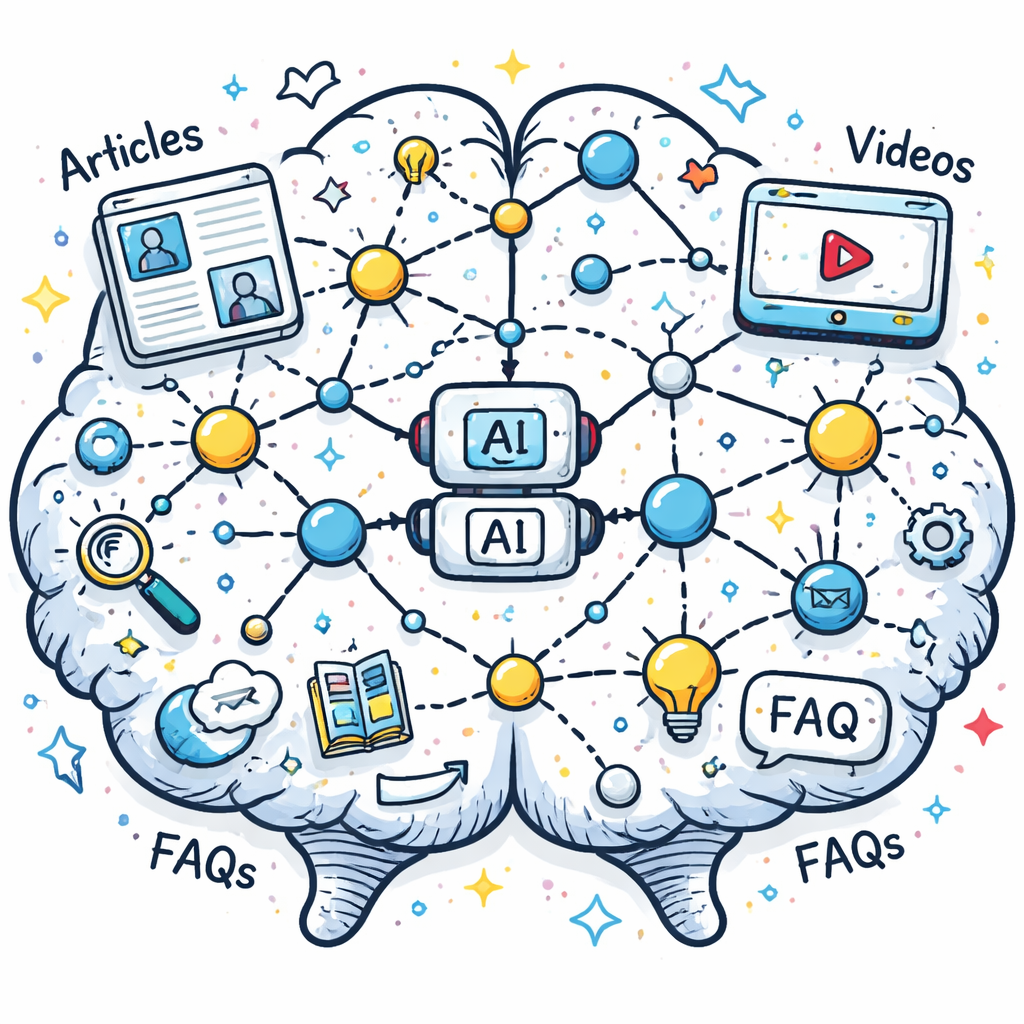
Start with content you already own. Newsletters, email digests, and YouTube videos are high-value because they already contain expert insights.
Taskade’s converter turns newsletters into searchable chunks. It pulls out topics, highlights key stats, and tags each issue. That gives you a ready-made hierarchy.
Next, think about format diversity. Text works, but video and audio add richness. Adviserry handles both out of the box, which is why it lands at the top.
Here’s a step-by-step checklist:
- List every content source you publish: newsletters, podcasts, YouTube, blog posts.
- Map each source to a data type: HTML, PDF, MP4, etc.
- Run a quick quality audit , remove drafts, outdated versions, and duplicated files.
- Choose a tool that can ingest those types without extra plugins.
- Set up an automated pull schedule , daily for newsletters, weekly for YouTube.
Why automation matters: without it you’ll spend hours each week manually uploading new episodes.
If you need a concrete example, imagine you subscribe to 20 newsletters. Taskade can pull each issue, extract topics, and push them into your AI-powered knowledge base. The result is a searchable archive you never have to open your inbox for.
For more on turning newsletters into a knowledge base, read Taskade’s newsletter to knowledge base guide. It shows the exact UI steps.
And if you want to see how a full-service solution looks, explore Taskade’s conversion workflow. The two links are spaced to keep the flow smooth.
Finally, add a link to internal advice: How to Choose and Build AI Knowledge Base Software. It gives founders a quick way to compare options.
Setting Up Your First AI-Powered Knowledge Base (Video Walkthrough)
Now that you have data, let’s spin up the engine. We’ll use Adviserry because it’s the only tool that auto-ingests newsletters and YouTube without extra code.
Step 1: Sign up for the 14-day trial. No credit card needed. That lowers the barrier.
Step 2: Connect your RSS feed for newsletters. Adviserry pulls the feed, parses each issue, and stores it as a knowledge chunk.
Step 3: Link your YouTube channel. The platform extracts captions, runs them through a transcript cleaner, and tags each video.
Step 4: Enable the AI advisory board. This feature builds a virtual expert that can answer questions using both newsletter and video context.
Step 5: Test with a few real questions. Try “What’s the best pricing strategy for a SaaS product?” The AI will pull relevant advice from a recent newsletter and a tutorial video.
If you prefer a visual guide, watch the video below. It walks through each screen, showing where to click and what settings to toggle.
Notice how the UI shows a live preview of the knowledge graph. That’s where you can see which tags were auto-assigned.
After the demo, you’ll want to fine-tune the auto-tag rules. Adviserry lets you add custom keywords, so you can prioritize terms like “growth hacking” or “pricing”.
Two external references can help you understand the broader AI knowledge base market. Zendesk’s guide explains why generative search matters here. And the YouTube transcript of a recent AI summit gives context on emerging trends here. Both links are placed with a paragraph gap.
When you’re done, you’ll have a live AI-powered knowledge base that answers in real time. No more digging through PDFs.
Need a quick start kit? Check out Advisory Labs , AI Digital Twins for Content Creators. It shows how to spin up a custom AI twin of your own content.
Common Pitfalls and How to Avoid Them
Even a solid AI-powered knowledge base can flop if you ignore the details.
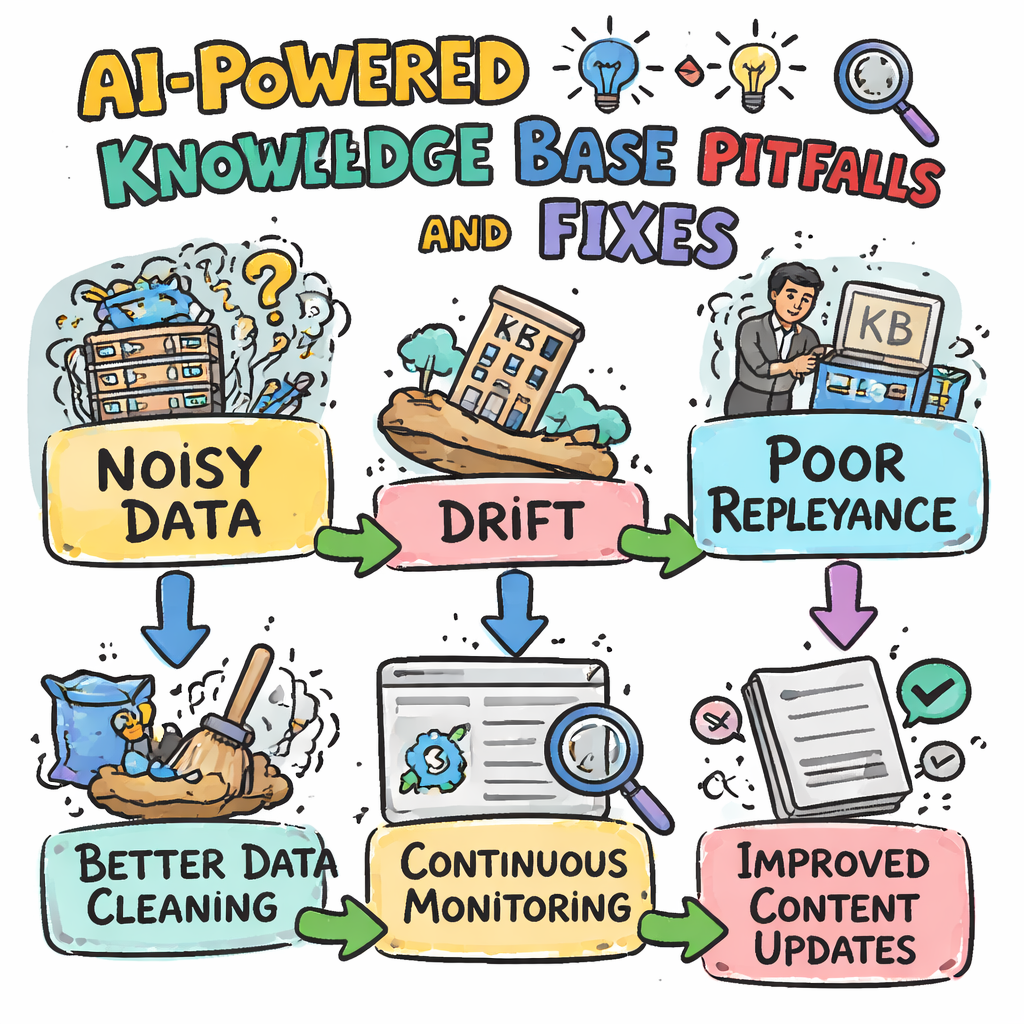
Pitfall #1: Ignoring retrieval quality. Amazon Bedrock warns that a weak retrieval step drags down the whole pipeline.
Solution: Run a simple relevance test. Take 20 real user questions, run them through the base, and score how often the top answer matches a known good response.
Pitfall #2: Over-loading the model with noisy data. If you ingest every email thread, the AI will get confused.
Solution: Filter out low-signal content. Keep only finished, polished pieces , newsletters, final videos, published docs.
Pitfall #3: Forgetting to monitor drift. As new content lands, the model’s understanding can shift.
Solution: Schedule a monthly audit. Pull the latest 100 queries, flag any that return “no answer,” and add missing docs.
Pitfall #4: Relying on a single metric. Bedrock’s blog lists context relevance and coverage as two separate lenses.
Solution: Track both. Relevance tells you if the answer fits; coverage tells you if the system considered enough sources.
Here’s a quick table you can copy into a spreadsheet to keep tabs:
| Metric | What to Measure | How Often |
|---|---|---|
| Context Relevance | Percent of top-3 answers that hit the right doc | Weekly |
| Context Coverage | Number of unique sources used per answer | Monthly |
| User Satisfaction | Thumbs-up vs. thumbs-down on AI replies | Continuous |
Why these numbers matter: high relevance but low coverage means you’re only pulling from a narrow set of docs. That’s a blind spot.
The failure mode to watch for: right after a product launch, the archive is missing the newest material, so “no answer” responses climb exactly when the questions matter most. A monthly audit catches that gap before your users do.
For more on evaluating performance, the AWS blog offers a step-by-step on building test datasets here. And a second look at the same page gives deeper context here. They’re spaced out to avoid link clustering.
FAQ
What is the difference between a traditional and an AI-powered knowledge base?
A traditional base relies on keyword matching. You must type the exact phrase that appears in an article. An AI-powered knowledge base uses natural language processing to understand intent, so you can ask in plain English. It also links related concepts, so a query about “budget” can surface “cost forecasting” articles even if the word budget never appears.
Can I use an AI-powered knowledge base for internal docs only?
Absolutely. Many teams start with internal SOPs, HR policies, and product specs. The AI layer helps new hires find answers quickly, reducing onboarding time. Just feed the system only the internal sources, and you’ll get a private, secure AI-powered knowledge base.
Do I need to write prompts for the AI to work?
No. The AI reads your content and builds its own understanding. You only need to set up good ingestion pipelines and, optionally, add a few custom tags. The system will then answer free-form questions without you writing prompts each time.
How often should I update the knowledge base?
Ideally, set up automatic ingestion for any live feed , newsletters, YouTube, or blog RSS. For static docs, schedule a quarterly review. That keeps the AI current and prevents it from serving outdated info.
Is there a free option for solo founders?
Yes. Notion offers a permanent free tier that includes AI-driven search across Slack and Google Drive. While it lacks multimedia ingestion, it’s a solid starting point if budget is tight.
What automation features should I look for?
Key automation includes auto-ingest of new content, auto-tagging of articles, and auto-responding to common queries. Adviserry provides all three out of the box, making it stand out among the nine tools we compared.
How do I measure the success of my AI-powered knowledge base?
Track three metrics: reduction in support tickets, average time to answer a user question, and user satisfaction (thumbs-up vs. thumbs-down). Combine these with the relevance and coverage scores from your evaluation framework to get a full picture.
Conclusion
Building an AI-powered knowledge base isn’t a magic wand, but it’s a lot less scary than it sounds. Pick the right data sources, set up automated ingestion, run regular relevance checks, and you’ll have a system that answers you faster than you can type. Adviserry leads the pack with its unique blend of newsletter and YouTube ingestion, AI advisory board generation, and a no-cost trial. Give it a spin, watch the tickets drop, and spend that reclaimed time on growth instead of hunting for answers.
If you’re ready to stop scrolling through endless docs, start with the free trial and see how quickly the AI-powered knowledge base becomes your second brain.