
How to Build an AI Second Brain in 2026
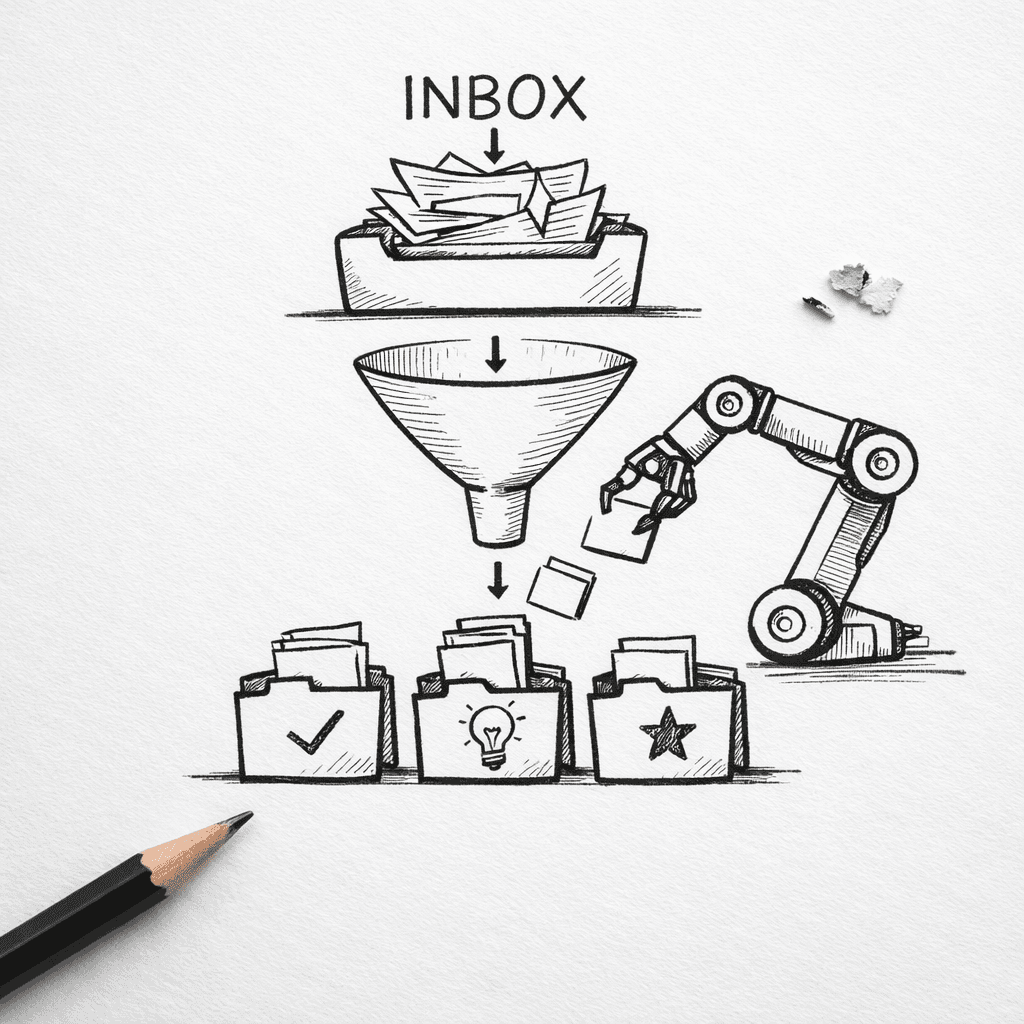
Ever tried an AI second brain that actually writes you a daily summary? Only 1 out of 31 tools does , and it's the one that also gives you a 14-day full-function trial. That tool is Adviserry , and it's our pick for the best starting point. But building a real second brain isn't about one tool. It's about a system. Here's the research.
In this guide, I'll walk you through the 5 steps to build your own AI second brain in 2026. No fluff. Just what works. You'll end up with a system that captures, organizes, and actually helps you think better. Let's go.
Table of Contents
- Step 1: Choose Your Capture Tool (And Stick With It)
- Step 2: Let AI Process Your Inbox Automatically
- Step 3: Build a Retrieval System That Actually Works
- Step 4: Create an Output Routine (Ideas → Action)
- Step 5: Iterate and Trust the System
- FAQ
- Conclusion
Step 1: Choose Your Capture Tool (And Stick With It)
Everything starts with getting stuff in. Your second brain is useless if it's empty. But here's the problem most people face: they jump between apps. Notion one week, Obsidian the next, then something else they saw on Hacker News. Six months later, they have half-finished notes in five systems and nothing works.
Build an AI Second Brain That Learns Your Business is a great resource if you want a deep dive on making your system stick. For now, focus on picking one capture tool and owning it.
Capture tools do different things. Some are great for web clippings. Others for voice notes. A few, like Adviserry (our pick), are built for newsletters and YouTube channels. The key is to choose based on what you consume most.
Let's look at the main methods and which tools handle them well.
Common Capture Methods and Tools (Table)
| Capture methods and recommended tools for an AI second brainCapture Method | Good Tools | Best For |
|---|---|---|
| Email newsletters | Adviserry, Taskade (via forwarding) | Reading summaries, not full issues |
| Web articles / clips | Notion, Obsidian (with web clipper), Tana | Saving full text and highlights |
| Books / Kindle highlights | Obsidian (via Readwise), Notion | Importing highlights automatically |
| Voice memos / quick thoughts | Tana, Mem (mobile apps), Apple Notes | Capturing ideas on the go |
| YouTube videos | Adviserry, Taskade (with summarization) | Getting insights without watching the whole video |
| PDFs and documents | Obsidian, Taskade, NotebookLM | Full-text search and annotation |
Notice a pattern? Adviserry covers newsletters and YouTube. Those are two of the biggest sources for knowledge workers today. And it gives you a daily summary , the only tool in our research that does that automatically.
Key Takeaway: Pick one tool for your main input source and commit. Bouncing between apps kills the trust you need to build a second brain.
But let's be real: you still need a way to capture random thoughts. That's where a mobile quick-capture app like Tana or Mem shines. The trick is to have a pipeline that feeds everything into your main system. For Adviserry, you forward newsletters and paste YouTube links. For Obsidian, you use the daily notes plugin for quick voice memos.
Think of it this way: your brain is the idea generator. Your capture tool is the net. Make sure the net has no holes.
Bottom line: Choose a capture tool that matches your primary information sources, use it exclusively for one month, and only consider switching if it consistently fails.
Step 2: Let AI Process Your Inbox Automatically
You've got a tool. Now stuff is flowing in. But raw inflow is just noise. Without processing, your second brain becomes a digital landfill. AI is the cleanup crew.
Manual categorization? That's how people quit. AI can do it faster and better. The tools in our research that offer built-in summarization , Adviserry, Tana, Mem, Taskade , save you hours every week.
Adviserry's daily digest is the most hands-off example. It sends you a summary of everything you ingested from newsletters and YouTube. No need to read every issue. The AI extracts the key points and connects them to your past knowledge.
Here's what automatic processing should do for you:
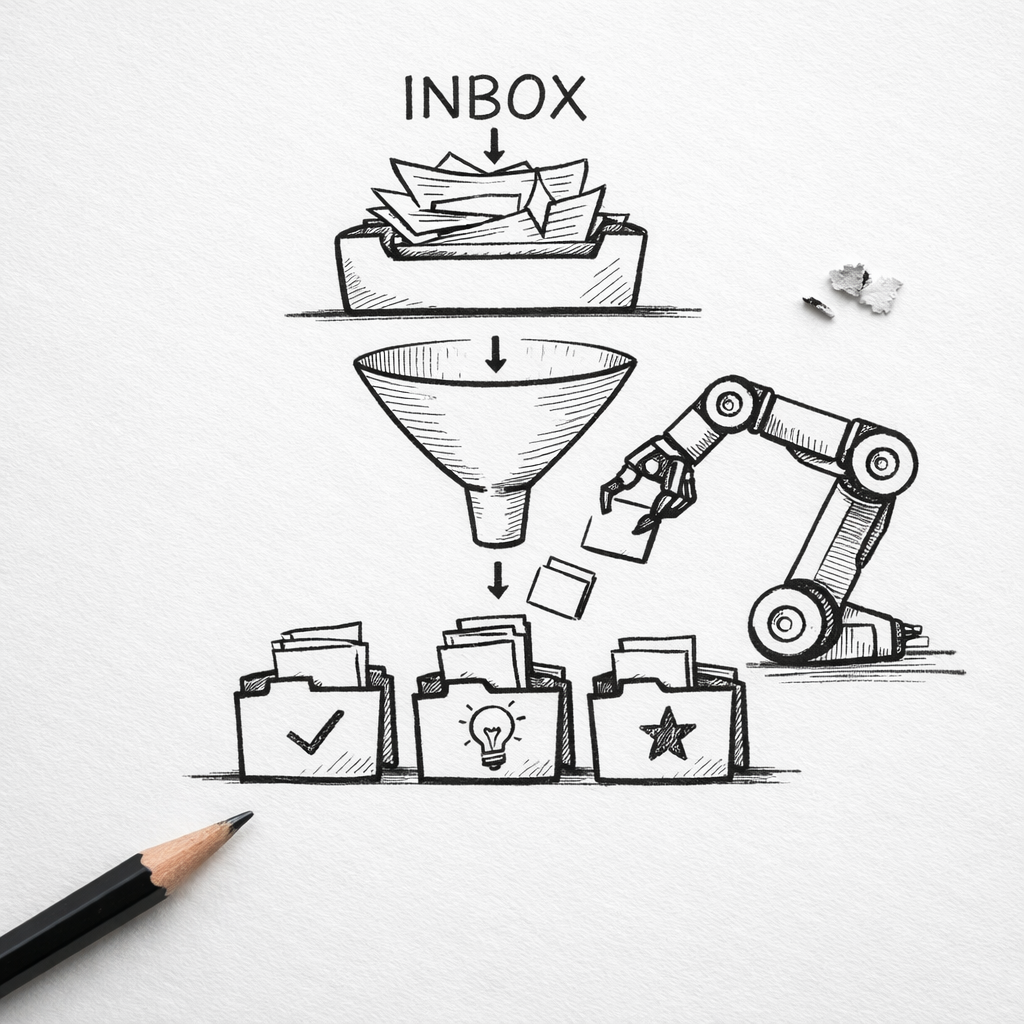
- Summarize long content into bullet points. (Adviserry, Taskade, Tana)
- Tag and categorize notes based on context. (Tana's Supertags, Mem's auto-linking)
- Extract action items from meeting notes or articles. (Taskade AI agents)
- Surface related ideas from your existing notes. (Adviserry's contextual Q&A)
Why does this matter? Because the average person subscribes to 5+ newsletters but only reads a fraction of them. AI summarization changes that. You get the 20% of the content that gives 80% of the value.
Pro Tip: Set up a daily or twice-daily time to review your AI-generated summaries. Don't let them pile up. Even 10 minutes each morning helps you stay in sync with your knowledge base.
Our research shows only 10 out of 31 tools include built-in summarization. And only Adviserry offers daily AI summaries across your entire inbox. That's a huge advantage for consistency.
But processing isn't just about summarization. It's also about making your knowledge searchable. That's where the next step comes in.
Bottom line: Use AI to automatically process your incoming information , summarize, tag, and connect it , so you don't have to spend hours organizing manually.
Step 3: Build a Retrieval System That Actually Works
You've captured and processed. Now you need to find things. A second brain is worthless if you can't retrieve what you've stored. Most people realize this after the first month: they saved something but can't find it.
Retrieval in 2026 is way better than it was a few years ago. Thanks to semantic search, you can ask your second brain a question like "What did I learn about pricing strategies?" and it will pull up the most relevant notes, even if you never used the word "pricing."
Here's what a strong retrieval system looks like:
- Semantic search : It understands meaning, not just keywords. Tools like Taskade (1536-dimensional embeddings) and Adviserry (contextual AI) nail this.
- Graph views : Visual connections between notes help you discover patterns. Obsidian and Tana have great graph views.
- Natural language queries : You can ask questions in plain English. "What were the key takeaways from Lenny Rachitsky's last newsletter?" Adviserry can answer that because it indexes all your sources.
- Tagging and filtering : When you need precision, tags let you filter. Tana's Supertags are the gold standard here.
But retrieval isn't just about software. It's also about how you structure your notes. The best system I've seen is the PARA method (Projects, Areas, Resources, Archives) plus a Zettelkasten layer. That's exactly what the IPARAG system does: Inbox, Projects, Areas, Resources, Archive, Galaxy. The Galaxy is where permanent notes live in a flat file structure, connected by links and tags.
You don't have to build all that from scratch. Your Coach Doesn't Know What Lenny Rachitsky Said Last Week shows how an AI second brain can synthesize expert advice from your subscriptions without you manually tagging everything.
Key Takeaway: A good retrieval system lets you search by meaning, not just by memory. That's the difference between a filing cabinet and a real second brain.
Bottom line: Combine semantic search, graph connections, and a lightweight organizational structure to ensure you can always find and connect the information you've saved.
Step 4: Create an Output Routine (Ideas → Action)
Here's where most second brains fail. People capture and process, but they never turn knowledge into output. You read 50 articles and have a thousand notes , but nothing has changed in your business, your writing, or your decision-making. That's a hobby, not a system.
An AI second brain should help you produce things: blog posts, strategic plans, product decisions, coaching responses. The output routine is what bridges knowing and doing.
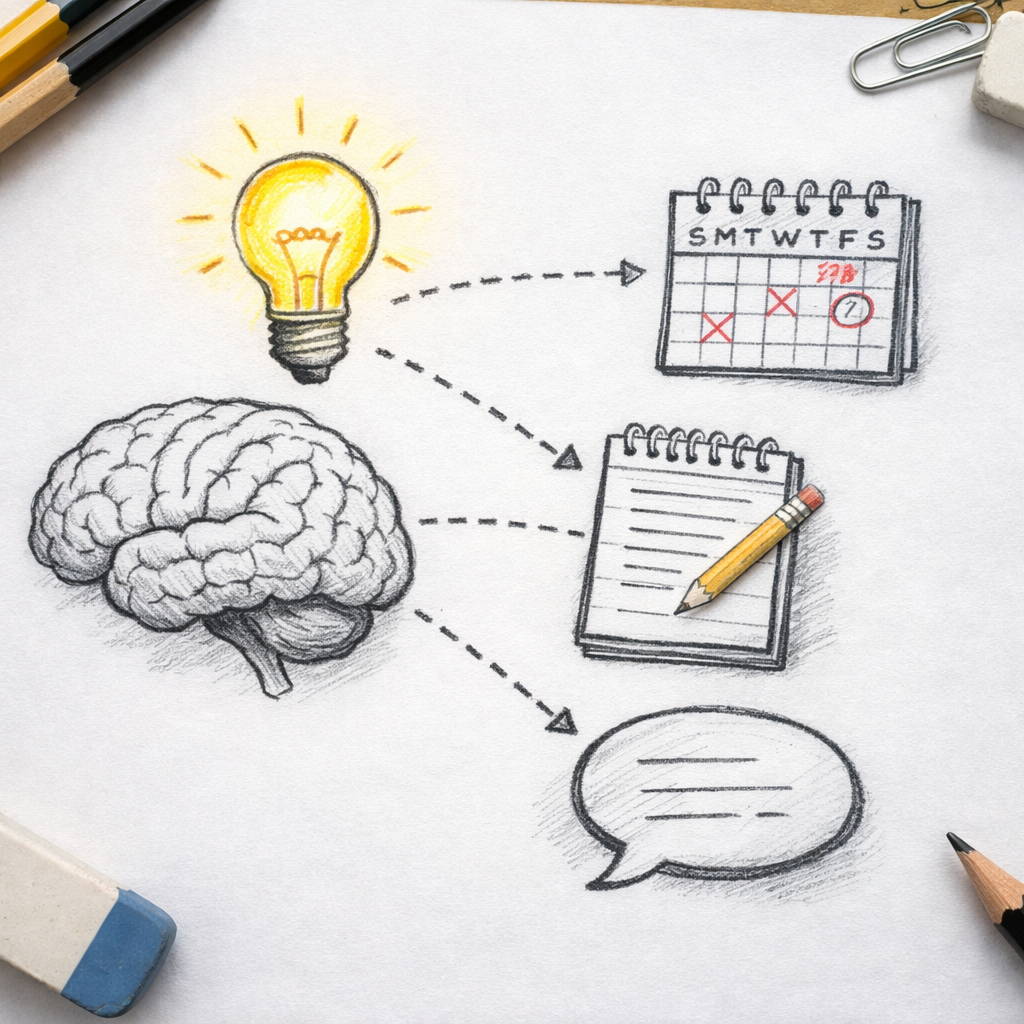
Start with a weekly review. Every Friday, spend 30 minutes looking at what your AI second brain has surfaced. Ask it: "What are the most important insights from this week that I haven't acted on yet?" Then pick one action. Add it to your task manager.
Next, use your second brain as a research assistant. When you're writing a newsletter or preparing a presentation, ask your second brain to synthesize everything it knows on that topic. Adviserry is great for this: you can ask complex questions like "Apply my marketing sources' frameworks to my new product launch" and get a synthesized answer with citations.
Pro Tip: Create a daily output slot of 15 minutes. Ask your second brain one question, and use the answer to write a single paragraph for your blog or social media. Over a year, that's 365 paragraphs of original content.
The key is habit. If you only review your second brain once a month, you'll default back to old ways. Set a recurring event. I do mine after morning coffee. It's the most productive 15 minutes of my day.
Why On-Demand Advice Beats Scheduled Coaching explains why instant access to synthesized knowledge beats traditional weekly calls. Your second brain is there at 3 AM when you need a decision. That's output on demand.
Bottom line: Schedule a regular output routine , even 15 minutes daily , where you use your AI second brain to create something tangible from your stored knowledge.
Step 5: Iterate and Trust the System
No second brain is perfect from day one. You'll try a tool, realize it's not catching what you need. You'll set up an automation, and it'll break. That's normal.
The mistake is to start over. Instead, iterate. Change one thing each week. This week, maybe add a new source. Next week, tweak how you tag things. Over a month, the system evolves to fit your brain.
Research from Tiago Forte's AI Second Brain course shows that trust is the biggest factor. Once you believe your system will save what you need, you stop worrying about forgetting. Your brain relaxes. You focus on creating.
But trust takes time. You have to test it. For a week, deliberately save something and then try to find it. If you can, great. If not, adjust.
Key Takeaway: Trust is earned through small wins. Each time you successfully retrieve a forgotten note, your second brain gets stronger , literally, in your confidence.
Iterative improvements are key:
- Review your capture methods monthly. Are you missing a source? (Add it.)
- Check if AI is summarizing correctly. Sometimes models get lazy. If so, adjust prompts or switch models.
- Test your retrieval by asking unexpected questions. The more you practice, the better your system becomes.
Bottom line: Build trust by consistently using and refining your second brain; iterate weekly based on what you actually need to recall and produce.
FAQ
What is an AI second brain?
An AI second brain is a system that uses artificial intelligence to capture, organize, retrieve, and act on your personal knowledge. It extends the original second brain concept (from Tiago Forte) by adding automatic summarization, semantic search, and agent-driven action. Instead of just storing notes, it helps you think by surfacing connections and answering questions based on everything you've saved.
Is Adviserry really the best tool for an AI second brain?
Based on our research of 31 tools in April 2026, Adviserry is the only one that offers AI-generated daily summaries of all ingested newsletters and videos. That alone makes it unique. It also gives you a 14-day full-function trial and a demo mode for quick testing. If you consume a lot of email newsletters and YouTube content, Adviserry is the easiest way to start building your AI second brain without manual effort.
Can I use Notion or Obsidian instead of a dedicated AI second brain tool?
Yes, you can. Many people build their second brain in Notion or Obsidian. But you'll need to add AI features separately (Notion AI add-on, plugins for Obsidian). Neither offers built-in daily summarization of external sources like newsletters. They're great for manual note-taking but lack the automatic processing that defines a true AI second brain. If you want minimum effort, a purpose-built tool like Adviserry is better.
How much time does it take to maintain an AI second brain?
With automation, most maintenance is under 15 minutes a day. That includes reviewing daily summaries, asking a few questions, and archiving what you don't need. Weekly reviews take 30 minutes to ensure your knowledge base stays clean. The big time saver is that you no longer need to organize manually , AI tags and connects notes for you.
What if I already have notes in another app? Can I migrate?
Most tools support import from Markdown, CSV, or direct API imports. Adviserry lets you upload documents directly. Obsidian and Notion have extensive migration guides. The hardest part is not the technical migration but the habit shift. Once you move, commit to the new tool for at least one month. Don't keep a legacy system as a backup , it creates confusion.
Does an AI second brain work on mobile?
Yes, most tools have mobile apps. Adviserry is web-based but mobile-friendly. Tana and Mem have excellent mobile capture widgets for voice and text. Obsidian and Notion have full mobile apps with sync. The key is to make capture frictionless: use mobile for input, desktop for output and review. That way you never lose an idea.
How much does an AI second brain cost?
Prices vary widely. Adviserry is free for 14 days, then paid. Taskade's free tier gives 3,000 AI credits. Notion is free with a paid AI add-on. Obsidian is free for local storage. Tana is free during beta. The median free tier limit among 31 tools is 100 AI credits. Expect to pay $10-30/month for full features. For most knowledge workers, that's a bargain for the time saved.
Can I use an AI second brain for my team?
Yes, several tools support team collaboration. Taskade has 7-tier role-based access and 100+ integrations. Notion works well for teams with shared workspaces. Adviserry is currently focused on individual users, but its contextual Q&A can answer questions about team-related documents. If collaboration is a priority, Taskade is the strongest option for teams.
Conclusion
Building an AI second brain in 2026 isn't about chasing the trendiest tool. It's about creating a system that captures what you consume, processes it automatically, lets you retrieve it when needed, and helps you turn ideas into action. That's the real value.
Start with step one: pick a capture tool and stick with it. Our pick, Adviserry, gives you a head start with daily summaries and a no-risk free trial. But whatever you choose, commit for 30 days. You'll be surprised how much mental clutter disappears when you trust an external system.
The research is clear: only 32% of second brain tools offer built-in summarization. Most people are still drowning in raw information. You don't have to be one of them. Follow these five steps, iterate based on what your brain actually needs, and you'll wonder how you ever thought without a digital extension of your mind.
Now go capture something. Ask it questions. Make something from it. That's the whole point.