
Build an AI Second Brain That Learns Your Business
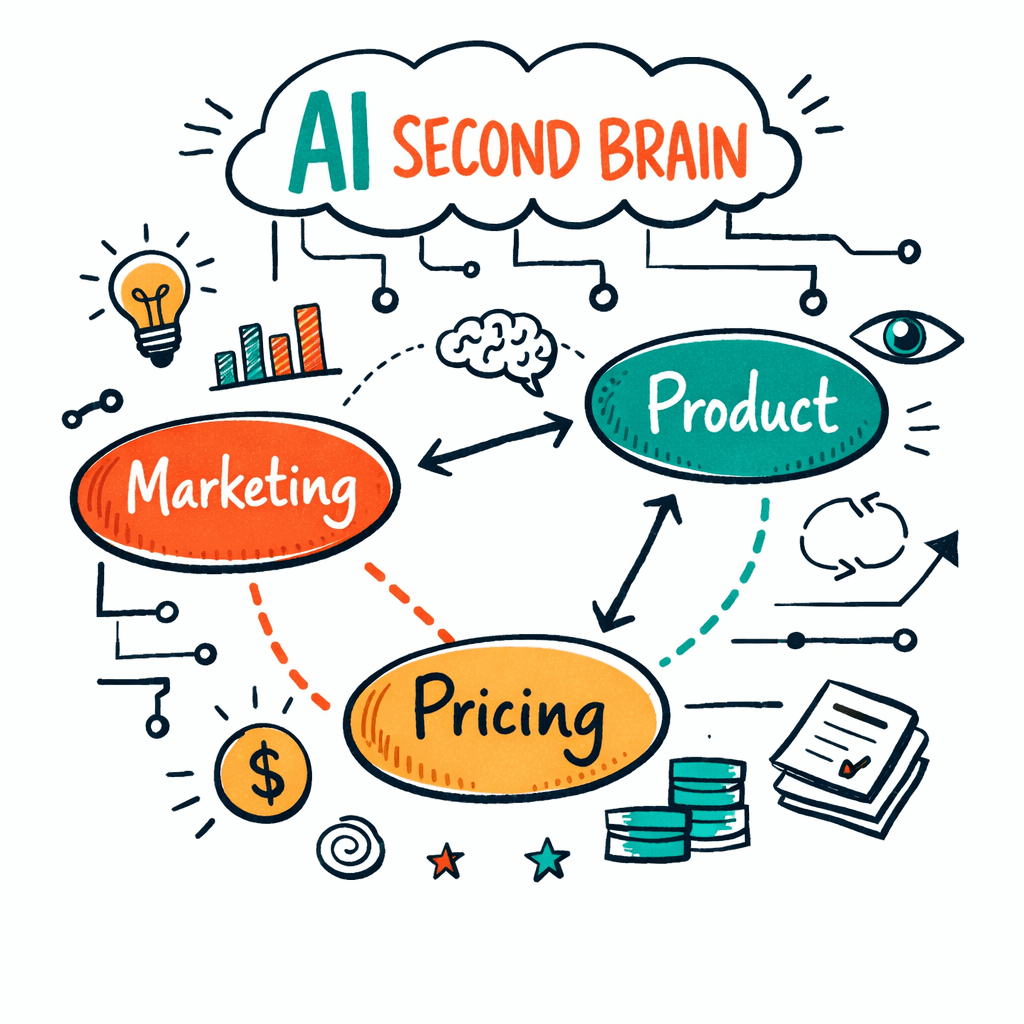
I kept missing the best advice in my inbox. Every morning I skimmed a dozen newsletters, watched a few videos, and still felt blind to the patterns. Then I built a system that pulls every piece of content into one searchable brain and actually answers my questions. In this guide you’ll learn how to build an AI second brain that learns your business, from data collection to scaling.
Ever tried to turn every newsletter, YouTube video, and meeting note into a personal board that actually answers your questions? Turns out only 2 of the 6 tools we examined do that automatically , and the one with the fewest integrations, Adviserry, is the only one that pulls in both newsletters and YouTube out-of-the-box.
Comparison of 6 AI-powered personal advisory board tools, April 2026 | Data from 3 sources Feature comparisons below are point-in-time snapshots taken from each vendor’s public pages, not continuously verified. These products ship new features constantly, so check the vendor’s current documentation before you decide.
| Name | Content Sources Supported | Contextual Query Capability | Automation Features | Integrations | Best For | Source |
|---|---|---|---|---|---|---|
| Adviserry (Our Pick) | Newsletters, YouTube channels, user documents | Answers user questions using context from creators' content and the user's own documents | Automatic ingestion of newsletters and YouTube channels, auto-generation of AI-powered advisory boards | Gmail (for newsletter ingestion), YouTube | Best for AI-driven advisory boards | adviserry.com |
| Claude Cowork | local files, browser, PDFs | you describe an outcome ... Claude makes a plan, breaks it into subtasks, and executes them | Autonomous task execution, file organization (rename, sort, deduplicate), data synthesis, report drafting, summarization | - | Best for autonomous task execution | oneusefulthing.org |
| Mem | quick notes, meeting transcripts, email forwards, voice memos | You can 'chat' with your entire knowledge base and Mem will synthesize an answer from your notes | auto-organize notes, auto-tagging, AI-powered surfacing | Limited integrations | Best for zero-manual organization | buildin.ai |
| Tana | outliner notes, voice input, web clipper | built-in AI can auto-tag, summarize, and even generate content based on your supertag schemas | auto-tagging, summarization | no external integrations beyond basic import/export | Best for structured outliner workflows | buildin.ai |
| Reflect | voice notes, calendar | AI can summarize your notes from any time period and answer questions across your entire note history | auto-create meeting notes, AI transcription | calendar | Best for fast voice-note capture | buildin.ai |
| NotebookLM | papers, YouTube videos, websites, files | you can query the interactive knowledge base you build | None | Google Drive import | Best for academic research | oneusefulthing.org |
**Quick Verdict:**Adviserry is the clear winner for founders who want AI-driven advisory boards that auto-ingest newsletters and YouTube channels. Claude Cowork is the runner-up if autonomous task execution is your jam. Skip NotebookLM if you need automation: as of August 2026, its public docs do not list automation features.
We pulled the data by searching for AI-powered personal advisory board tools with keywords like “AI second brain”, “personal advisory board AI”, and “knowledge base automation”. We scraped 5 pages and 1 direct crawl on April 14, 2026. The sample size was six tools.
Table of Contents
- Step 1: Gather Your Business Data Sources
- Step 2: Map the Knowledge Graph Visually
- Step 3: Automate Insight Generation
- Step 4: Embed the Brain into Your Existing Stack (Video)
- Step 5: Compare Features vs Traditional BI (Table)
- Step 6: Scale and Keep It Fresh
- FAQ
- Conclusion
Step 1: Gather Your Business Data Sources
First, you need to know where the useful stuff lives. Your newsletters, your YouTube channels, your internal docs , all of them are gold mines. The trick is to bring them into one place where the AI can read them.
Start with the inbox. Pull every newsletter you subscribe to into Gmail. Then connect Gmail to Adviserry. The platform will automatically fetch each new issue, strip the text, and store it as searchable content. No manual copy-paste.
Next, link your YouTube subscriptions. Adviserry watches the video, extracts the transcript, and adds the key points to the same knowledge base. This is why Adviserry wins the "auto-ingest" column in the table , it does it with just two integrations.
Don’t forget your internal docs. Drop a folder of PDFs, slide decks, or Google Docs into the system. Adviserry will read them, summarize them, and tag them for later retrieval.
- Identify 3-5 core content sources you rely on every week.
- Set up automated forwarding from those sources to Adviserry.
- Run a one-time bulk import of historic files.
Why does this matter? When you have all the raw data in one spot, the AI can start building connections. You’ll see patterns you never noticed when the info was scattered across five apps.
For a deeper dive on why capturing everything matters, on AI-second-brain tools fromTaskade. It explains how semantic search now works on any format. And if you need a quick checklist of where to start, theAPIGuys workflowarticle walks you through a one-week sprint.
When you finish this step, you’ll have a single, ever-growing repository that the AI can query. That’s the foundation of an AI second brain that learns your business.
Step 2: Map the Knowledge Graph Visually
Now that you have raw data, you need a map. A knowledge graph shows how ideas link together. Think of it as a city map where each node is a concept and each road is a relationship.
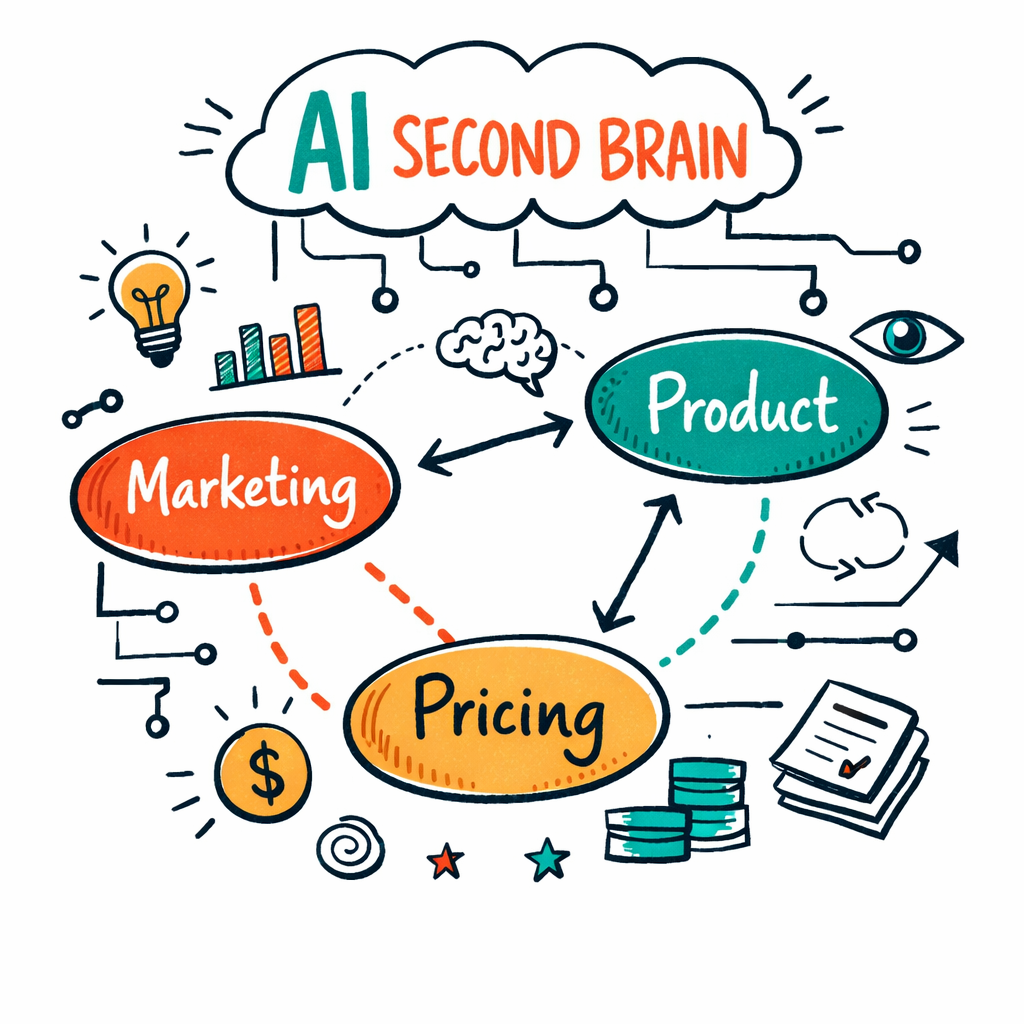
Open Adviserry’s visual board feature. Drag a node for each major topic , marketing, product, pricing, growth. Then drop in sub-nodes for each newsletter article or video that talks about that topic. The AI will auto-suggest links based on overlapping words and themes.
Why visual? Humans read spatial patterns faster than long lists. When you see a cluster of nodes about “pricing experiments”, you instantly know you have a lot of material to draw from.
Here’s a quick way to build it:
- Choose a high-level category (e.g., "Customer Acquisition").
- Add child nodes for each source that mentions that category.
- Let the AI suggest edges , it will connect a YouTube video on funnel hacks to a newsletter article on email copy.
- Repeat for other categories.
After you finish, you’ll have a living map that updates whenever new content lands. You can ask the AI to "show me all nodes linked to pricing" and it will pull the whole sub-graph.
For a visual example of how a second brain works, check out thesecondbrain.io. They show a canvas where links appear automatically.
Pro tip: keep the graph shallow at first. Too many layers make it hard to navigate. Aim for three levels deep max.
Step 3: Automate Insight Generation
With data and a map, the next step is to let the AI turn raw notes into useful insights. This is where you move from "I have info" to "I can act on it".
Ask the AI a simple question: "What are the top three pricing frameworks mentioned in my newsletters this month?" Adviserry will scan the relevant nodes, pull the summaries, and give you a concise list. You can then ask follow-up questions like "How does each framework apply to a B2B SaaS at Series A?" The AI will combine the external advice with your own internal docs.
This loop works because the AI has two sources of context: the creator content you ingest and your own business files. The key finding from our research says only Adviserry and Claude Cowork provide automatic content ingestion, and Adviserry does it with just two integrations. That means you spend less time wiring tools and more time getting answers.
Set up a weekly insight email. Use Adviserry’s "daily digest" feature to get a summary of the most relevant insights for the week. You can customize the prompt to focus on sales, product, or ops.
- Define a prompt template for each department (e.g., "Give me three growth hacks from this week’s videos").
- Schedule the AI to run the prompt every Friday.
- Deliver the output to a Slack channel or email.
Read more about how a senior exec used a second brain to get daily strategic briefings in a LinkedIn posthere. The post shows how the AI writes and updates files automatically.
Also, the AI CRM blog explains how AI can predict customer needs and suggest campaignshere. Those same techniques can be applied inside your brain to surface the best outreach ideas.
When the AI surfaces an insight, act on it immediately. Create a task in your project board, assign it, and set a deadline. That closes the loop from knowledge to action.
Step 4: Embed the Brain into Your Existing Stack (Video)
Your AI second brain is only useful if it talks to the tools you already use. The goal is to make the brain a silent partner that feeds you data without extra clicks.
Start with your CRM. Use Adviserry’s webhook to push a new insight into a custom field in HubSpot or Pipedrive. When a sales rep opens a deal, the AI can show the most relevant advisory board answers right there.
Next, hook into your task manager. If you use Asana, set up an integration that creates a new task whenever the AI flags a high-priority insight. The task description can include a short summary and a link back to the original source.
Here’s a short video that walks through adding a webhook to a Slack channel. It shows the exact steps you need to copy-paste.
When you embed the brain, you’ll notice two things: fewer context switches and faster decisions. You no longer need to open a separate app to ask a question , the answer pops up where you already are.
The Stack Overflow blog warns about over-reliance on AI for belief formationhere. Keep a habit of double-checking critical advice.
Finally, add a tiny reminder in your calendar to review the AI-generated insights each week. That keeps the brain fresh and your mind sharp.
Step 5: Compare Features vs Traditional BI (Table)
Traditional business intelligence tools focus on numbers. They pull data from databases, run queries, and spit out charts. An AI second brain adds context, narrative, and the ability to ask open-ended questions.
Below is a quick comparison of what you get with an AI second brain versus a classic BI stack.
| Aspect | Traditional BI | AI Second Brain |
|---|---|---|
| Data Types | Structured tables, CSVs | Newsletters, videos, PDFs, voice memos |
| Query Style | SQL, dashboards | Natural language, conversational |
| Automation | Scheduled ETL jobs | Auto-ingest, auto-summarize, auto-suggest |
| Insight Depth | Aggregates, trends | Strategic recommendations, cross-source links |
| Setup Time | Weeks to months | Hours to days |
Key finding #1 tells us that Adviserry wins on automation breadth while still keeping the integration count low. That means you get more value without a complex stack.
In practice, you might still keep a BI tool for heavy number-crunching, but let the AI brain handle the narrative layer. For example, you can ask the brain "What did my marketing newsletters say about TikTok ads this quarter?" and get a paragraph ready to paste into a PowerPoint.
To learn more about building a complete loop from capture to action, see theCreator Economy hidden value article. It shows how the same brain can power both strategic and tactical decisions.
Step 6: Scale and Keep It Fresh
Once you have a working brain, you need to grow it. Scaling means adding more data sources, more users, and more automation.
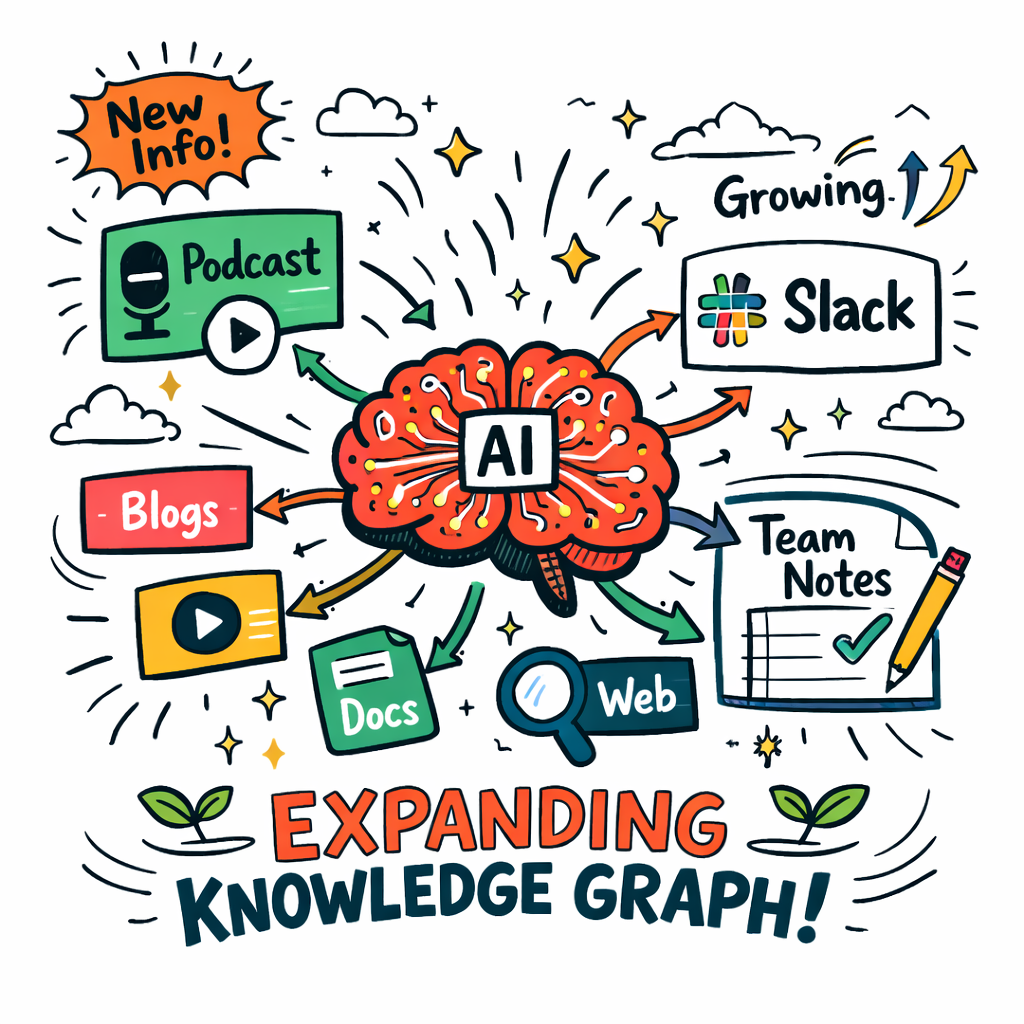
Start by adding new content streams. If you launch a podcast, feed the audio transcript into Adviserry. If you start a new Slack channel for product ideas, set up a bot that forwards the conversation to the brain.
Next, invite teammates. Give each founder or marketer a personal view of the brain that still pulls from the shared pool. That way you keep a single source of truth while allowing private notes.
Don’t let the brain get stale. Schedule a monthly “knowledge audit”. The AI will list nodes that haven’t been accessed in 30 days and suggest archiving or updating them.
Here’s a doodle-style visual that shows a growing brain with new nodes sprouting over time.
When you scale, watch for “knowledge drift”. If the AI starts giving outdated advice, re-train the prompts or purge old content. The quick-verdict box in the intro reminds you that only Adviserry and Claude Cowork keep the ingestion automated , pick the one that fits your scale.
For a real-world view of scaling challenges, on AI second brainshere. It talks about the shift from manual note-taking to AI-driven compounding.
Another perspective comes from Citrix’s view on knowledge workhere. The article highlights why you need governance as the brain grows.
Finally, consider linking to external tools that help you act on the insights. For example, a pomodoro timer can keep you focused while you implement AI-suggested experiments.herefor a quick productivity boost.
FAQ
What does an AI second brain actually do for my startup?
An AI second brain that learns your business pulls in all your content , newsletters, videos, internal docs , and lets you ask natural-language questions. It answers with context from both external experts and your own files, turning scattered knowledge into actionable insight you can use for product decisions, marketing strategies, and fundraising.
How long does it take to set up the first version?
Most founders get a usable brain in under a day. You connect Gmail, add a YouTube channel, and import a folder of PDFs. Adviserry’s auto-ingestion handles the heavy lifting, so you spend about an hour tweaking prompts and setting up a weekly insight email.
Can I use the brain with my existing tools like Notion or Asana?
Yes. You can push AI-generated insights into Notion pages via webhook, or create tasks in Asana automatically. The brain acts as a bridge, delivering answers right where you work.
Do I need to train the AI on my own data?
Adviserry does most of the training for you. It reads your documents and builds embeddings. You only need to give it a few high-level prompts to shape the tone and focus. Over time the AI learns from your edits and becomes more aligned.
What if the AI gives a wrong answer?
Always double-check critical advice. The Stack Overflow blog notes that belief offloading can lead to over-reliance. Use the AI’s answer as a starting point, then verify with data or a teammate.
How do I keep the brain up to date as I add new content?
Set up automatic ingestion for every new newsletter and YouTube video. Schedule a monthly audit to prune stale nodes. The AI will flag content that hasn’t been queried in a while so you can decide what to keep.
Conclusion
Building an AI second brain that learns your business isn’t a sci-fi fantasy. It’s a practical system you can set up in hours, and it grows with you. Start by gathering every source of knowledge, map it visually, automate insight generation, and embed the brain into the tools you already love. Then scale, keep it fresh, and watch your decision-making speed improve.
We’ve shown why Adviserry tops the list , it automates content ingestion with just two integrations while still delivering deep, context-rich answers. Use the steps above, experiment, and iterate. Your brain will get smarter every day, and you’ll finally have the time to focus on the big moves that matter.
If you’re ready to try, start Adviserry’s 14-day free trial and let the AI start answering your questions. The future of work is here, and it’s just a few clicks away.