How to Connect Your Own Data to ChatGPT With MCP Connectors
I put off setting up my first connector for weeks because I assumed it was a developer thing. There'd be a config file. Something would want a terminal. I'd fat-finger a colon somewhere and spend an afternoon debugging a chat app. I am not a patient man with YAML.
Turns out I was wrong, mostly, and the small part I was right about is easy to avoid. So here's the plain version, no assumed background, for anyone who wants ChatGPT to answer questions about their own stuff instead of the whole public internet.
A connector is just a way of telling ChatGPT "you're allowed to look in here too." That's the entire concept. By default the assistant knows what it was trained on plus whatever it can web-search. A connector adds a private door: a specific data source that's yours, that it can reach into when you ask. Once you've connected one, you stop getting generic answers and start getting answers pulled from the actual thing you pointed it at.
What MCP has to do with it
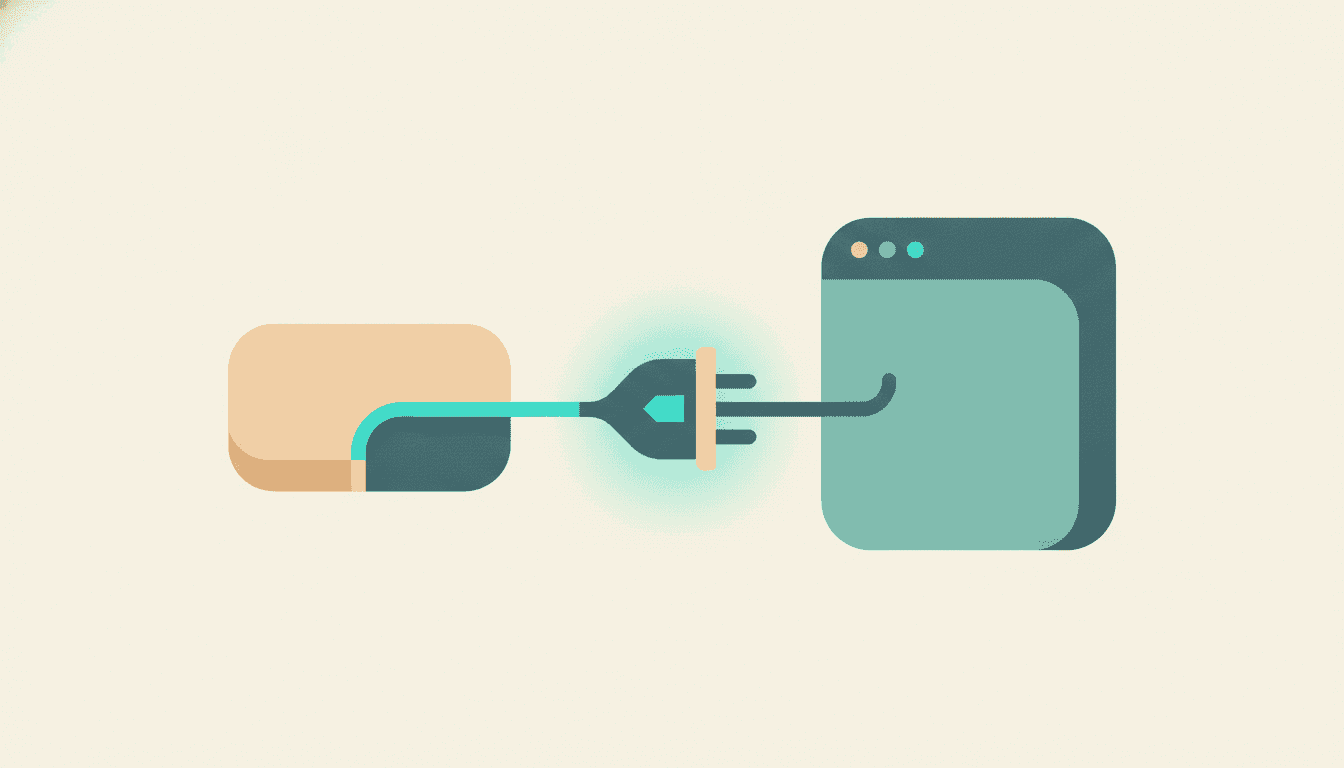
MCP stands for Model Context Protocol, and you can forget the words immediately. What it is, in practice, is a shared standard for how AI assistants plug into outside tools and data. Before it existed, every app had to build a custom integration for every assistant, which meant almost nobody did. MCP is the universal adapter. One plug shape, and now any tool that speaks it can offer itself to Claude, to ChatGPT, to whatever comes next.
For you that means the tool holding your data (your notes, your files, your research archive) can expose itself as something the assistant is allowed to use. When you ask a question, the assistant sees it has a tool for that and reaches for it, the way it might reach for a calculator. You never touch the plumbing. You just ask a normal question and it knows where to look.
The general shape of connecting one
I'm going to describe the shape here rather than exact button names, because the interfaces move around and I'd rather not send you hunting for a menu that got renamed last month. Every connector I've set up follows the same four beats, though.
One, the tool gives you a connection detail. Usually that's an address for the server plus a token, which is just a long secret string that proves the connection is yours. Some tools hand you both in one screen. You copy them.
Two, you add that connector inside ChatGPT. There's a settings area for connectors. You tell it you want to add one, and you paste in the address and token from step one. This is the part that used to feel scary and takes about thirty seconds now.
Three, you approve what it's allowed to do. The assistant will show you the tools the connector exposes, things like "search this archive." You okay it. This is worth reading rather than clicking through, because you're granting access, and you should know to what.
Four, you ask a question and watch it use the tool. The first time, phrase it so it's obvious you mean your data. "Search my archive: what did my creators say about the dollar this month." The assistant reaches for the connector, pulls the passages, and answers from your stuff. After a few tries it stops needing the nudge and just knows.
That's genuinely it. No terminal, no config file for most tools, no colon to fat-finger.
The one part I was right to worry about
Tokens. The connection token is a secret, and it should be treated like one. Two rules and you're fine.
Don't paste your token anywhere public, obviously. And prefer tools that put the token in the connector's config rather than in a URL. Tokens in web addresses have a nasty habit of leaking, through browser history, server logs, that link you accidentally share. This is a real lesson, not a hypothetical. A good connector keeps the secret in the secure config and never in a link. If a tool asks you to paste your token into a URL, that's the moment to raise an eyebrow.
Why bother connecting your own data at all
Here's the payoff, and it's the whole reason I stopped procrastinating. A generic ChatGPT is answering from the public internet and its training data. Ask it what a specific market creator said last week and it cannot know, because that newsletter is behind your subscription and never entered its training. It'll either admit it doesn't know or, worse, cheerfully make something up.
Connect it to your own archive and that flips. Now "what did the people I follow say about semis this month" returns their actual words, quoted and attributed, because the connector reached into the content you subscribed to. That's the difference between an assistant that knows the internet and an assistant that knows your inbox. For research, the second one is the only one that matters.
That archive is the thing I built. Adviserry connects to your trading newsletters and YouTube subscriptions, keeps them in one searchable place, and exposes that place to ChatGPT (and Claude Desktop) over MCP, so you can ask about your own creators right in the chat. Setting it up is exactly the four beats above. I'm biased since it's mine, but the shape is identical no matter whose connector you use.
One trader-specific note, because it's important. When you ask a connected assistant about markets, the right behavior is that it reports what your creators said, attributed and dated, and doesn't hand you a verdict. If you ask "what should I buy" it should point you back to what your creators actually published, not invent a recommendation. That's the line a research connector should hold. An assistant that starts giving you trade calls off your own newsletters has quietly turned into something it shouldn't be.
I dragged my feet on this for weeks and then set the whole thing up during a commercial break. If the config-file fear is what's stopping you, let it go. Add one connector, ask it one question about your own data, and you'll get why I now do it for every tool that offers it. If you're deciding which servers are worth connecting in the first place, I sorted them into plain categories here.
Adviserry is an educational and research aggregation tool, not a registered investment adviser. Nothing here is financial advice or a recommendation to buy, sell, or hold any security. Summaries reflect what creators you follow have published. Past performance and creator commentary do not predict future results.