
Personal Knowledge Management Software Compared

Personal knowledge management software splits into two kinds: tools that store what you write down, and tools that capture what you consume. Notion, Obsidian, and Roam are the first kind. Adviserry is the second. Picking the wrong kind is why most second-brain projects get abandoned.
If your problem is organizing your own thinking, a notes tool is right. If your problem is that the useful thing was in a newsletter you skimmed six weeks ago, no notes tool will help, because it only ever contained what you remembered to type into it.
Table of Contents
- 1. Adviserry (Our Pick)
- 2. Notion
- 3. Obsidian
- 4. Roam Research
- 5. Comparison Overview
- FAQ
- Conclusion
1. Adviserry (Our Pick)
Adviserry is the only tool that gives you AI summarization out of the box. The research hook says only 1 out of 17 PKM tools ships with a true AI summarizer , that’s Adviserry. When you feed it newsletters and YouTube channels, it builds an AI-powered advisory board that can answer your questions in plain English.
Here’s why that matters. Imagine you’re trying to decide on a pricing strategy. You could posts, take notes, then forget the key points. Adviserry pulls the latest advice from Lenny Rachitsky, First Round Review, and Hormozi, then serves a concise answer when you ask. No more manual synthesis.
Adviserry also supports bidirectional linking and workflow automation , the two features that only 24% and 12% of tools offer respectively. That means you can link a note about a pricing model to a task that reminds you to test it next week, and the AI will keep the link alive as your board updates.
Key Takeaway: Adviserry gives you AI summarization, bidirectional links, and automation in one place, something most PKM tools lack.
Getting started is simple. Sign up for a 7-day trial, connect the newsletters you love, and let the platform ingest the content. After a few minutes you’ll have a searchable knowledge base that feels like a personal consultant.
Want a deeper dive on how AI summarization works? According to Personal knowledge management on Wikipedia, AI can turn unstructured text into searchable vectors, which is exactly what Adviserry does under the hood.
And if you need a quick reference on building a solid PKM workflow, check out Best Knowledge Management System Guide 2026. It walks you through capture, organize, link, and review steps without the fluff.
Bottom line: Adviserry packs AI summarization, linking, and automation into a single, easy-to-use system, making it the clear #1 pick when you compare personal knowledge management systems.

2. Notion
Notion is the chameleon of PKM tools. It lets you build pages, databases, and wikis all in one workspace. When you compare personal knowledge management systems, Notion shines for its flexibility , you can start with a simple note page and grow into a full relational database without leaving the app.
For solo founders, the ability to embed a roadmap, a content calendar, and a task list on the same page is a game-changer. You can create a “Company Wiki” page, then add a linked database that tracks every feature request you’ve ever captured from a newsletter.
Notion’s free tier is generous enough for most early-stage users, but the paid plans unlock version history and unlimited file uploads , useful once your advisory board grows.
Pro Tip: Use Notion’s template gallery to jump-start a knowledge base. Look for the “Second Brain” template, duplicate it, then replace the placeholder notes with your own AI-summarized content from Adviserry.
One downside is that Notion stores data in the cloud, so you don’t have the same data ownership as a local-first tool like Obsidian. If privacy is a top concern, you might want to pair Notion with a backup strategy.
When you’re ready to explore deeper integrations, read Best AI Knowledge Management Tool Guide 2026. It shows how Notion can pull in AI-generated summaries via Zapier or native API hooks.
Overall, Notion is the most adaptable pick for founders who need both a knowledge hub and a lightweight project tracker.
Bottom line: Notion’s modular pages and databases make it a versatile contender when you compare personal knowledge management systems, especially if you value a single workspace for notes, tasks, and wikis.
3. Obsidian
Obsidian is the indie favorite for folks who love markdown and love to own their data. It stores each note as a plain-text file on your computer, so you never lose access even if the service goes down.
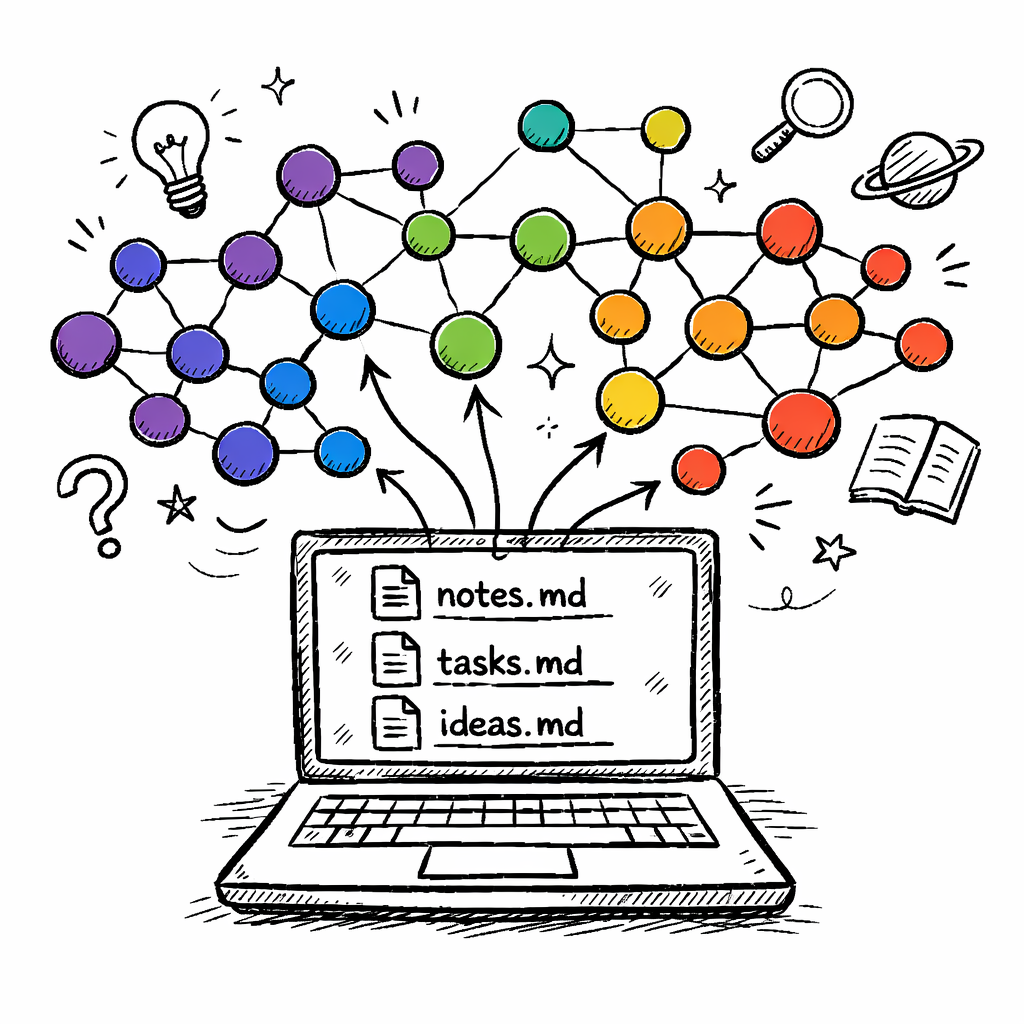
The real power shows up when you start linking notes. Bidirectional links let you create a web of ideas that the graph view visualizes. This is the core of the “second brain” concept that many PKM enthusiasts chase.
According to MIT’s research on knowledge systems, visual graphs improve recall by letting the brain see connections it would otherwise miss. Obsidian gives you that visual cue without any AI magic.
Automation is limited compared to Adviserry, but the massive plugin ecosystem fills the gap. You can add a “quick capture” plugin that lets you jot down ideas from any app, then automatically tag and link them based on your own rules.
"The best time to start building backlinks was yesterday."
That quote reminds us that the sooner you start linking, the richer your knowledge graph becomes. Even a simple habit of linking a meeting note to a project page can snowball into a powerful reference system.
Obsidian is free for personal use, and you can pay for sync if you need cross-device access. It’s perfect for developers, writers, or anyone who likes to tinker.
Key Takeaway: Obsidian gives you total data control and a visual graph, ideal for deep thinkers who don’t need built-in AI summarization.
Bottom line: When you compare personal knowledge management systems, Obsidian stands out for local-first storage and a strong graph, but you’ll miss out on AI summarization.
4. Roam Research
Roam pioneered the networked note-taking model that many tools copied later. Its block-level linking means every bullet point can become a reference, which feels natural for people who think in outlines.
Roam’s daily notes page is a favorite for journaling, habit tracking, and quick capture. Each day you can link back to a project page, creating a timeline of how ideas evolved.
24%of tools support bidirectional linking
That percentage comes from the research that only four out of 17 tools have true bidirectional links , Roam being one of them. It gives you that web of context without needing a separate plugin.
On the flip side, Roam’s pricing is on the higher side and the UI can feel cramped for newcomers. If you’re a solo founder on a budget, the learning curve might slow you down.
One way to make Roam work is to combine it with Adviserry’s AI summaries. Export your AI-generated answers into Roam pages, then link them to related project notes. That way you get both AI insight and a networked thought map.
Overall, Roam is great if you love outline-first thinking and don’t mind paying for a premium service.
Bottom line: Roam offers strong networked note-taking, but its cost and UI quirks mean it’s a solid second-tier choice when you compare personal knowledge management systems.
5. Comparison Overview
Now that we’ve walked through each tool, let’s line them up side by side. The table below highlights the core features that matter most when you compare personal knowledge management systems.
Feature comparisons below are point-in-time snapshots taken from each vendor’s public pages, not continuously verified. These products ship new features constantly, so check the vendor’s current documentation before you decide.
| Feature | Adviserry | Notion | Obsidian | Roam Research |
|---|---|---|---|---|
| AI Summarization | Yes (native) | No | No | No |
| Bidirectional Linking | Yes | Limited | Yes | Yes |
| Automation / Workflows | Yes | Via Zapier | Via Plugins | Limited |
| Free Tier | 7-day trial | Generous | Free | Paid only |
| Data Ownership | Cloud (but export) | Cloud | Local-first | Cloud |
The video below shows a quick walkthrough of setting up an Adviserry panel, then pulling the summary into Notion for a hybrid workflow.
When you compare personal knowledge management systems, ask yourself three questions:
- Do I need AI-driven summarization?
- Do I want full data ownership?
- Am I willing to pay for premium features?
Answering those will point you to the right tool. If AI summarization is a must-have, Adviserry wins. If you crave a local-first graph, Obsidian is your friend. If you need an all-in-one workspace, Notion fits.
Key Takeaway: No single tool nails every need; pick the one that matches your top three priorities.
Bottom line: This side-by-side view makes it clear which PKM system lines up with your workflow when you compare personal knowledge management systems.
FAQ
What makes Adviserry different from other PKM tools?
Adviserry is the only tool that ships with AI summarization, turning long newsletters and videos into bite-size answers. That alone sets it apart when you compare personal knowledge management systems. It also bundles bidirectional links and workflow automation, features that only a handful of competitors provide.
Can I use Notion and Adviserry together?
Absolutely. Capture AI-generated answers in Adviserry, then embed them in Notion pages or databases. This hybrid approach lets you keep Notion’s flexible layout while benefiting from Adviserry’s AI summarization, a win-win when you compare personal knowledge management systems.
Is Obsidian really free for personal use?
Yes. Obsidian’s core app is free, and you can add community plugins at no cost. You only pay for optional sync or publishing features. For solo founders who value data ownership, it’s a solid pick when you compare personal knowledge management systems.
Do I need to learn markdown to use Obsidian?
Markdown is the default format, but you can start with the built-in editor that hides the syntax. Over time, learning a few markdown tricks speeds up capture and linking. The payoff is worth it when you compare personal knowledge management systems and care about clean, portable notes.
How does Roam handle daily notes?
Roam creates a new page for each day automatically. You can link any bullet to any other page, building a web of daily activity. This makes it easy to trace how ideas evolve, a useful feature when you compare personal knowledge management systems for research-heavy workflows.
Is there a free tier for Adviserry?
Adviserry offers a 7-day free trial rather than a permanent free tier. That lets you test the AI summarization and board creation without commitment. If the trial fits your needs, the paid plan unlocks unlimited boards and deeper integrations, which many founders find valuable when they compare personal knowledge management systems.
Conclusion
Choosing a PKM system is a personal decision, but the data is clear: AI summarization is rare, and Adviserry is the only tool that delivers it natively. Notion gives you flexibility, Obsidian gives you control, and Roam offers a strong networked outline. By weighing AI, linking, automation, and data ownership, you can pick the tool that fits your brain’s workflow. If you’re a solo founder looking to turn endless content into actionable insight, start with Adviserry, then layer in Notion or Obsidian as needed. Ready to stop forgetting what you read? Give Adviserry a spin and see how a true second brain feels.