Why Your Gmail Filters Aren't Enough for Trading Newsletters
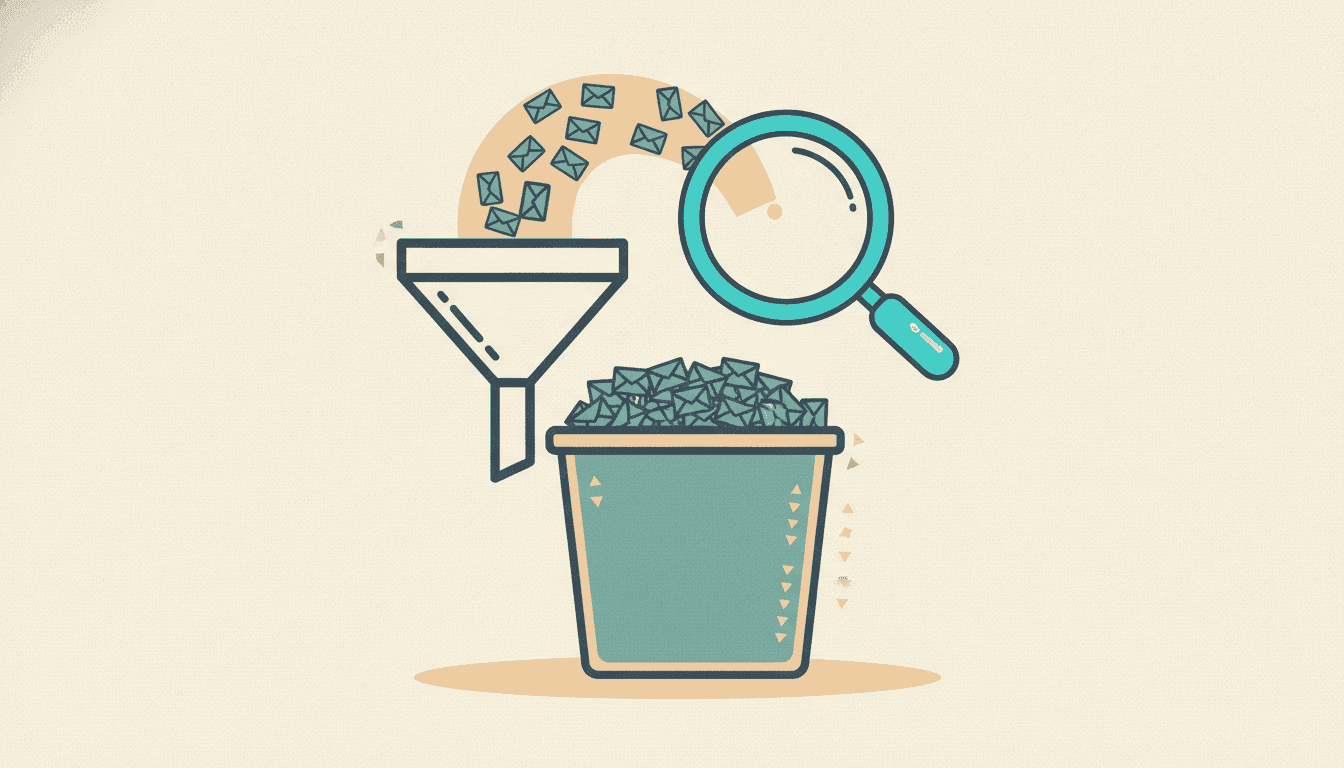
I want to give Gmail filters their due, because I genuinely love them. The little rule that catches every trading newsletter and drops it under a "markets" label so it skips my inbox? Chef's kiss. It's the single best five minutes I ever spent on my email.
And then it just... stops helping. Right at the moment you actually need it.
Here's how it goes. You set up the filter. You feel like a productivity wizard. Your inbox is calm. Then three weeks later you're trying to remember what someone said about a specific setup, you click into the "markets" label, and you're staring at four hundred emails sorted newest-to-oldest with subject lines like "The Weekly" and "Issue #212." Cool. Very helpful. Thanks, label.
The filter did its one job. It just turns out that job is the easy 20% of the problem.
What filters are actually good at
Let me be fair before I pile on. Filters are great at routing. They are useless at retrieval.
Routing is the "get this thing out of my face and put it over there" job. Catch anything from these senders, slap a label on it, skip the inbox. Filters nail that. If you haven't done it yet, go do it, it's a real quality-of-life upgrade and it costs you nothing.
Retrieval is the "I need that one specific idea from six weeks ago" job. And that's where the whole thing falls apart, because a label is just a bucket. It groups your newsletters by the fact that they're newsletters. It does not, and cannot, help you find an idea inside them.
Where it breaks, specifically
Three walls, and you hit all three eventually.
You organized by sender, but you think by topic. Filters sort by who sent it. That feels tidy. But when you're researching, you never think "let me check the So-and-So Letter." You think "what have people been saying about small caps lately," and that question cuts across five different senders. Your filing system is organized on an axis you never actually search along. It's like alphabetizing your spice rack by the color of the lid.
Gmail search wants exact words, and you don't have them. So you give up on the label and just search the whole account. Now you're typing guesses into the search bar, because you don't remember if the person wrote "rotation" or "breadth" or "the trade nobody's talking about." You remember the concept. Gmail matches strings. If your word isn't their word, you get nothing, and you conclude the email doesn't exist when really it's sitting right there using a synonym.
Half your research isn't even in Gmail. Be honest about how much of your market input comes from YouTube now. The long breakdowns, the interviews you listen to on 1.5x speed. None of that lives in your email. So even a perfect Gmail system covers, what, half your sources? The other half is in a completely separate app with its own useless search. Two islands, no bridge.
The fix isn't a better filter, it's a different tool
This is the part where people try to out-filter the problem. More labels. Sub-labels. A color-coding scheme. A naming convention for how they'll manually tag important issues going forward.
I've watched myself do this. It never survives contact with a busy week. Any system that asks you to hand-tag things at the moment you finish reading is dead on arrival, because that's exactly when your attention has already left the building. You can't discipline your way out of a tooling gap.
What actually closes the three walls is search that works the way your memory works. You want to ask a question by idea and get back the relevant passages regardless of the exact words used, from every source, with the creator's name and the date attached. That's not a filter. That's a search layer sitting on top of everything you read.
Keep the Gmail filter, by the way. It still does the routing job beautifully. You're just adding the retrieval layer it was never built to be.
That layer is the reason Adviserry exists. It plugs into the same Gmail newsletters your filter already catches, pulls in your YouTube channels so both islands are finally on one map, and lets you ask things like "what did anyone I follow say about energy this quarter" in plain language. It hands back the actual quotes, attributed, dated. I built it (so yeah, biased) because I was tired of my beautiful filter dumping me into a four-hundred-email bucket every time I actually needed something.
The honest test
Here's the tell for whether your current setup is enough. Next time you catch yourself thinking "didn't someone cover this," time how long it takes you to find it.
If the answer is "ten seconds, there it is," your system is working, keep it, ignore me. If the answer is "I clicked around for four minutes and gave up," that's not a you problem and it's not a discipline problem. It's a filter doing exactly what filters do, which is route your mail and then wave goodbye at the hard part.
I still run my markets filter every day. I just stopped asking it to be something it isn't. It gets the newsletters out of my inbox. Something else helps me actually find what's in them. Turns out that's two jobs, and I'd been demanding both from a tool built for one.
If you want the full "get organized from scratch" walkthrough, here's how to organize the trading newsletters you already pay for. And if you suspect you're paying for more than you're using, the thirty-second newsletter audit will put a rough number on it.
Adviserry is an educational and research aggregation tool, not a registered investment adviser. Nothing here is financial advice or a recommendation to buy, sell, or hold any security. Summaries reflect what creators you follow have published. Past performance and creator commentary do not predict future results.