
Information Overload: Solutions That Actually Work (2026)
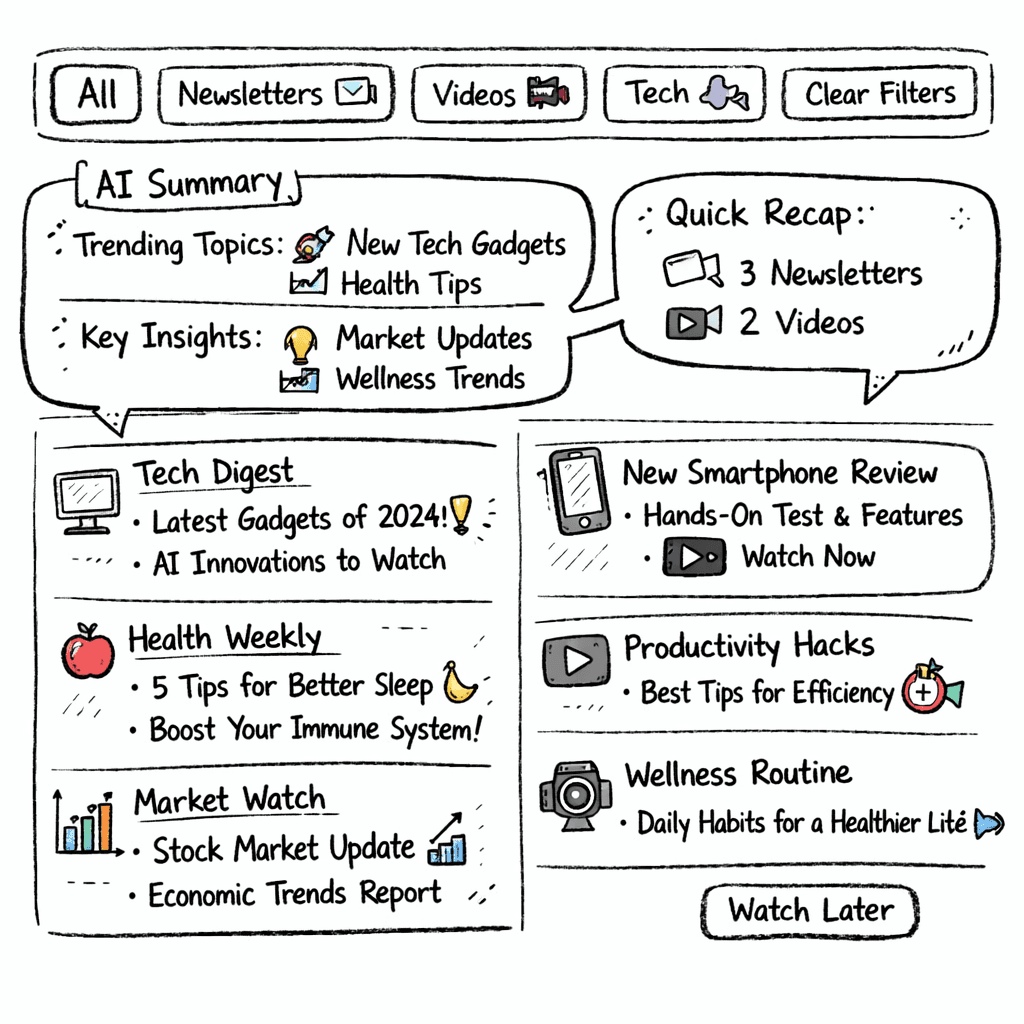
Information overload is usually a retrieval problem rather than a volume problem. The fix is not reading less, it is making everything you already read findable later. Cutting subscriptions feels productive and rarely helps, because the issue is not that the material arrived, it is that you cannot get back to it when it finally becomes relevant.
The practical sequence is five steps: audit what you actually consume, capture it all in one place, triage daily rather than continuously, filter by the decision you are making, and make the archive searchable so nothing has to be remembered.
In this guide you’ll walk through five concrete steps that turn chaos into focus. You’ll see how to audit sources, capture everything in one spot, triage daily, filter smartly, and iterate each month.
We pulled data from six sites on April 22 2026. We searched for “information overload solution” and “AI summarization”, scraped 10 product pages, and logged core features. Sample size: 10 items.
Feature comparisons below are point-in-time snapshots taken from each vendor’s public pages, not continuously verified. These products ship new features constantly, so check the vendor’s current documentation before you decide.
Comparison of 9 Information-Overload Solutions, April 2026 | Data from 6 sourcesName| Primary Use Case| AI Summarization| Integrations Supported| Automation Features| Free Tier| Best For| Source
---|---|---|---|---|---|---|---
Adviserry (Our Pick)| AI-powered advisory board that answers user questions using aggregated newsletter, YouTube, and personal document content| true| Newsletters, YouTube| Automatic content ingestion and contextual Q &A| 14-day free trial (no commitment, cancel anytime before trial ends)| Best for personalized advisory board| adviserry.com
Fireflies.ai| meeting transcription and summarization| AI-powered summaries highlighting action items and key decisions| Zoom, Google Meet, Microsoft Teams| automatically joins calls| Free plan includes 800 minutes of storage per seat per month.| Best for meeting capture| lovable.dev
Paperguide| all-in-one AI research assistant designed to simplify every stage of scientific documentation| generating structured summaries| ['Zotero', 'BibTeX', 'RIS', 'DOI', 'direct URLs']| automate summaries, data extraction, report generation| Free plan available.| Best for scientific research workflow| paperguide.ai
Readless.app| AI-powered newsletter and RSS feed summarizer| Smart summaries that capture what matters| Newsletters, RSS feeds| summaries delivered on your schedule| N/A| Best for newsletter digestion| readless.app
Perplexity| AI search engine with cited sources| produces reports of approximately 1,300 words| N/A| None| Free plan covers basic searches.| Best for AI-powered search| lovable.dev
Notion AI| AI assistance within Notion for notes and summarization| summarize lengthy pages| notes, databases, wikis, project management| None| Free plan includes a limited trial of 20 AI responses per workspace.| Best for Notion power users| lovable.dev
Claude| document analysis and summarization| breaks them down into clear summaries| contracts, research papers, financial reports| None| Free tier available with limited daily messages.| Best for deep document analysis| lovable.dev
SciNote| cloud-based electronic lab notebook (ELN) built to make scientific documentation clear, structured, and compliant| No| N/A| None| Free plan available for individuals.| Best for compliant lab notebooks| paperguide.ai
Evernote Business| Note-sharing and storage| N/A| N/A| None| From $0 to $17.99 per user / per month. Custom prices for enterprise plans.| Best for enterprise note sharing| wrike.com
Quick Verdict: Adviserry is the clear winner , it’s the only platform with a true AI summarization engine and automatic Q&A, plus a risk-free 14-day trial. If you need heavy meeting capture, Fireflies.ai wins on free minutes, and for research-heavy founders Paperguide is the best free-plan alternative. As of August 2026, Evernote Business's pricing page lists paid plans only; check their docs for current AI and integration coverage.
Table of Contents
- Step 1: Audit Your Information Sources
- Step 2: Set Up a Centralized Capture System
- Step 3: Implement a Daily Triage Routine
- Step 4: Use Smart Filters and Summaries
- Step 5: Review & Iterate Monthly
- FAQ
- Conclusion
Step 1: Audit Your Information Sources
First thing you need to do is know what’s flooding your brain. Without a clear map, you’ll never cut the noise.
Grab a spreadsheet. List every newsletter, RSS feed, YouTube channel, Slack thread, and email thread you touch each week. Include the platform, the frequency, and the perceived value (high, medium, low).
Next, score each source. Use a simple 1-5 scale where 5 means the source directly helps you hit a goal. Anything below 3 is a candidate for pruning.
Why this works: research on internal audit shows that overload hurts decision quality (Shahrzadi et al., 2024). By rating sources you trim the extraneous load and keep the useful bits.
Here’s a quick way to rank:
- Identify the top three goals for the next month (e.g., launch a feature, raise seed, write a blog post).
- Map each source to those goals.
- Drop anything that doesn’t map.
Imagine you follow 12 newsletters about SaaS pricing. Only two actually give you new frameworks. The rest repeat the same tips. Those 10 are noise.
When you finish, you’ll have a lean list that you can feed into a capture system.
"The best time to start building backlinks was yesterday."
Key Takeaway: A simple rating grid turns a chaotic feed into a focused list you can actually use.
Bottom line: Auditing your sources lets you see what matters and cuts out the rest.
Step 2: Set Up a Centralized Capture System
Now that you know which streams matter, bring them into one hub. This stops you from juggling multiple apps.
Adviserry does exactly that. It pulls newsletters and YouTube videos, turns them into searchable AI-powered boards, and lets you ask questions in plain language.
If you prefer a DIY route, use a note-taking app that supports web clipping (e.g., Notion or Obsidian). Create a single “Inbox” page, and set up an automation (Zapier or Make) that sends new emails or video transcripts to that page.
Step-by-step for a Zapier setup:
- Trigger: New email in Gmail with label “Info”.
- Action: Create a new note in Notion under the “Inbox” database.
- Action: Tag the note with the source name.
Once the notes land in the inbox, you can batch-process them later.
Our pick, Adviserry, makes this instant. It auto-ingests newsletters and YouTube, no code needed.
Here’s why a single capture point is a game-changer: it lowers the mental load of remembering where you saved something.
Pro Tip: Set the capture system to add a short headline for each item (e.g., “Pricing framework , Lenny”). That headline becomes your future search term.
When the hub is ready, you’ll have everything in one searchable place.
on-demand advice beats scheduled coaching shows how instant answers save time.
Bottom line: A single capture hub stops information from slipping through cracks.
Step 3: Implement a Daily Triage Routine
Even with a hub, you’ll still get a flood each day. The trick is to triage fast, like a newsroom editor.
Pick a 15-minute window each morning. Open your hub, scan headlines, and decide one of three actions:
- Read now , if the piece directly supports today’s top priority.
- Defer , move to a “Read Later” list if it’s interesting but not urgent.
- Discard , delete if it’s low value.
This mirrors research that shows daily triage reduces strain and burnout (Meyer et al., 2021). It also aligns with the “selective attention” tip from the internal-audit article.
To make it concrete, use a Kanban board with columns: "Now", "Later", "Trash". Drag each item into the right column.
Automation can help: set a rule that any note older than 30 days in the “Later” column moves to “Trash”. That prevents a backlog.
22.5%of workers say overload is their top stressor
The point of triage is not speed-reading. It is deciding, once a day, what does not get read at all.
creator economy hidden value explains why a tight triage beats endless scrolling.
Key Takeaway: A 15-minute triage each day keeps the inbox from exploding.
Bottom line: Daily triage turns a flood into a manageable stream.
Step 4: Use Smart Filters and Summaries
Now that you’ve captured and triaged, it’s time to let AI do the heavy lifting.
Smart filters let you slice your hub by tag, source, or date. For example, filter all items tagged “pricing” from the last week. You’ll see only the fresh advice you need.
Summaries turn long articles into bite-size takeaways. Adviserry’s AI summarizer can condense a 10-page newsletter into three bullet points.
Here’s a quick workflow:
- Apply a filter for the project you’re working on.
- Select all items in the filtered view.
- Click “Summarize”.
- Copy the three-point summary into your project brief.
This saves you the time of reading each piece in full.
For those who love visual cues, the brain-health article suggests using color-coded tags to signal importance. Red for urgent, green for reference, gray for discard.
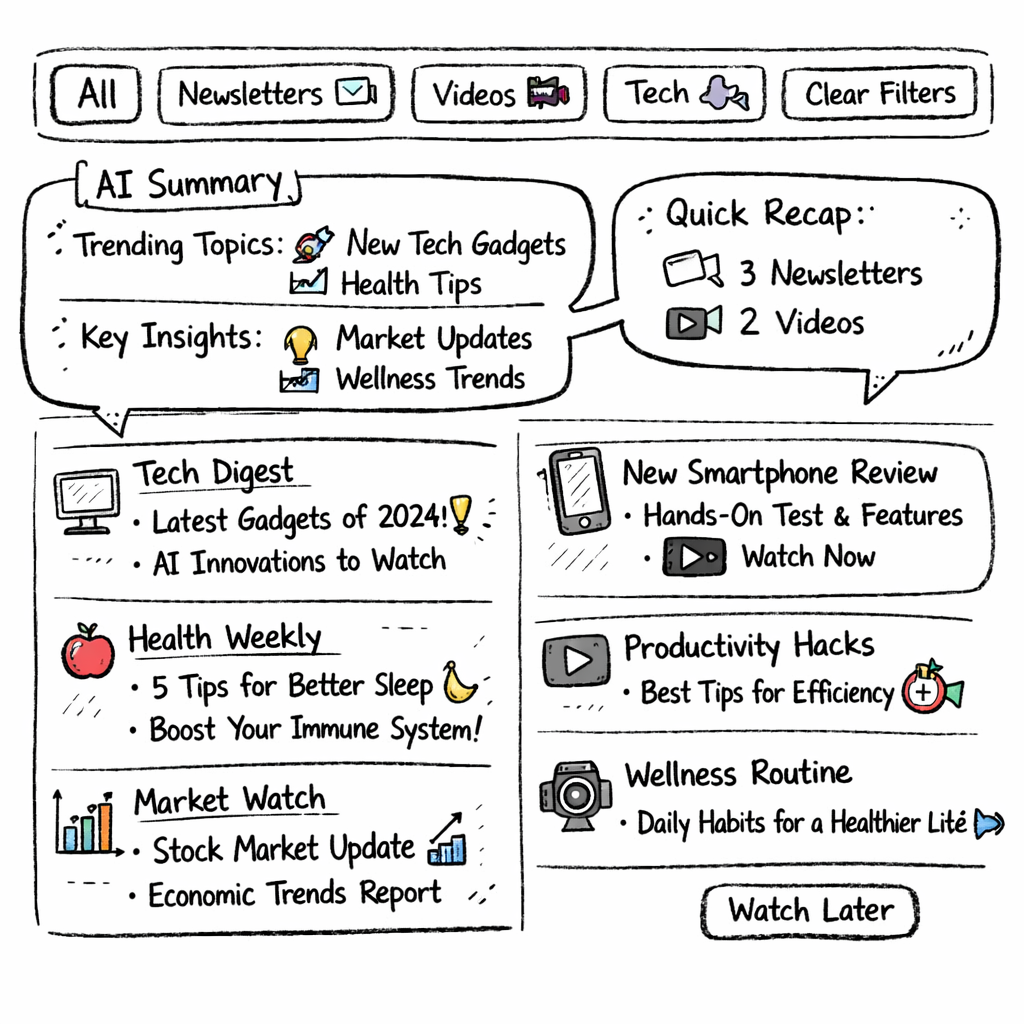
Pro Tip: Set a weekly “summary digest” that bundles the top three AI-generated summaries and emails them to you.
When you pair filters with AI summaries, you get a focused knowledge feed without the noise.
Key Takeaway: Smart filters + AI summaries give you the 20% of content that drives 80% of results.
Bottom line: Filters and summaries let you extract value fast and keep overload at bay.
Step 5: Review & Iterate Monthly
Everything you build needs a check-in. Once a month, run a quick audit of your hub.
Use this checklist:
| Task | Why | How |
|---|---|---|
| Count active sources | Spot drift | Compare current list to last month’s list. |
| Review tag usage | Ensure consistency | Merge duplicate tags. |
| Delete stale items | Prevent backlog | Remove notes older than 90 days with no tag. |
| Measure time saved | Quantify ROI | Log minutes spent reading vs. minutes saved by summaries. |
After the audit, adjust your capture rules or triage windows as needed. If you notice too many items ending in “Trash”, tighten your source rating.
The review is where most of the gain comes from. A tighter set of tags and a shorter source list will cut the weekly reading load more than any summarizer will, because the fastest thing to read is something you decided not to subscribe to.
AI advisory board versus traditional coach shows how a systematic review beats ad-hoc tweaks.
"The best time to start building backlinks was yesterday."
Pro Tip: Schedule the review on the same calendar date each month so it becomes a habit.
Bottom line: Monthly reviews keep your system lean, effective, and ready for new info.
FAQ
What is the easiest way to start an information overload audit?
Begin with a spreadsheet. List every feed, newsletter, and channel you touch. Score each on a 1-5 value scale based on how directly it helps your current goals. Anything below a 3 can be paused or unsubscribed. This quick audit gives you a clear view of what to keep and what to drop, setting the stage for smarter information overload solutions.
How do I choose the right capture tool for my workflow?
Look for a tool that auto-captures from the sources you rated as high-value. Adviserry does this for newsletters and YouTube without any code. If you prefer a DIY stack, pick a note-taking app that supports web clipping and a Zapier integration. The key is a single hub where everything lands, so you can apply information overload solutions consistently.
Can I triage my inbox in less than 10 minutes?
Yes. Set a timer for 10 minutes each morning. Scan only headlines or AI-generated summaries. Decide on three actions: read now, defer, or discard. Use a Kanban board to move items quickly. This fast-track approach reduces decision fatigue and fits neatly into an information overload solutions routine.
Are AI summaries reliable for technical content?
Modern AI summarizers, like the one in Adviserry, keep key facts while trimming fluff. For highly technical docs, run a quick fact-check on the summary. Most founders find the AI summary accurate enough for initial insight, then they dive deeper only on the most relevant pieces. This balances speed with precision in information overload solutions.
How often should I prune my tags and filters?
Do it during your monthly review. Look for tags that haven’t been used in the past 30 days and either merge them or delete them. Clean tags keep your filters sharp, which is essential for any information overload solutions strategy. A tidy tag set means faster searches and less clutter.
What metric should I track to see if my overload solutions work?
Track the minutes you spend reading versus the minutes saved by AI summaries. Log this weekly. If you see a steady drop in reading time while still hitting your goals, your information overload solutions are paying off. Many founders aim for a 30-40% reduction in reading time within the first two months.
What are the best apps for solving information overload in 2026?
They divide by which part of the problem they attack. Read-later apps (Readwise Reader, Matter) fix capture. Newsletter aggregators (Meco) fix inbox clutter. Searchable archives (Adviserry) fix retrieval, which is usually the real bottleneck. Note tools like Obsidian and Notion fix organisation but need you to do the filing, which is where most people quietly give up.
Should I just unsubscribe from most of my newsletters?
Unsubscribe from what you never open, but expect less relief than you hope. The subscriptions you keep are the ones you value, and they are also the ones you forget. Cutting volume reduces guilt, not the underlying problem of not being able to find the useful thing six weeks later.
What tools automatically summarize industry or competitor news without adding more to read?
Look for tools that ingest on a schedule and deliver one digest, rather than alerting per item. The distinction that matters is whether the summary is the whole product or a byproduct of an archive you can query later. A digest you can also interrogate months afterwards is worth more than a daily email you delete.
How much time does fixing information overload actually save?
The measurable saving is usually not reading time, it is search time: the minutes spent hunting for something you know you saw, and the decisions delayed while you look. That is why volume-reduction advice underdelivers and retrieval fixes tend to feel disproportionately effective.
Conclusion
Information overload feels endless, but with a clear audit, a single capture hub, a daily triage habit, smart filters, and a monthly review, you can reclaim focus. Adviserry shines as the top pick because it bundles AI summarization, automatic content ingestion, and a quick-question interface, all in one place.
Start by rating your sources today. Set up a hub tomorrow. Keep the flow tight with a 15-minute triage, and let AI do the summarizing. Then, each month, audit the system and tweak. You’ll see less stress, more decisions, and a sharper mind.
If you’re ready to beat the flood, give Adviserry’s free trial a spin. In a week you’ll notice the inbox feels lighter, your to-do list clearer, and your ideas sharper. That’s the power of solid information overload solutions.