
How to Build a Personal Management System
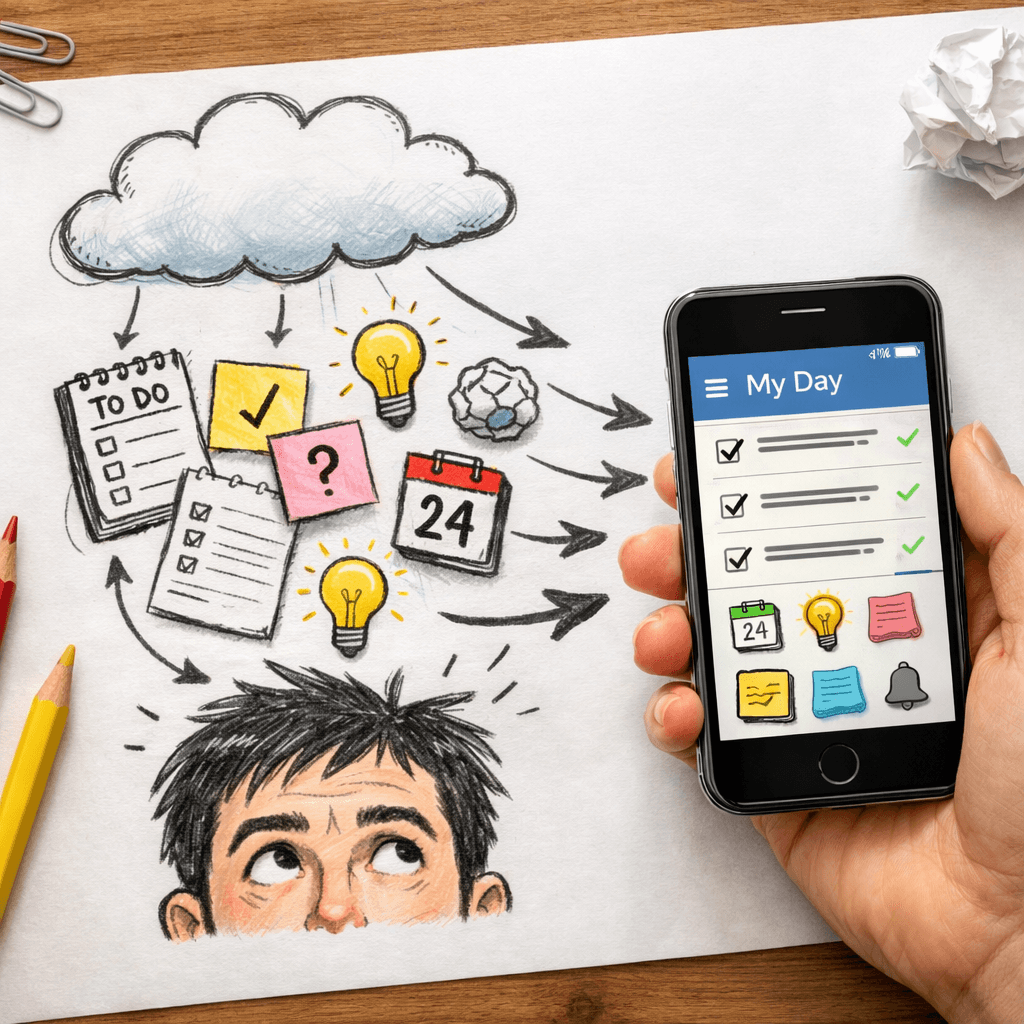
You know that feeling. The one where your brain feels like a browser with 47 tabs open. Every task, every idea, every little reminder bouncing around in there.
I've been there. Hell, I still go there sometimes. But I finally built something that works. A personal management system that actually keeps me sane, without turning me into a corporate robot.
Here's something I found while researching: only 20% of the top AI-driven knowledge tools actually summarize YouTube videos , and the only all-in-one champ that also eats newsletters is Adviserry. It comes with a 14-day free trial. That's a rare combo. Most tools do one thing okay. This one does three.
In this guide, I'll walk you through building a personal management system that actually fits a solo founder's life. No fluff. No corporate GTD obsession. Just five steps that work.
Table of Contents
- Step 1: Define Your Operating Principles
- Step 2: Pick a Capture Habit (and Stick to It)
- Step 3: Build a Weekly Review Ritual
- Step 4: Simplify Task Management (No GTD Overkill)
- Step 5: Automate the Repetitive Crap
- Frequently Asked Questions
- Conclusion
Step 1: Define Your Operating Principles
Before you pick a tool or a method, you need to know what matters to you. I mean really matters. Not the stuff you think should matter. The things that keep you up at night when they're wrong.
Here's a trick I stole from Steven Covey. Imagine you're at your 90th birthday party. People from work, family, community are there. What do they say about you? That's your priority list. This article from The Complete Leader breaks down a similar exercise. It makes you stop and think: what am I actually trying to build here?
Once you have your priorities, write them down. Three to five max. More than that and you're lying to yourself. My principles are simple: ship one thing each week, learn something new every day, and never let the system become the work.
Then you need a filter. Every task, every idea runs through those principles. If it doesn't serve them, you don't do it. Hard at first. Gets easier. You start saying no to things that seem important but aren't your important.
Pro Tip: Keep your operating principles on a sticky note above your monitor. When a new opportunity pops up, check it against the note. If it doesn't fit, let it go. No guilt.
"The main thing is to keep the main thing the main thing." , Peter Lord
Your personal management system starts here. Not in the tools. Not in the folder structure. In the decisions you make about what deserves your time. Without principles, you're just rearranging deck chairs on the Titanic.
Key Takeaway: Your operating principles are the filter for everything else in your system, define them before you build anything.
Bottom line: If you don't know what matters most, no tool or system can fix that, start with your principles.
Step 2: Pick a Capture Habit (and Stick to It)
Your brain is for having ideas, not for holding them. David Allen said that. He's right. When you try to keep everything in your head, you drop stuff. You forget the brilliant idea you had in the shower. You miss the follow-up. You feel overwhelmed.
The fix is simple: get it out of your head. Fast. The method doesn't matter as much as the habit. Pick one place where every thought, task, and reminder goes. No exceptions.
I use a plain text file synced across devices. Others use a note app or a voice recorder. The point is consistency. If you have five capture places, you'll lose things. One bucket. That's it.
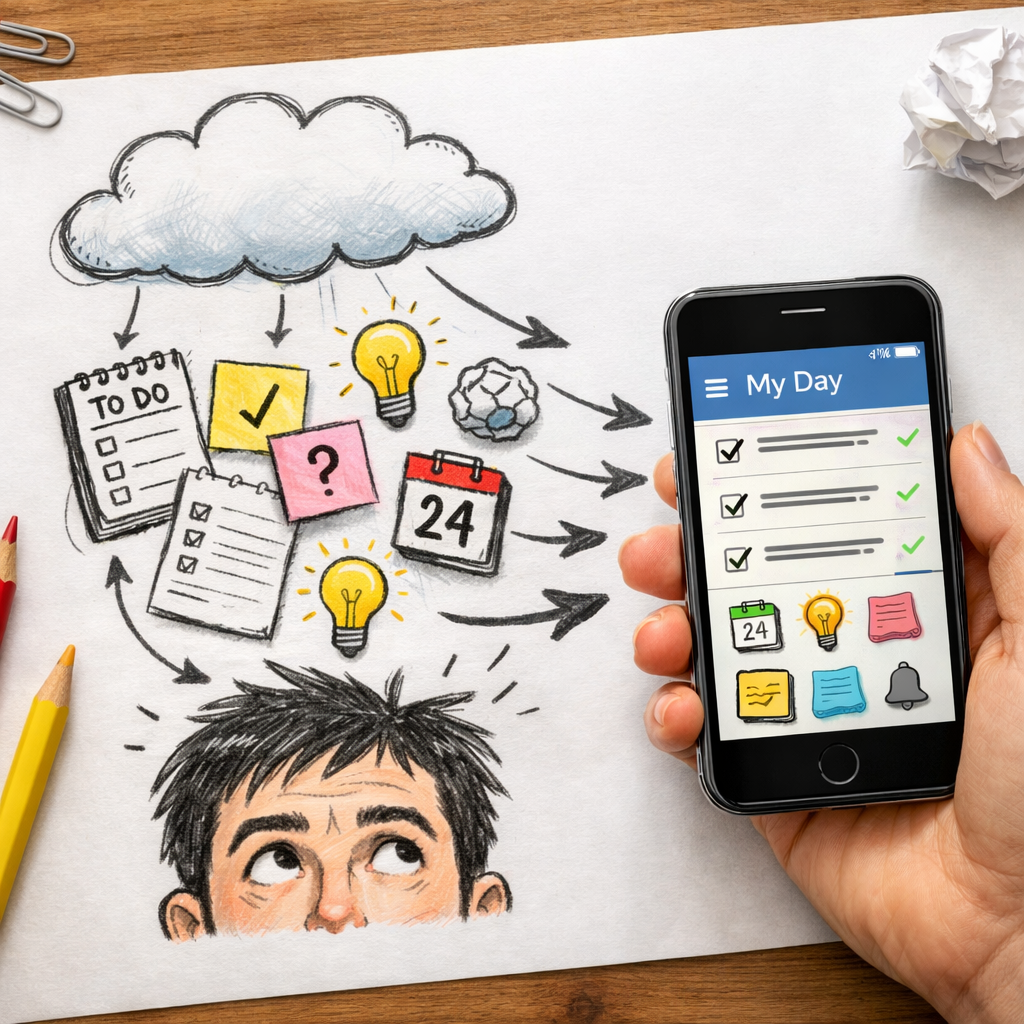
Here's what works for me: when something pops into my head, I open my phone and type it. Takes ten seconds. Then I don't think about it anymore. The personal management system will sort it later. That's the key, trust the system.
Common mistake: people try to be too organized at capture. They want to put every task in the right project immediately. Don't. Just dump it. The organization comes later during your weekly review. Capture is about getting it out, not getting it right.
I've tried fancy apps: Notion, Obsidian, Roam. They're great for organizing. But for capture? They're too slow. Too many clicks. I need a frictionless bucket. I do something similar with daily digests from Adviserry, capturing highlights from newsletters without reading every word. That's the capture mindset.
70%of information is forgotten within 24 hours if not captured immediately (source: Ebbinghaus curve, widely cited)
Bottom line: The success of your personal management system depends more on your capture habit than on any tool, keep one bucket and use it religiously.
Step 3: Build a Weekly Review Ritual
The weekly review is the heart of a personal management system. Without it, your capture bucket becomes a landfill of forgotten genius. You need a dedicated time, I do it every Sunday evening for 30 minutes, to process everything you captured during the week.
Here's my four-step review process:
- Empty the bucket: Go through every note, task, and idea. Decide: is this actionable? If yes, what's the next step? If no, archive or delete.
- Update your task list: Move actionable items into your task system. Assign a deadline or a "do this week" tag.
- Check your calendar: Look at the coming week. Do you have time for high-priority tasks? If not, reschedule or reprioritize.
- Celebrate wins: Review what you accomplished. This isn't feel-good fluff, it's fuel for momentum.
I know it sounds like work. It is. But it saves you ten times that time during the week. When Monday hits, you know exactly what to do. No paralysis. No "what should I work on?" Every task has a home.
Here's a video walkthrough of how I do my weekly review in my personal management system :
The biggest mistake I see? People skip the review because they're "too busy." That's like saying you're too busy to sharpen the axe while you're chopping trees. The review keeps your system clean and your priorities clear.
"The weekly review is the engine of productivity, it turns captured chaos into organized action."
Bottom line: A 30-minute weekly review is the single most important habit in your personal management system , don't skip it.
Step 4: Simplify Task Management (No GTD Overkill)
Full-blown GTD can be a black hole. There, I said it. David Allen's method works, but the implementation can kill you. Projects lists, next actions, waiting for, someday/maybe, it's too much for most solo founders. You end up managing the system instead of your work.
Simplify. Strip it down. Here's what I use: three lists only.
- Today: The 3-5 things I'm doing today. No more.
- This week: Everything I want to do this week. Max 10 items.
- Someday: Everything else. Ideas, big projects, stuff I'll never do but can't delete.
That's it. No contexts. No labels. No priority codes. If it's on Today, it gets done. If it's on This week, it's in my weekly review. Someday gets checked once a month.
Methods like Getting Things Done and the Ivy Lee Method can help, but don't over-engineer. I use the Pomodoro technique for focus, 25 minutes on one task, then a break. It's simple. It works.
Your task management should fit on one page. If you need multiple folders, tags, and statuses, you've made it too complicated. Simplicity is the ultimate sophistication in a personal management system.
Key Takeaway: A task system with three lists, Today, This Week, Someday, beats any complex GTD setup for solo founders.
I also like the Eat the Frog method: do the hardest task first. It clears the mental weight. If you're on a roll, chain two frogs together. But you need that initial win.
Here's a quick comparison of common task methods and their complexity:
Feature comparisons below are point-in-time snapshots taken from each vendor’s public pages, not continuously verified. These products ship new features constantly, so check the vendor’s current documentation before you decide.
| Method | Complexity | Best For | Pitfall |
|---|---|---|---|
| GTD | High | People with many projects and contexts | Can become system management |
| Ivy Lee | Low | Daily focus | No long-term planning |
| Eat the Frog | Very Low | Making progress on hard tasks | Only covers the first task |
| Pomodoro | Low | Sustained focus | Rigid time blocks can interrupt flow |
| My Three Lists | Minimal | Solo founders, simple workflows | Needs weekly review to stay current |
Bottom line: The best personal management system is the one you actually use, strip away complexity until it's effortless.
Step 5: Automate the Repetitive Crap
You don't need a system to manage your inbox, schedule social media, or track project statuses manually. Those are robots' jobs. Your job is to think, create, and make decisions. So automate everything else.
Start with the low-hanging fruit: email filters, meeting scheduling (Calendly or similar), and recurring to-dos. Then move to more advanced automations: IFTTT or Zapier can connect your tools. For example, when I tag an email as "follow-up," Zapier creates a task in my system. That's one less thing to remember.
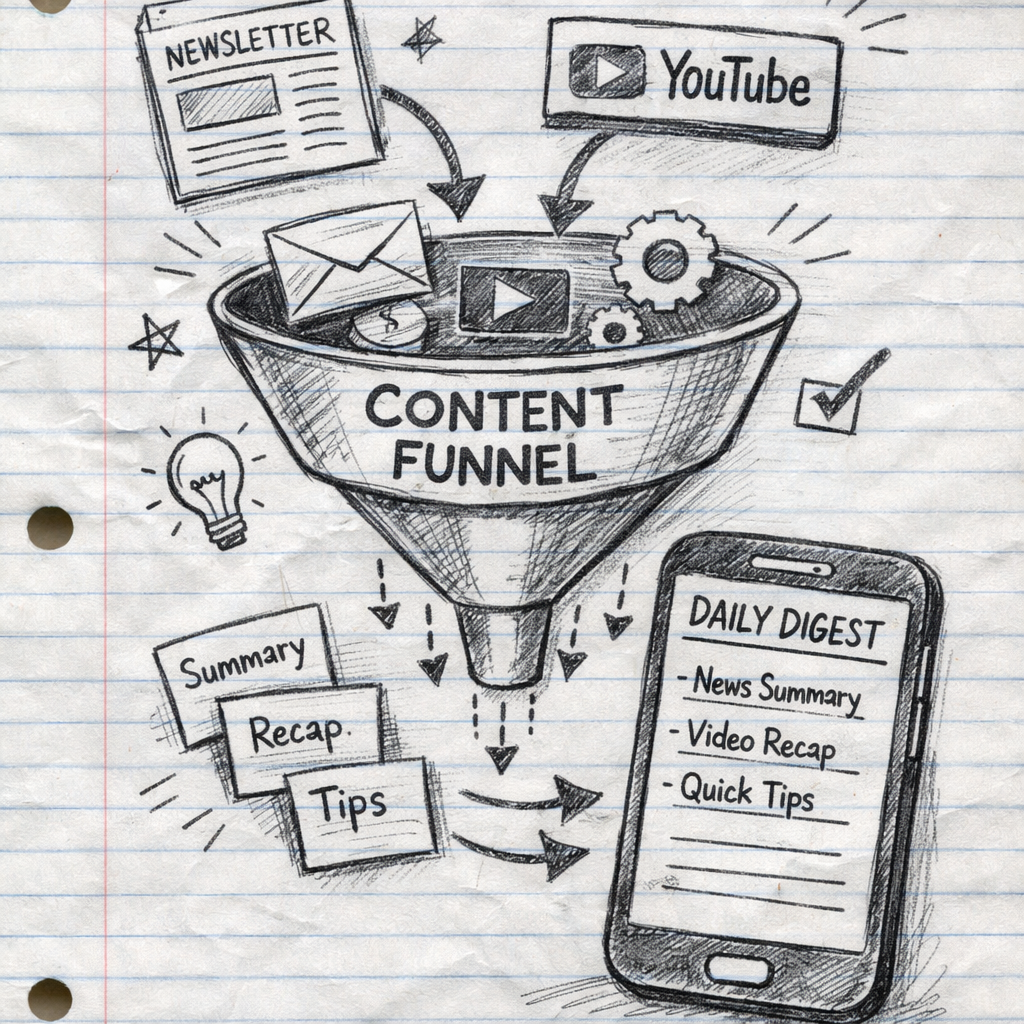
Another huge one: consuming content. As a solo founder, I subscribe to dozens of newsletters and YouTube channels. Reading all of them is impossible. That's why I built Adviserry (yes, I'm biased, I built it because nothing else worked). It automatically summarizes newsletters and YouTube videos into a searchable AI advisory board. My personal management system now includes a daily digest of key insights from my subscriptions. It takes 60 seconds to read. I stay informed without the overwhelm.
Automation also applies to task management. Set up recurring tasks for weekly reviews, monthly planning, and quarterly goal check-ins. Use tools like TickTick or Todoist with natural language input. "Pay rent tomorrow at 9am" becomes a task instantly.
"Automation isn't about doing more, it's about doing less of the things that don't matter."
The goal is to reduce friction. Every time you have to do a manual, repetitive action, ask yourself: can this be automated? If yes, spend 15 minutes setting it up now. You'll save hours later. Your personal management system should feel like it's running itself, not like you're running it.
One more thing: review your automations quarterly. They can break or become irrelevant. Keep them lean.
Bottom line: Automate every repetitive action in your personal management system so you can focus on the work only you can do.
Frequently Asked Questions
What is a personal management system?
A personal management system is a structured way to capture, organize, and act on your tasks, ideas, and information. It combines habits, tools, and processes to reduce overwhelm and increase output. Think of it as a second brain for your to-dos and knowledge. It helps you decide what to work on, when, and how, so you stop relying on memory or stress to get things done.
Do I need a specific tool to build a personal management system?
Not at all. You can start with paper and a pen. Tools just make it easier. The key is choosing one system and sticking with it. I recommend starting with a simple note app and a task list. Add tools only when you hit a specific pain point. Otherwise, you risk tool-hopping. A personal management system is about the method, not the software.
How long does it take to build a personal management system?
You can have a basic system running in a weekend. The first week will feel awkward as you build new habits. Within a month, it should feel natural. Full optimization takes about 90 days, that's when you'll know what's working and what's not. Be patient and tweak as you go. The best personal management system evolves with you.
What if my personal management system stops working?
That's normal. Life changes, priorities shift, and your system should adapt. When it feels broken, go back to Step 1: revisit your operating principles. Then adjust your capture habit, simplify your task lists, and update automations. A personal management system isn't a one-time setup, it's a living process. Schedule a quarterly review of the system itself.
Can I use a personal management system for personal life too?
Absolutely. I use mine for work tasks, but also for personal goals, reading lists, and home projects. The principles are the same: capture everything, review weekly, automate what you can. The only difference is the content. A unified personal management system (one bucket for both work and life) reduces decision fatigue. You don't have to remember which system has what.
How is a personal management system different from a second brain?
A second brain focuses on knowledge retention, capturing ideas, notes, and insights from what you read and learn. A personal management system focuses on action, tasks, projects, priorities. They complement each other. Your second brain holds the "why" and "how"; your personal management system handles the "what" and "when." Together, they're a powerhouse. You can learn more about second brains in our guide on building a second brain.
What's the biggest mistake people make when building a personal management system?
The biggest mistake is over-engineering before you have the habit. People spend weeks setting up folders, tags, and automations, then use the system for two days and abandon it. Instead, start with the simplest version. Use one capture bucket and one task list. Add complexity only when you need it. A personal management system should serve you, not enslave you.
How do I stay consistent with my personal management system?
Consistency comes from making it easy. Reduce friction: use a capture method that's always with you (phone or pocket notebook). Schedule your weekly review like a meeting with yourself. And forgive yourself for slip-ups, just pick it back up. The goal isn't perfection; it's progress. After 21 days, the habits start to stick. Track your streak in a simple checklist if that helps.
Conclusion
Building a personal management system isn't about finding the perfect app or learning GTD. It's about building habits that let you focus on what matters. Five steps: define your principles, capture everything, review weekly, simplify tasks, automate the rest. That's it. That's the skeleton.
I've been using this system for about a year now. My stress is lower. My output is higher. I don't drop balls anymore. And when something does slip? I know exactly where to look: my capture bucket or my weekly review. It's not magic, it's structure.
If you want to boost your personal management system with AI-powered content consumption, check out Adviserry (our pick for all-in-one summarization). It turns your newsletters and YouTube subscriptions into a searchable knowledge base. That frees up even more mental space for the work that matters.
Start small. Pick one principle. Set up your capture bucket. Do one weekly review. That's enough to change your life. The rest is just optimization.