
AI Newsletter Summarizer Tools: 5 Compared (2026)
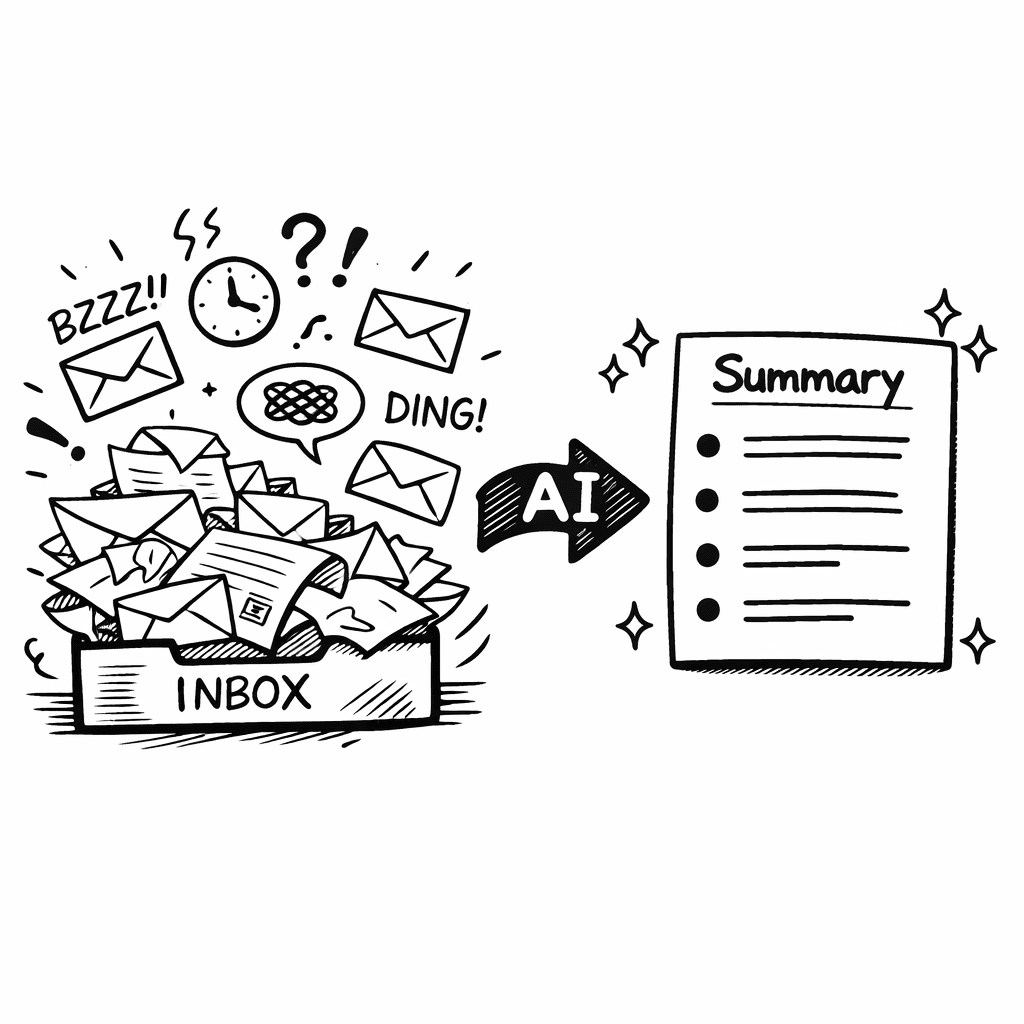
The best AI newsletter summarizer depends on what you want back. If you want a short daily digest for the cheapest price, use Readless or Meco, both under $5 a month. If you want a searchable archive you can ask questions of months later, use Adviserry at $24.99 a month. That is the real split in this category, and most comparison posts blur it.
Below is what each tool actually does, what it costs as of August 2026, and who it suits. Prices change, so every tool links to its own pricing page.
What is an AI newsletter summarizer?
An AI newsletter summarizer reads the full text of the newsletters you subscribe to and gives you back something shorter: a digest, a set of bullet points, or an answer to a question you asked.
The tools split into two groups that are easy to confuse:
- Digest tools compress today's inbox into one email you read in five minutes. Yesterday's digest is gone once you have read it.
- Archive tools keep everything, index it, and let you query it later. The daily summary is a side effect rather than the product.
Digest tools cost a few dollars a month. Archive tools cost more because they store and index everything. Pick the group first, then the tool.
Which AI newsletter summarizer should you use?
| Tool | Price (Aug 2026) | How content gets in | What you get back |
|---|---|---|---|
| Adviserry | $24.99/mo, 14-day trial | Gmail OAuth, YouTube channels, uploaded documents | Searchable archive, weekly suggested actions, chat, MCP access from Claude and ChatGPT |
| Readless | $4.90/mo Pro, $9/mo Max | Forwarding address, RSS | Daily email digest with cross-source de-duplication |
| Meco | Free tier, $4.99/mo Pro | Meco mailbox address, Gmail and Outlook on Pro | Reader app with AI summaries and audio roundups |
| Digest AI | Free for 5 sources | Gmail connect | One daily summary email |
| LangChain (DIY) | LLM API costs only | Whatever you build | Whatever you build |
Adviserry: when you need to find it again later
Adviserry is the archive option. It connects to Gmail with read-only OAuth, detects the newsletters already arriving, and adds YouTube channels and your own uploaded documents alongside them. Everything is transcribed, summarized, embedded, and kept.
The practical difference shows up weeks later. A digest tool answers "what happened today". Adviserry answers "what has everyone I follow said about pricing pages in the last six months", because the last six months are still there and indexed.
Two things it does that the cheaper tools do not:
YouTube in the same archive as email. Transcripts from the channels you follow are indexed next to newsletter issues, so one query covers both.
A personal MCP server. Claude Desktop and ChatGPT can search your archive from inside a conversation you are already having, rather than making you switch to another tab. This is the feature most people underestimate until they use it.
You organize sources into panels, up to 5 panels with up to 10 sources each. Adviserry Pro is $24.99 per month with a 14-day free trial.
Who it is not for: if you want a five-minute morning read and nothing else, this is expensive for what you would use.
Readless: the most capable cheap digest
Readless gives you a forwarding address at @mail.readless.app and accepts RSS URLs into the same schedule, so email newsletters and feeds land in one digest. It de-duplicates across sources, which matters when five newsletters cover the same funding round on the same morning.
Pro is $4.90 per month for unlimited sources and up to three digest schedules. Max is $9 per month, which raises that to eight schedules and adds custom summary instructions. There is a 14-day trial.
No Gmail OAuth is required, which some people prefer.
Who it is for: anyone who wants one well-built digest email and does not need to search back through it.
Meco: a reader app rather than a digest email
Meco is closest to an inbox replacement. Newsletters go to a dedicated Meco address or come from a connected Gmail or Outlook account on the Pro plan, and you read them in a clean app instead of an email client. Grouping by topic, bookmarking, and swipe-to-skim are the core of it.
The free tier covers the reading experience. Pro is $4.99 per month or $39.99 per year and adds AI summaries, offline reading, connecting up to three mail accounts, and audio roundups you can listen to instead of read.
Who it is for: people who want to keep reading newsletters properly, just not in their inbox. The AI summary is an assist, not the point.
Digest AI: the free option
Digest AI connects to Gmail and sends one daily summary email. It is free for up to five sources, which makes it the easiest way to find out whether a daily digest actually changes your habits before paying for one.
Who it is for: testing the concept at zero cost.
Building your own with LangChain
If you write Python, LangChain connects a language model to your data sources and you can assemble a summarizer in an afternoon: pull from the Gmail API or an RSS feed, strip HTML and signatures, run a summarization prompt, and write the result to a database or Notion.
The appeal is control. You choose the model, the prompt, and where the data lives, and you can add logic no hosted tool offers, such as tagging each summary with a confidence score or routing different topics to different destinations.
The cost is maintenance. API keys, rate limits, deliverability, and a codebase that breaks when a provider changes an endpoint. Budget a weekend to build and an hour a month forever.
Who it is for: developers with a specific requirement no hosted tool meets.
How to choose in one minute
Answer one question: will you want to find this again in three months?
If no, buy the cheapest digest that fits how you like to read. Readless if you want an email, Meco if you want an app, Digest AI if you want to try it free first.
If yes, you need an archive, and the price step up is the cost of storage and indexing rather than a premium for the same thing.
If you are not sure, start with a free or near-free digest. You will know within two weeks whether you keep wishing you could search back through it.
FAQ
What is the best AI newsletter summarizer tool?
There is no single best one, because the tools do two different jobs. For a cheap daily digest, Readless at $4.90 per month and Meco at $4.99 per month are the strongest options. For a searchable archive you can query months later, Adviserry at $24.99 per month is the option that also covers YouTube and connects to Claude and ChatGPT.
Is there a free AI newsletter summarizer?
Yes. Digest AI is free for up to five sources, and Meco's free tier includes newsletter reading and topic grouping, though AI summaries are on the paid plan. Most paid tools also offer a 14-day trial.
Do these tools read my personal email?
The tools that connect through Gmail OAuth request read-only access and are scoped to newsletters rather than personal correspondence. Tools that use a forwarding address, such as Readless, never touch your mailbox at all, because you forward only what you choose. Check each tool's own privacy documentation before connecting an account.
Can an AI newsletter summarizer handle YouTube videos too?
Most cannot. Adviserry indexes YouTube transcripts in the same archive as newsletter issues, so a single query covers both. The digest tools in this comparison handle email and, in Readless's case, RSS.
What is the difference between a newsletter summarizer and a read-later app?
A read-later app saves what you decided to save, so the archive reflects what you noticed at the time. A summarizer processes everything that arrives whether or not you flagged it, which is the point: the thing you need in three months is usually the thing you skimmed past today.
Can I query my newsletters from ChatGPT or Claude?
With Adviserry, yes, through its MCP server, which lets Claude Desktop and ChatGPT search your archive inside an existing conversation. The other tools in this comparison deliver a digest and do not expose their content to an outside assistant.
How much should I expect to pay?
Digest tools sit between free and roughly $10 per month. Archive tools with search, multi-source ingestion, and assistant access run around $49 per month. Building your own costs only LLM API calls, usually a few dollars a month, plus your time.
The short version
Decide whether you are buying a digest or an archive. Digest tools are cheap, mature, and good at what they do, and if a five-minute morning read is all you want, paying more is waste. Archives cost more and earn it only if you actually go back and ask questions.
If you want to try the archive side, Adviserry has a 14-day free trial. Connect Gmail, add a couple of YouTube channels, and see whether querying your own sources changes how you work.