7 Best AI Second Brain Tools for Knowledge Workers (2026)
7 Best AI Second Brain Tools for Knowledge Workers
An AI second brain is a tool that captures what you read and watch, then answers questions from it later in your own words rather than making you remember where you filed it. The seven below differ mainly on one axis: how much manual filing they expect from you before they become useful.
That axis is the whole game. Every second-brain tool works beautifully in a demo and most are abandoned within a month, because the demo never shows the daily tax of tagging and linking. The ones that survive are the ones that ingest automatically.
I have roughly 2,300 unread emails. I know this because Gmail helpfully reminds me every time I open the app, like a passive-aggressive roommate who keeps pointing at the dishes in the sink.
Somewhere in that pile are at least a dozen newsletter issues containing advice that, at the time they were sent, I genuinely wanted to read. Pricing frameworks from Patrick Campbell. Growth tactics from Lenny Rachitsky. Some AI thing from Ben's Bites that I starred and never went back to.
My brain is not a second brain. My brain is a sieve with a college degree.
So yeah, I've been obsessed with the "second brain" concept for a while now. The idea that you can build an external system that captures, organizes, and resurfaces knowledge so your actual brain can focus on, you know, thinking. Tiago Forte wrote a whole book about it. Thousands of people have built elaborate Notion databases and Obsidian vaults to make it work.
And most of them (including me, at one point) abandoned those systems within three months. Because the dirty secret of second brains is that they require you to do all the work. You read the article. You highlight the key parts. You write a summary. You tag it. You file it. You review it later.
That's not a second brain. That's a second job.
The good news: AI is finally making this concept actually practical. Here are the tools that are doing it best, ranked by how much manual work they save you.
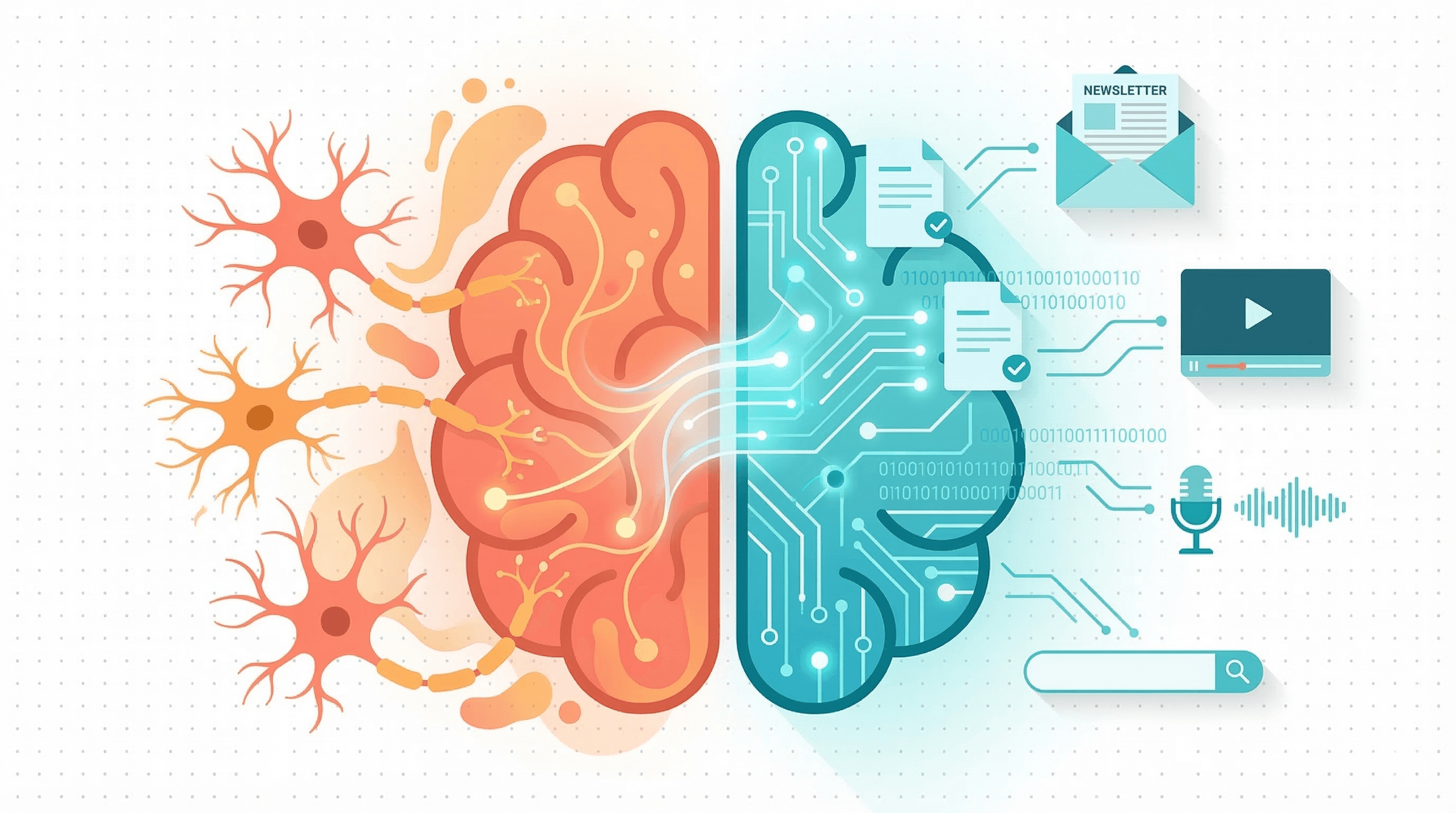
Adviserry automates the entire capture-to-conversation pipeline. You connect your Gmail, it finds your newsletter subscriptions, extracts the content, summarizes it with AI, and makes everything searchable. Same deal with YouTube channels. You end up with topic-based "boards" (marketing, AI, SaaS growth, whatever) that you can search or chat with. The difference between this and every other tool on the list is that you don't have to manually add anything. Your subscriptions are the input. Your knowledge base builds itself. I built Adviserry (so yeah, I'm biased) because I got tired of the "capture everything manually" approach, and frankly, I just wasn't going to do it. Nobody was. The MCP server integration means you can query your boards from Claude Desktop or ChatGPT without even opening the app. Pro is $49/month with a 7-day free trial.
Notebook LM is Google's sleeper entry and it's surprisingly good. You upload sources (articles, PDFs, YouTube links) and it builds a knowledge base you can query. The audio overview feature, where it generates a podcast-style conversation about your sources, is genuinely wild the first time you hear it. For processing dense material or getting a quick take on multiple articles about the same topic, it's pretty great. And the price is right: $Free. The limitation is that everything is manual upload, there's no ongoing sync, and it's more suited for research projects than daily knowledge management.
Readwise Reader is the best pure reading-and-highlighting tool. If your workflow is read, highlight, review, Readwise is excellent. It saves highlights from Kindle, web articles, PDFs, tweets, and newsletters, then resurfaces them through spaced repetition. The Reader app is a solid RSS-style reading experience with AI summaries. Where it falls short for me is that it still requires you to read and highlight. It's a better capture tool, not a replacement for the work of reading. And there's no chat interface for asking questions across your highlights.
Obsidian with community AI plugins is the power user's dream and nightmare. Local-first, markdown-based, infinitely customizable. With plugins like Smart Connections or Copilot, you get AI-powered search and chat across your notes. The backlinks and graph view are genuinely powerful for making connections between ideas. But here's the thing: you need to write the notes. You need to maintain the system. You need to enjoy the process of building your vault or you'll abandon it. I've started and stopped with Obsidian three times now. (I keep telling myself this time will be different. It won't.)
Notion AI / Mem are for people who already live in their notes app. If your entire work life is already in Notion, then Notion AI adds a solid search-and-answer layer on top of it. Ask questions across your workspace, get answers based in your own content. Mem takes a similar approach but tries to handle the organization for you, using AI to auto-tag and surface related notes. Both have the same core limitation: you have to put the content in first. They won't go fetch your newsletters or transcribe your podcasts. Great brains, but you're still the one feeding them.
Recall automatically summarizes and categorizes web content you save. You save a link, it generates a summary and files it into a knowledge graph. Pretty neat for building a browsable library of things you've read. The auto-categorization is surprisingly good. But like most tools in this space, it's pull-based: you have to actively save things. It won't go discover and ingest your subscriptions on its own.
[ChatGPT/Claude/Gemini] with uploaded documents is the DIY option. Claude's Projects feature, ChatGPT's file uploads, Gemini's context windows. You can upload documents for persistent context and ask questions across them. For a one-off research session, this works great. For an ongoing knowledge base that stays current with your subscriptions? Not so much. You're rebuilding the context every time.
Here's the pattern I keep seeing: most "second brain" tools are really "better note-taking with AI sprinkled on top." They make it easier to organize what you've already captured, but they still expect you to do the capturing.
And that's where most knowledge workers fall off the wagon. Not because they don't want a second brain, but because they don't have the discipline to feed it every day. I sure don't.
The tools that will win this category are the ones that build your knowledge base without asking you to change your behavior. You already subscribe to newsletters. You already watch YouTube. You already listen to podcasts. The best second brain is one that meets you where you are, not one that asks you to become a different person.
That's my bet, anyway. And yeah, I'm building toward that bet with Adviserry. But even if you go a different direction, pick the tool that matches how you actually work, not how you wish you worked. Future-you will thank present-you for the honesty.
FAQ
What is the best AI second brain app in 2026?
It depends on where your material comes from. If it arrives by email and video, an auto-ingesting archive like Adviserry needs no filing. If you clip articles as you browse, Readwise Reader is stronger. If you write more than you read and want full control of your files, Obsidian with an AI plugin is still the most flexible. There is no single winner, but there is usually an obvious one per person.
Do AI second brain tools actually work, or do people abandon them?
Abandonment is the norm, and the cause is consistent: tools that require manual capture and tagging lose to the friction. The ones that stick are the ones where the archive fills itself. When judging a tool, ask what happens if you do nothing for two weeks. If the answer is that it stays current, it will probably survive.
What is the difference between a second brain and a note-taking app?
A note-taking app stores what you wrote down. A second brain is expected to answer questions across everything you took in, including material you never explicitly saved. The practical test is whether you can ask it a question in plain language and get a cited answer, rather than having to remember which note to open.
Can I use my AI second brain from ChatGPT or Claude?
With some tools, yes, over MCP. That matters more than it sounds: an archive living in its own app competes with every other tab for your attention, while one reachable from the assistant you already have open gets used. Adviserry exposes your indexed sources to Claude Desktop and ChatGPT through a personal MCP server.