How to Give AI Ongoing Context About What You're Working On
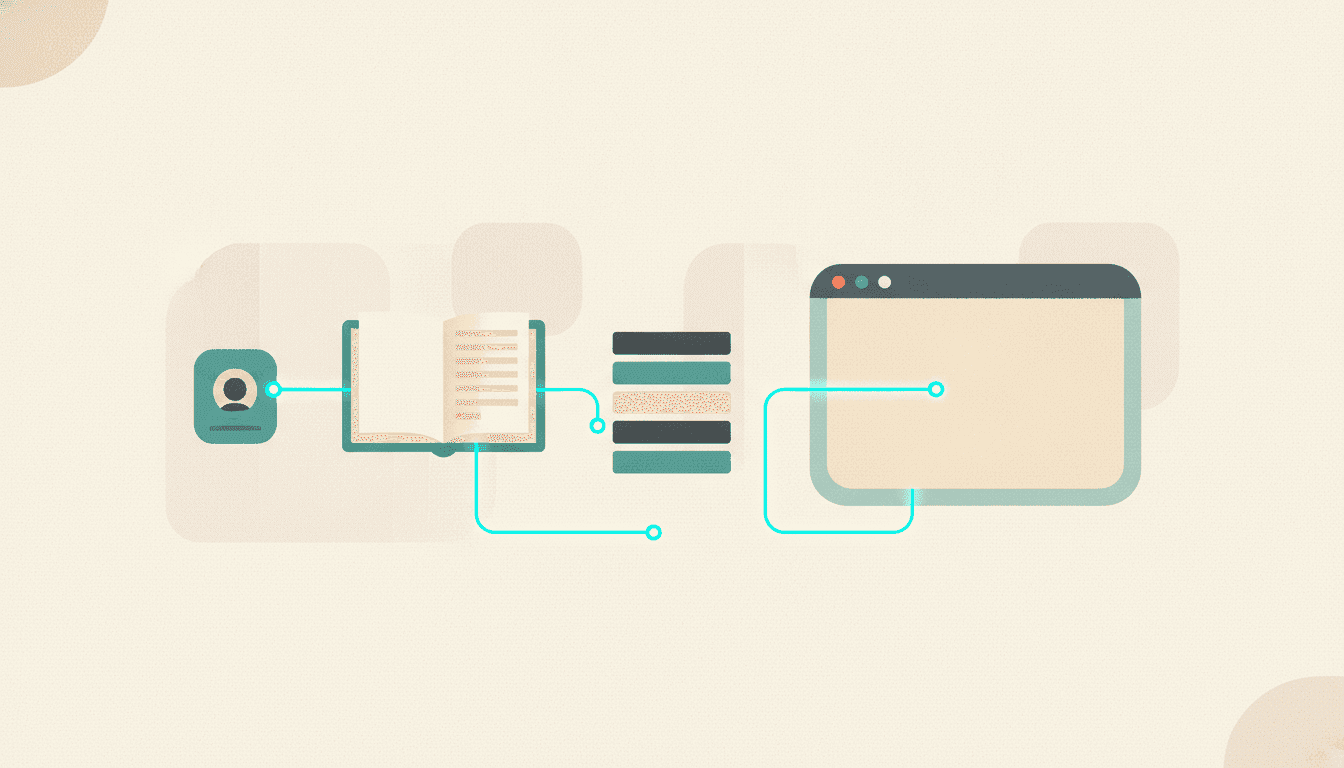
Somewhere around the fortieth time I typed "I run a SaaS that turns newsletters into a searchable archive" into a chat window, it hit me that the smartest software I've ever used has the memory of a goldfish.
Here's the short answer. To give an AI ongoing context about your business, you need three mechanisms working together: a maintained context profile the AI reads every single time (who you are, what you're building, what's in your way), session memory that carries learnings from one chat into the next, and a live connection to your own data so it answers from sources you trust instead of the generic internet. ChatGPT's custom instructions and memory, Claude Projects, and CLAUDE.md-style files each cover a piece of that. None of them covers all three, which is why this post exists.
The three mechanisms, in plain English
The re-explaining problem has one root cause: by default, every chat starts from zero. The model knows the public internet and nothing about you. So every fix, no matter what the marketing page calls it, is one of three moves.
The first is a context profile: a standing description of you that gets read every time. Your role, your business, your current projects, your goals, what's currently blocking you. Think of it as the briefing doc you'd hand a new assistant on day one, except this assistant has day one every single morning, so the doc has to be handed over automatically.
The second is memory across sessions. The AI notices things during conversations ("Adam is preparing an AppSumo launch," "Adam hates em-dashes with a burning passion") and quietly keeps them for next time. You don't write these down. It does.
The third is a live connection to your actual data. Not a description of your work, but the work itself: your notes, your documents, your research, your subscriptions. This is where MCP comes in, and I'll get there.
Profile, memory, data. Every tool in this space is some mix of the three. Now let's look at what's actually available.
The generic options (and where each one runs out)
I want to be fair here, because these all work and I use two of them daily.
ChatGPT gives you custom instructions plus automatic memory. Custom instructions are a text box: you write a paragraph about who you are and how you want answers, and it gets silently injected into every conversation. Memory is the automatic part, where ChatGPT jots down facts about you as you chat. Together they're a decent version of mechanisms one and two. The catch is that memory is opaque. You don't fully control what it saves, you rarely check what's in there, and it goes stale without telling you. Mine still thought I was working on a feature I'd shipped and forgotten about. The AI equivalent of a coworker who remembers your ex's name but not your current partner's.
Claude gives you Projects. A Project bundles standing instructions with uploaded documents, so every chat inside it starts pre-loaded. Genuinely great for a bounded piece of work, like a product launch or a legal review. The limit is the word "uploaded." Those documents are a snapshot from the moment you dragged them in. Your business moved on Tuesday; the Project didn't notice.
If you use coding agents, there's a third pattern: a CLAUDE.md-style file. A plain text file living in your project that the agent reads at the start of every session. What the project is, how it's structured, what mistakes to never repeat. I maintain one for Adviserry that has grown into a small novel (51 database migrations and 45 documented lessons, and yes, I've read it more times than any actual novel this year). Frankly, this is the closest to the right shape, because the file is versioned, deliberate, and edited by a human who knows what changed. The problem is it only works inside coding tools, and most of your business context isn't code.
So the honest scorecard: profiles exist everywhere, memory exists and is flaky, and all three options share one blind spot big enough to drive a truck through.
The catch: context about you is only half the equation
Here's the thing almost nobody says out loud. You can write the world's best context profile, and the AI will now give you a personalized version of... whatever the open internet thinks. It knows your situation perfectly and still answers from the same generic training data as everyone else's chatbot.
Advice quality is two variables multiplied together: how well the AI knows you, and how good the material is that it's reasoning from. Fix only the first one and you've built a very polite assistant that gives you custom-fitted generic advice. The people whose thinking you actually pay for (the newsletters you subscribe to, the channels you watch, the analysts you follow) never entered the model's training data, because most of it sits behind your subscriptions.
That second half is what MCP servers fix. MCP is a shared standard that lets an AI assistant reach into a specific data source you've connected, so instead of answering from the whole internet, it can answer from the archive you pointed it at. If you're new to the idea, I keep a list of the servers worth connecting, and setup takes minutes whether you're on Claude Desktop or ChatGPT.
Which brings me to the worked example, and my brief disclosure that I built it (so yeah, I'm biased).
How I wired all three into Adviserry
Adviserry started as a way to make my newsletter and YouTube subscriptions searchable instead of scattered across a 2,000-email inbox. Then I kept running into the goldfish problem, so I built the context layer in directly. Here's the shape.
A context profile the system actually uses
When you set up Adviserry, it asks what you're working on. Your role, your current projects, your challenges, your goals. That profile isn't decoration on a settings page. It gets turned into something the retrieval system can match against, so when the app looks through everything your chosen experts have published, it's asking "what here bears on Adam's launch" rather than "what's newest."
Panels of experts you picked
Your sources get organized into panels by topic: a marketing panel, a product panel, whatever fits your work. This is the trusted-material half of the equation. Not the internet's average opinion, but the specific people you already decided were worth your attention.
Actions that target your context, not just the calendar
Every so often, Adviserry drafts suggested actions from what your panels published, and this is where the profile earns its keep. The first version of this feature just grabbed the most recent issues. Seemed reasonable. It was wrong. It answered "what did your experts publish lately" instead of "what did they say that applies to what you're doing," and the most useful piece was routinely something slightly older that hit your exact situation. So the ranking now blends relevance to your context profile with recency. Fresh and on-point beats fresh and irrelevant. Older but dead-on still makes the cut.
A nudge that keeps the profile honest
And here's the failure mode I didn't see coming: a context system is only as good as the context is current. If your profile says you're preparing a launch you finished two months ago, every "relevant" recommendation is aimed at your past. Nobody updates these things voluntarily (I built the feature and I still didn't). So Adviserry periodically checks in and asks you to review your profile. Thirty seconds of "yep, still accurate" or a quick edit, and the targeting stays true.
And the MCP door
Everything in your archive is also exposed over MCP, so Claude Desktop or ChatGPT can search it mid-conversation. Your context profile makes the AI know you; the MCP connection makes it know your sources. That's all three mechanisms in one place, which was sort of the point.
FAQ
How do I give ChatGPT context about my business?
Two built-in options: fill out custom instructions (Settings, then Personalization) with a tight paragraph covering your role, business, and current priorities, and leave memory on so it accumulates details as you chat. For context that lives in your actual data, add an MCP connector so ChatGPT can search your own sources. Here's the plain-language setup walkthrough.
Can an AI remember what I'm working on across sessions?
Yes, through two routes. Built-in memory (ChatGPT's memory, Claude Projects) carries facts between chats automatically but tends to go stale quietly. A maintained context profile, whether that's a CLAUDE.md file or a profile inside a tool like Adviserry, is more reliable because a human reviews it on purpose. Use both if you can.
Do I need an MCP server for a context-aware AI assistant?
Not for the "knows about you" half. Custom instructions and a good profile handle that with zero technical setup. You need MCP for the "knows your data" half: the moment you want the AI answering from your own documents, subscriptions, or research rather than the public internet, a connector is the clean way to do it. This explainer covers why.
How often should I update my AI context profile?
Whenever your work meaningfully changes, which in practice means "less often than things change and more often than you'll remember." Every two weeks is a decent default for a working founder. The real answer is to use a system that reminds you, because a stale profile silently makes every personalized answer worse and nothing warns you it's happening.
Where I've landed
I spent two years telling AI tools who I am, one chat at a time, like a guy introducing himself at a party where everyone's memory resets hourly. The fix turned out to be boring and structural: write the context down once, keep it fresh, and connect the AI to the material you actually trust. If you'd rather have that as a product than a weekend project, Adviserry does the whole loop: context profile, panels of your chosen experts, actions targeted at what you're working on, and MCP access from Claude Desktop or ChatGPT. Pro is $24.99/mo with a 14-day free trial, and it beats typing your bio for the forty-first time.