How to Get Action Items From YouTube Videos Automatically (2026)
Last month I watched a forty-minute video on pricing strategy, nodded along the entire time, and changed exactly nothing about my pricing. Not one number. If you subscribe to smart YouTube channels, I'd bet money you've done the same thing this week.
Quick answer: can AI turn YouTube videos into action items?
Yes, and there are two ways to do it. The one-off way: paste a video URL into a summarizer tool and it pulls the transcript, extracts the key takeaways, and formats them as steps. Fine for a single video. The automatic way: connect your actual YouTube subscriptions to a tool that transcribes and indexes every new video, then drafts action items grounded in both what your channels said and what you're personally working on. The first is a favor you do yourself once. The second is a standing pipeline that runs whether you remember to or not.
That second part matters more than it sounds, so let me back up.
Why watching a video almost never turns into doing anything
Here's the uncomfortable math. A good business or skills channel might publish two videos a week. Follow ten channels and that's roughly eighty videos a month, call it forty hours of content. You watch maybe six of them. You take notes on zero. And even the ones you watch closely evaporate within days, because watching is consumption and action items are translation, and your brain doesn't do the translation automatically.
The video says "raise your prices and grandfather existing customers." Your brain hears "interesting." What you needed to hear was "email your six legacy customers by Friday and update the pricing page." That gap, between what the creator said and what you specifically should do about it, is the whole problem. No amount of watching harder fixes it.
I wrote about the storage half of this problem in my post on AI knowledge management for YouTube, which is about making video content searchable so you can find it again. This post is the sequel question: once the knowledge is captured, how do you get a to-do list out of it?
Option 1: paste-a-URL summarizers (fine for one video)
The tools you'll find on page one for this search (Clipzi, NoteAI, various Bardeen-style browser automations) mostly work the same way. You paste a YouTube link, they grab the transcript, an LLM condenses it, and some of them will phrase the output as takeaways or steps instead of a summary paragraph.
Honestly? For a single video, this is fine. If a friend sends you a two-hour podcast episode and you want the gist plus a few next steps, paste the URL and move on with your life. I do this. No shame in it.
But three things break down the moment you try to run your actual learning through these tools:
You have to remember to use them. Which means the pipeline is you. The same you who watched the pricing video and did nothing. Every video is a separate manual chore: find the link, paste it, read the output, decide where it goes. That's not a system, that's a slightly faster version of taking notes.
The action items are generic. The tool has never met you. It doesn't know you run a two-person consultancy, or that you're mid-launch, or that you already tried the thing the video recommends and it flopped. So you get advice-shaped output like "consider building an email list," which is technically an action item the way "consider exercising" is a fitness plan.
One video at a time means no cross-referencing. The best action items usually come from patterns. Three of your channels mentioned the same shift in the same week? That's a signal worth acting on. A URL summarizer can't see it, because it only ever sees the one video you fed it.
Option 2: a standing pipeline over everything you subscribe to
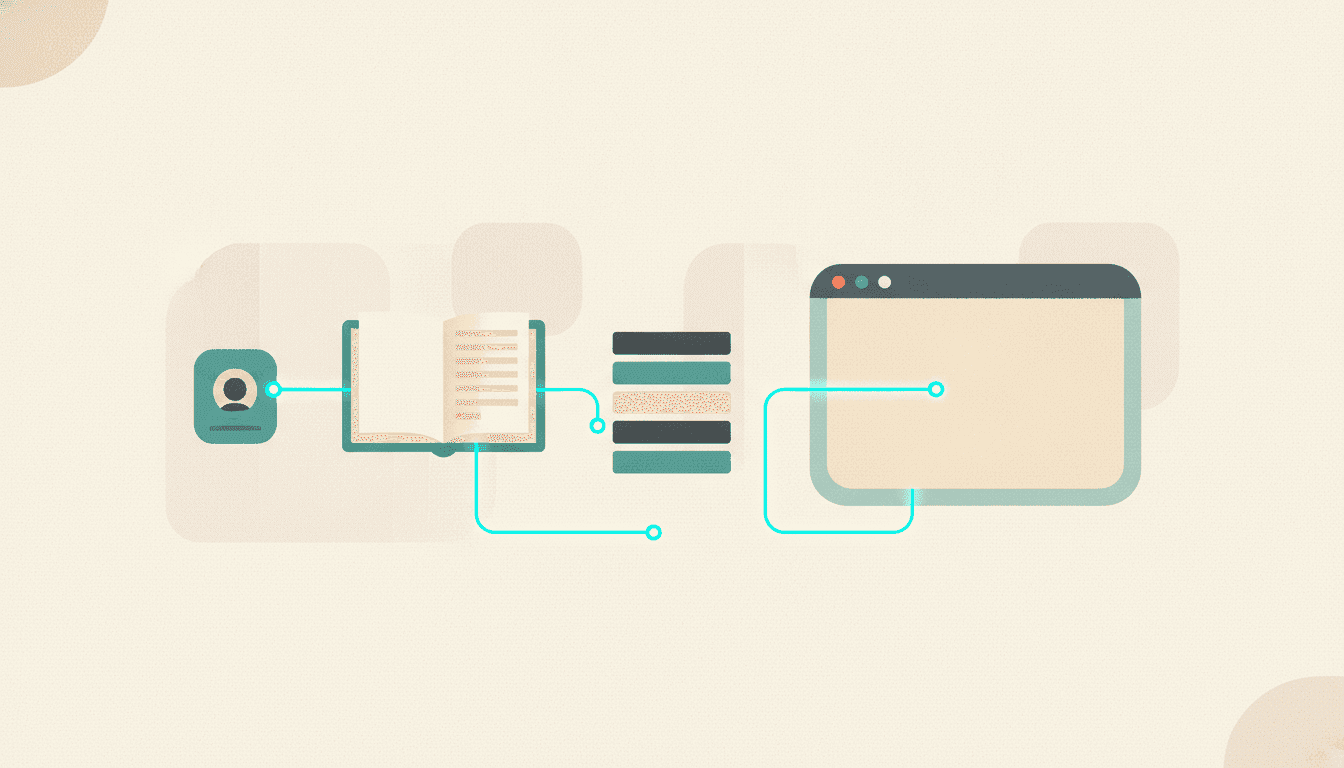
The alternative is to stop treating videos as individual items and treat your subscriptions as a feed that gets processed automatically. That requires a few pieces working together:
- Automatic ingestion. New videos from your channels get transcribed and indexed without you touching anything.
- A searchable archive. Everything lives in one place you can query by idea, not just by title. (I covered how to set this part up in how to turn your YouTube subscriptions into a searchable knowledge base.)
- A context profile. The system knows what you're working on: your role, current projects, what's blocking you.
- Synthesis on a schedule. On a regular cadence, an AI reads what your sources published, weighs it against your context, and drafts specific next actions with citations back to the videos they came from.
That last step is the one almost nothing on the market does, and it's the difference between "here's what the video said" and "here's what you should do this week, and here's which creator said the thing that backs it up."
This is the reason I built Adviserry the way I did (so yeah, I'm biased, but I built it because pasting URLs one at a time was driving me nuts). You connect your YouTube subscriptions and your Gmail newsletters in one go. It auto-transcribes and indexes every new video into topic panels, sends a daily digest of what dropped, and the part I actually use most is Action Synthesis: it drafts concrete next actions grounded in what your sources said AND a context profile of what you're working on. On Pro ($24.99/mo with a 14-day trial) you get fresh actions every weekday plus a deeper weekly pass that catches the slower-burn patterns.
The context profile is the piece I'd defend hardest. Without it, you get the same generic "start a newsletter" advice as everyone else. With it, the same pricing video produces "you told the system you're deciding between usage-based and seat-based pricing; two of your channels covered this in the last ten days, here's where they landed, and here's a draft next step." One of those goes on your to-do list. The other goes in the mental trash.
What a week with this actually looks like
Mine, roughly. Monday morning there's a short list of drafted actions waiting, each citing the specific videos or newsletters it came from. I keep two, ignore three. (Ignoring most of them is a feature, not a failure. A human advisor would also pitch you more ideas than you can run with.) During the week the daily digest tells me what published so I can watch the two videos actually worth my time instead of guilt-scrolling the subscriptions tab. And when I'm working in Claude Desktop and need to check what my channels have said about something, I query the archive directly through Adviserry's MCP server without leaving the chat. ChatGPT connects the same way.
The videos I never watch still get processed. That's the part that quietly changes the economics of subscribing to channels at all.
How to pick between the two approaches
Simple test: count how many videos per week you wish you were acting on.
If the answer is one or two, use a paste-a-URL summarizer and spend zero dollars. Genuinely. A standing pipeline for two videos a week is a snowplow for one driveway.
If the answer is "most of what my ten-plus channels publish, plus the newsletters I also don't read," you've outgrown the one-at-a-time approach, and no amount of discipline is going to close the gap. That's a pipeline problem. I did a broader comparison of the tools in this space in my post on the best AI tools to summarize newsletters and videos if you want to shop around before committing to anything.
One warning either way: an action item you didn't ask for is easy to ignore, so judge these tools by how grounded their suggestions are, not how many they produce. Ten vague tasks is worse than two specific ones with sources attached. When you're trialing anything in this category, check whether each action item can point to the exact video and moment it came from. If it can't, you're getting vibes with checkboxes.
FAQ
Can AI automatically create action items from a YouTube video?
Yes. Any transcript-based summarizer can extract key takeaways from a single video if you paste the URL, and some format them as steps. For action items that account for what you're personally working on, and that run automatically across every channel you subscribe to, you need a tool with a context profile and scheduled synthesis, like Adviserry's Action Synthesis.
What's the best way to apply what you learn from YouTube?
Reduce the translation cost. The reason video knowledge doesn't stick is that "what the creator said" never becomes "what I should do by Friday." Either do that translation manually right after watching (write one specific next step, with a deadline, before you close the tab) or use a system that drafts the next step for you and cites its sources so you can sanity-check it.
Is there a YouTube summarizer with action items built in?
Several one-off tools will phrase summaries as takeaways or steps for a single pasted URL. The difference to look for is whether the tool knows your context. A summarizer without context gives everyone watching the same video the same to-do list, which tells you something about how useful that list is.
Can I turn my YouTube subscriptions into a to-do list automatically?
Yes, that's the standing-pipeline approach: connect your subscriptions once, let every new video get transcribed and indexed, and have actions drafted on a schedule (every weekday, plus a deeper weekly pass). You review and keep what fits; nothing gets added to your plate without you approving it.
Do these tools work on videos without captions?
Mostly yes. Modern pipelines pull or generate transcripts for the large majority of videos, including auto-captioned ones. Quality dips on heavy-accent or music-heavy content, but for talking-head business and educational channels (which is where action items live anyway), transcription is a solved problem.
If you're tired of nodding along to videos and changing nothing, try Adviserry. Connect your YouTube subscriptions, tell it what you're working on, and see what your channels have been trying to get you to do all along. Pro comes with a 14-day trial, so the worst case is two weeks of unusually productive video watching.