How to Turn Newsletters Into Action Items (Not Just Summaries)

Last week I read a genuinely great newsletter issue about pricing pages. Nodded the whole way through. Closed the tab. Changed absolutely nothing about my own pricing page. That's the whole problem in three sentences.
Quick answer: how do you turn newsletters into action items?
Four steps. Consolidate every newsletter you follow into one searchable archive so nothing gets lost in your inbox. Summarize each issue so you know what's in it (this part is table stakes now, any AI tool can do it). Then the step almost everyone skips: write down what you're actually working on right now, your projects, your goals, your current bottleneck. Finally, have something (a weekly review, an assistant, or a tool built for this) cross-reference the two and draft concrete next actions on a regular cadence. The core idea is simple: a summary only requires knowing what the expert said. An action item requires knowing what the expert said AND what you're doing. Miss the second half and you're just collecting well-organized trivia.
If you follow three newsletters, a notebook and ten minutes on Sunday will do this fine. If you follow 10, 20, 30+ (raises hand), you need a system. The rest of this post is the system.
Why summaries feel productive and change nothing
I spent about a year convinced my newsletter problem was a volume problem. Too many issues, not enough time. So I did the obvious thing and set up summarization. I've written a whole post about picking an AI newsletter summarizer, and I stand by it. Summaries are step one, and skipping them would be dumb.
But here's what actually happened once I had clean summaries of everything. I read them faster. I retained roughly the same amount. Which is to say, not much.
A summary compresses information. It doesn't create a decision. "Lenny's latest issue covers three onboarding email frameworks" is useful the way a weather report is useful. It tells you what's out there. It does not tell you to grab an umbrella, because it doesn't know you're about to walk to lunch. The gap between "here's what smart people published this week" and "here's what you should do Tuesday morning" is where basically all the value lives, and no amount of better compression closes it.
I think about it like this now. A newsletter summary answers "what did they say?" An action item answers "what should I do about it?" And that second question has two inputs, not one. What the expert said is input number one. What you're working on is input number two. Every summarization tool on the planet handles the first input. Almost nothing handles the second, because the second input lives in your head.
The pipeline, start to finish
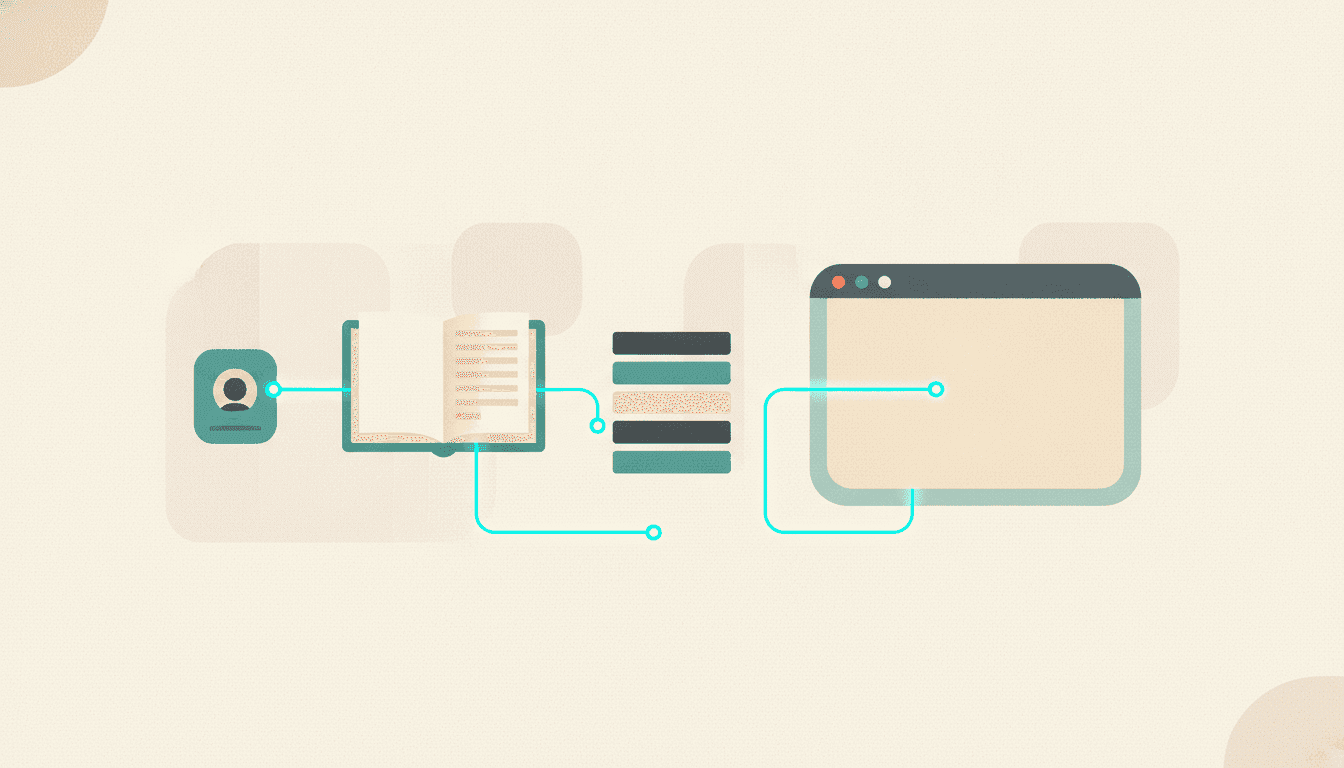
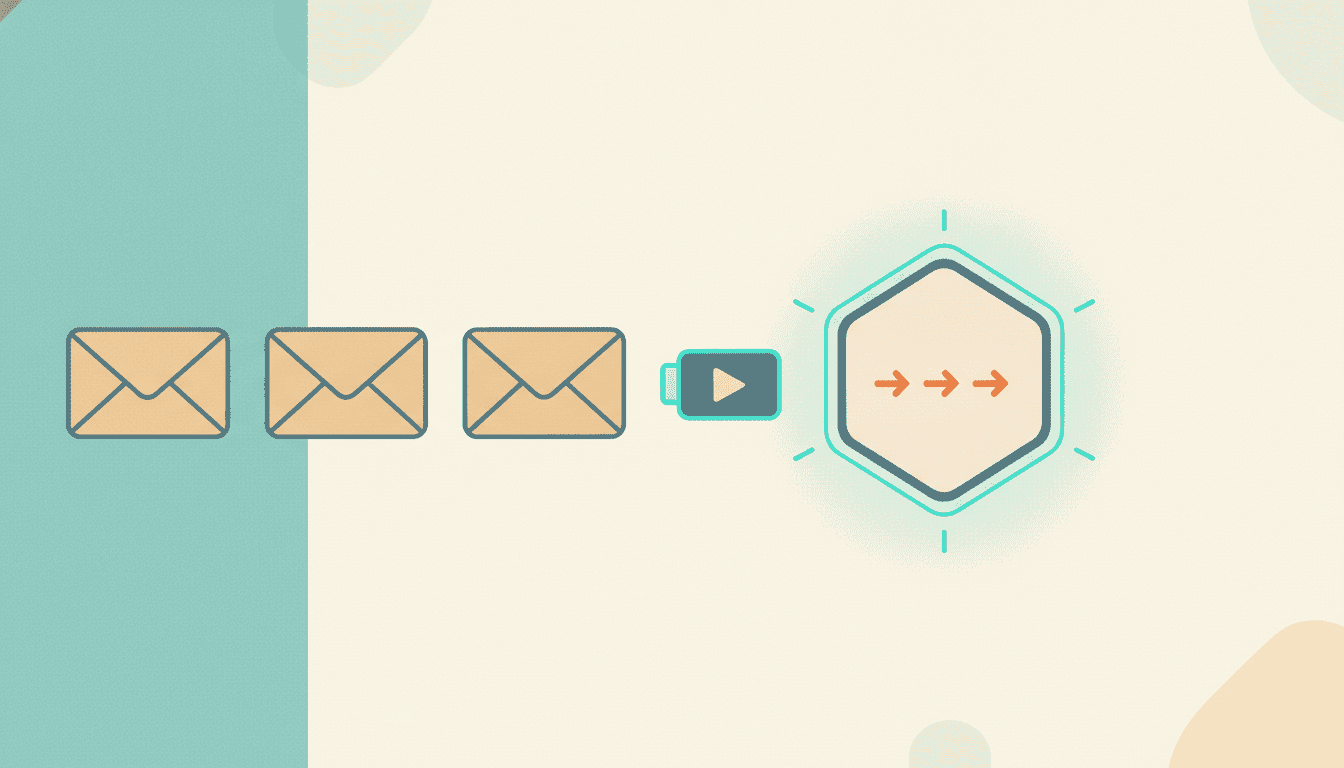
Okay, so what does the full path from inbox to to-do list actually look like? Four stages. The first two are commodity at this point. The last two are the whole game.
Stage 1: consolidate everything into one place
You can't act on advice you can't find. Before anything else, get your newsletters out of the inbox soup where they compete with receipts and calendar invites, and into one archive organized by topic (not by sender, because you don't think in senders, you think in topics like "pricing" or "hiring" or "AI tooling"). I covered why topic-grouping beats sender-folders in the daily digest post, so I won't rehash it. Short version: filters, labels, one searchable home, no exceptions.
Stage 2: summarize (yes, still do this)
Table stakes, like I said, but necessary table stakes. Every issue gets compressed into something you can scan in fifteen seconds. If you're evaluating options here, I compared the field in best AI tools to summarize newsletters and videos. Any of them will get you through this stage. The mistake is stopping here and declaring victory, which is exactly what I did for a year.
Stage 3: write down what you're working on
This is the unglamorous step that makes everything downstream possible, and it takes maybe twenty minutes.
Write a short, honest description of your current work: your role, your active projects, your goals for the quarter, and the thing that's currently blocking you. Not a vision statement. Not a LinkedIn bio. The real stuff, like "launching a lifetime deal in August, worried about churn from deal buyers" or "hiring my first support person and I've never written a job description."
Why does this matter so much? Because relevance is personal. The same newsletter issue about onboarding emails is a nothing-burger for a trader and a drop-everything memo for someone rebuilding their welcome sequence this sprint. Without a written context, every filter (human or AI) falls back to "what's newest" or "what's popular," and neither of those is "what matters to me."
One warning from experience: this context goes stale fast. What I'm working on in July is not what I was working on in April. Whatever system you build, revisit the context every couple of weeks or the actions drift back into generic-land.
Stage 4: draft actions on a cadence
Now the two inputs meet. On a schedule (weekly is fine, weekday-daily is better if the volume supports it), go through recent issues and ask one question per insight: given what I'm working on, what would I actually do with this?
Good actions that come out of this step look like tasks, not themes. "Rewrite the third onboarding email using the problem-agitation frame from Tuesday's issue, cited, this week." Not "improve onboarding." The difference is whether you can put it on a to-do list and know when it's done.
Doing this manually is a legit Sunday ritual if your volume is low. Open the summaries, open your context doc, write three actions, done. I did it that way for months and it worked until it didn't, which brings me to the honest part.
The honest part: where manual breaks
Manual review scales beautifully to about eight newsletters and then falls off a cliff. Past that, the review session itself becomes the chore you skip, and you're back to nodding and closing tabs, except now with extra steps.
This is the point where I'll mention that I built Adviserry to do this pipeline for me (so yeah, I'm biased) because I was following 30-ish newsletters and YouTube channels and my Sunday ritual had quietly died. It connects to Gmail, auto-detects the newsletters you already get, pulls every issue into topic panels, and sends a daily digest. That covers stages one and two. For stage three, you fill out a context profile of what you're working on, and the app nags you when it goes stale (because mine went stale, and the actions got noticeably worse, so we built the nag). Stage four is a feature we call Action Synthesis: it reads your recent issues against your context and drafts concrete, cited next actions. On Pro ($24.99/mo, 14-day trial) you get actions every weekday plus a deeper weekly pass that catches slower-burn connections across sources. There's also AI chat and an MCP server on the same archive, so you can interrogate everything from Claude Desktop or ChatGPT when an action needs backup reading.
Could you rig up something similar with filters, a summarizer, and a diligent weekly review? Absolutely, and if you're under ten sources I'd honestly suggest starting there. The tool exists for the point where diligence loses to volume.
What a good action item looks like (and what a bad one looks like)
Worth being concrete, because "action item" gets abused. A bad action item is a summary wearing a costume: "Consider improving your email deliverability." Consider. Improving. Two weasel words in four words, impressive really.
A good action item has three parts. The action itself, specific enough to schedule. The source, cited, so you can go read the reasoning before you commit. And the connection to your work, stated plainly: here's why this applies to the lifetime deal launch, not to founders in general. If any of the three is missing, it's not an action item, it's content.
And a filter I use constantly: it's fine, normal even, for most issues to produce zero actions. A week of newsletters might yield two real actions. That's not a failure of the pipeline. That's the pipeline working, because the alternative was thirty open tabs and a vague sense of falling behind.
FAQ
How do I extract action items from email newsletters automatically?
You need two things connected: an archive of your newsletter content (via Gmail integration or forwarding) and a stated context of what you're working on. Tools like Adviserry do both and draft actions on a daily or weekly cadence. A summarizer alone can't do it, because it only knows the content, not your situation.
What's the difference between a newsletter summary and an action item?
A summary compresses what the author said. An action item is a specific task you can schedule, derived from what the author said applied to your current work, with the source cited. Summaries have one input (the content). Actions have two (the content plus your context).
What should I do with newsletter advice I want to apply later?
Don't rely on "later." Save it into a searchable, topic-organized archive so you can retrieve it when it becomes relevant, and review recent saves against your active projects on a fixed cadence. Advice without a retrieval system has a shelf life of about a day.
Is there an AI newsletter digest with action items, not just summaries?
Yes. Adviserry's daily digest is built around drafted actions grounded in your sources and your context profile, rather than summaries alone. Most other digest tools stop at compression, which is fine if reading faster is your only goal.
How many newsletters do I need before a tool is worth it?
Under ten, a manual weekly review with a notebook honestly works. Past ten, the review session becomes the thing you skip, and somewhere around 20-30 sources manual tracking is functionally impossible. That's the point where automation stops being a luxury.
Where this goes
I wrote a while back about the shift from reading newsletters to being advised by them, and this post is really the mechanics behind that idea. The experts you follow are already producing the raw material. The missing piece was never more content or better summaries. It was a system that knows what you're building and hands you the two things worth doing about it this week.
My pricing page, for the record, finally got fixed. It took an action item with my name on it. If you want your newsletters to start producing those, Adviserry has a 14-day Pro trial, and your inbox already has the source material.